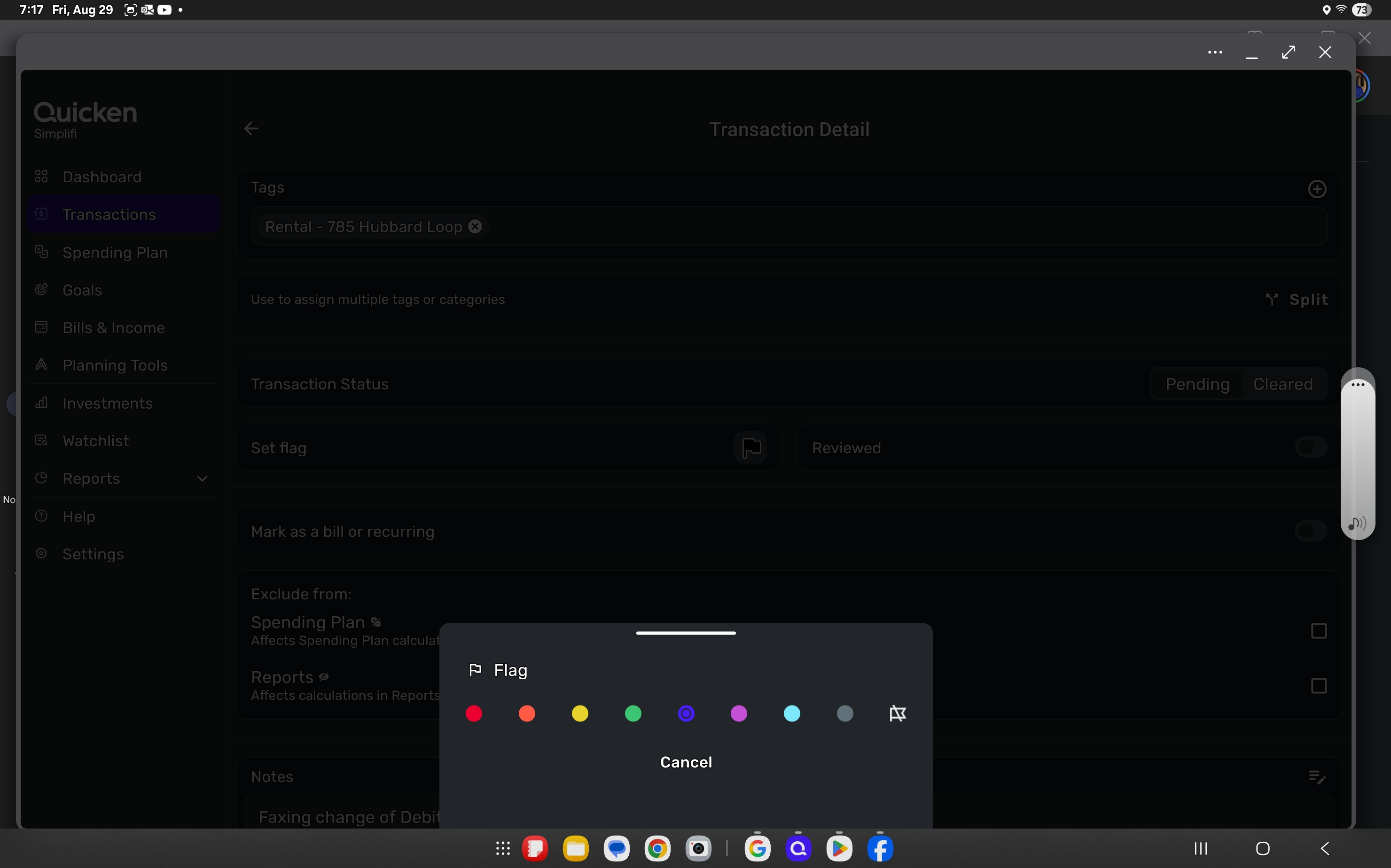
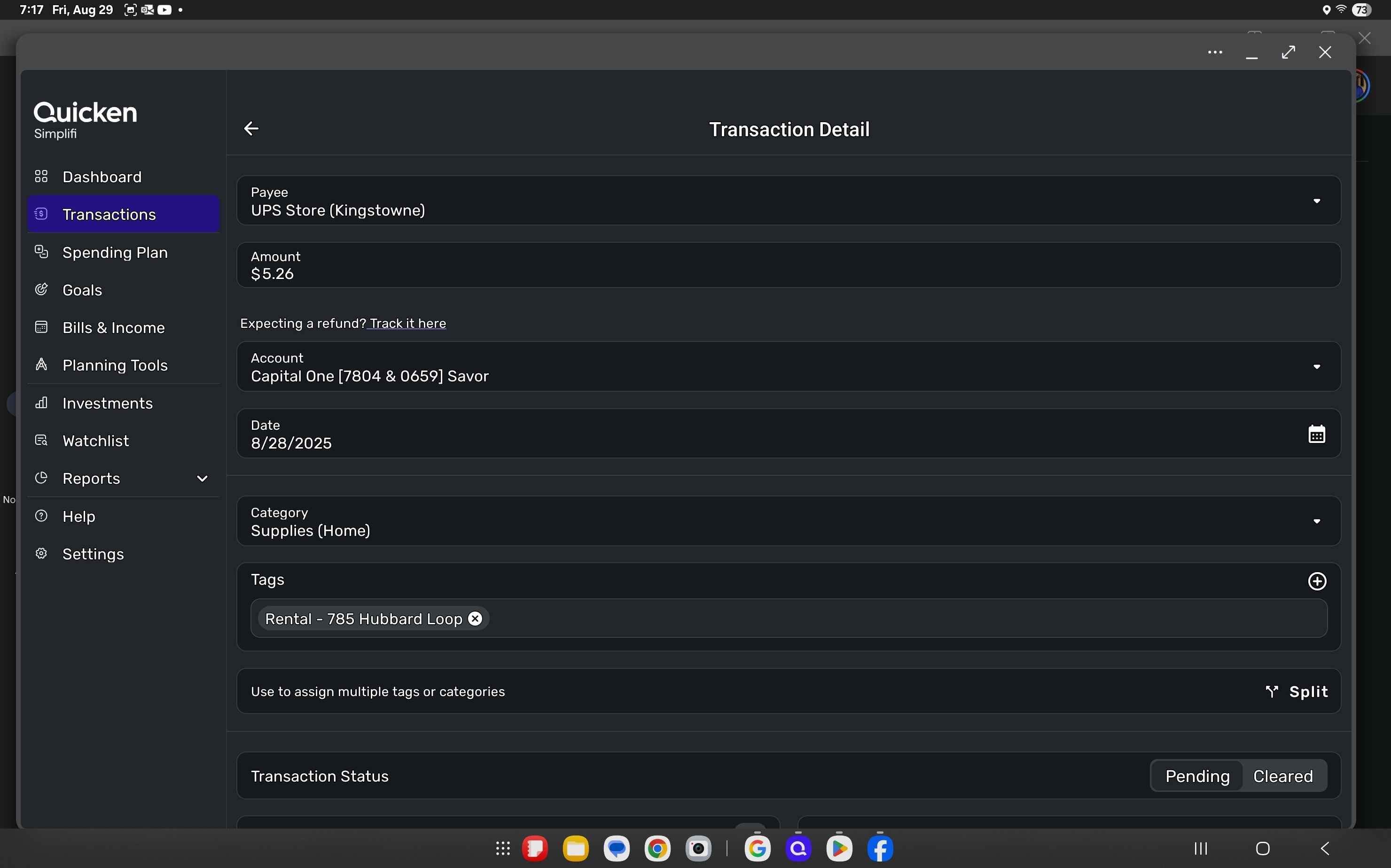
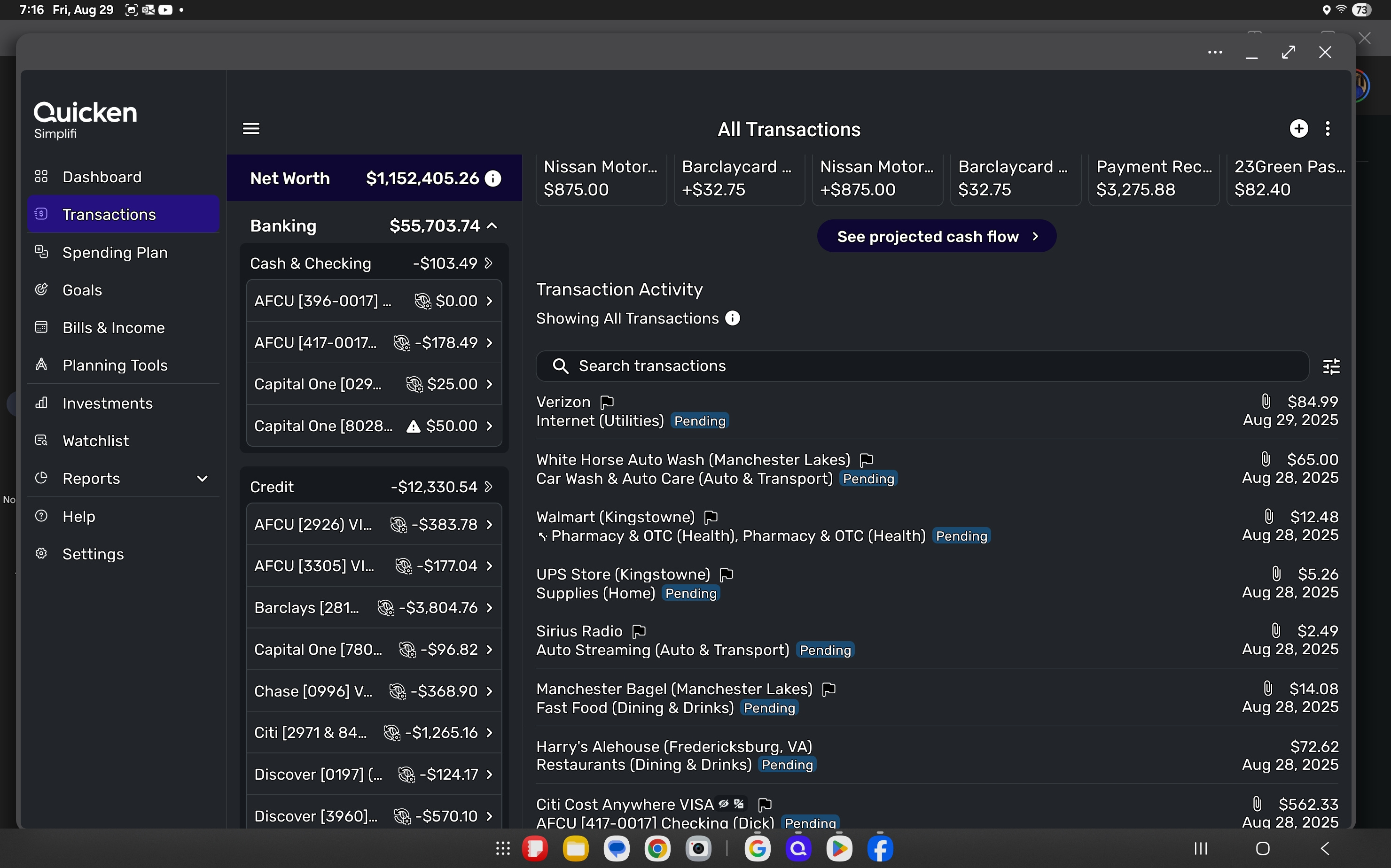
My flag colors are not being showshown in the mobile app, neither on the smartphone or the tablet. When II try to set a flag, I can do that, but it is still not shown
Hello @Dick_Davis,
Can you please provide a screenshot showing this issue from your side to better assist us?
-Coach Jon
See the attached
Thank you for your reply and for the screenshots,
To further troubleshoot, is this happening on Android devices, Apple devices, or both? Which version of the app are you using on each device?
I look forward to your response!
@Coach Kristina, Thank you for the response. This smartphone and tablet, both by Samsung.
Thank you for your reply,
I tried to replicate the issue on my tablet (an old Galaxy Tab A), but was not able to.
If you haven't already tried doing so, please try uninstalling the app, reinstalling the app, restarting your device, then login to the app and test to see if the issue is resolved.
If the issue persists after that, then to investigate further, we'll need more information:
Thank you!
@Coach Kristina , Thank you for the response and the instructions. Below are the results of these instructions provided. I can understand if the problem can not be replicated, then it is hard to resolve.
Thank you, Dick
I was also not able to reproduce this issue from my side either. You mentioned this was happening on both your tablet and phone. Can you provide a screenshot showing what the flags look like on your phone's Quicken Simplifi mobile application as well? This may be specific to your dataset for some reason.
@Coach Jon, Coach Kristina reached out Aug 31 with a list of items to perform. Also, she was not able to reproduce the problem. One of her suggested items, was to uninstall, reboot (power off and back on) the device, and then reinstall the app on both devices. This was done and the results were the same for both devices. So, I am not sure if you were aware of the interaction with Coach Kristina. So, what do you desire to receive?
I am aware of the previous messages on this thread with Coach Kristina. You mentioned that this issue is also occurring on your smartphone, however. If you can supply a screenshot showing the same issue occurring there, this would be helpful to us, as it would mean the issue isn't specific to your tablet, and we would be able to show our product team that the problem exists across multiple devices. Hope this makes sense.
@Coach Jon, I will get you the results within a few days. If not provided, then this can be closed as resolved with lack of documentation.
@Coach Jon, I have done a check this evening and the flags are appearing in the mobile app (V 5.38.1). This revataion was done after the release of V 4.74.0. Neither of these should be associated, but the problem was correctged after the releae of this version.
As of this time, the flags are appearing correctly on the mobile app, so I would recommend to close this discussion and archive for possible reference.
Thank you in advance.