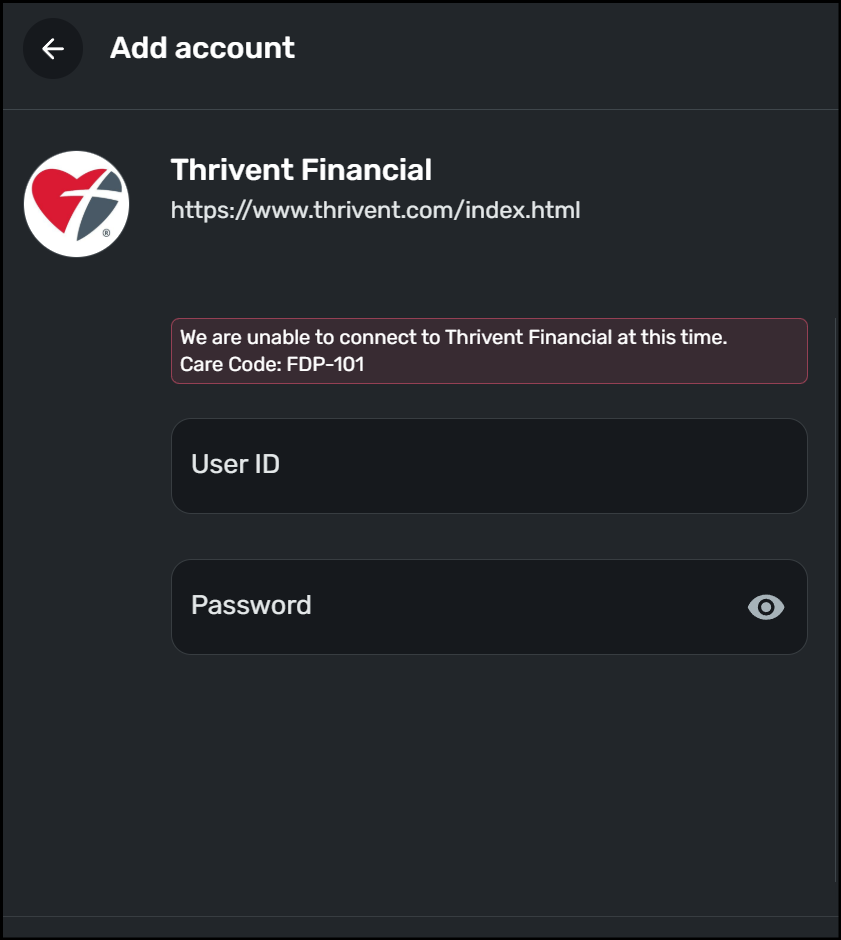
For the past five days, Thrivent Financial has been consistenly returning the FDP-101 error code when trying to connect or refresh the account(s).
@Dick_Davis, thanks for posting to the Community with this issue!
I was able to confirm the FDP-101 error with Thrivent Financial when viewing your connection attempts from our end. It appears that the error is occurring on an existing account in Quicken Simplifi, so please start by establishing a completely fresh connection with the bank. Here are the steps to follow:
Let us know how it goes!
@Coach Natalie, since this was happening for more than a week and based on the actions and time for the Freedom Mortgage (which is still not fixed), I elected to perform the account as a manual series of entries. I am coming to the conclusion that with Simplifi support there is a challenge in working to a resolution and it is consuming a lot of user time to repeat the various actions several times. I would suggest a way of collecting, then sending the requsted information that most companies perform for technical support.