Transfers Showing as Unsynced Account
Hello,
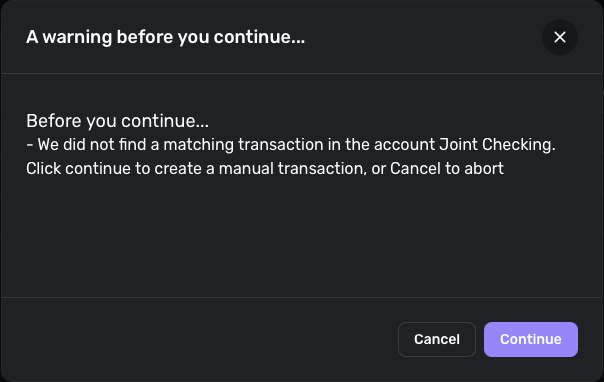
I have 2 transactions that should clearly be set as transfers but when I try to manually set the categories as transfers I get a message stating Simplifi will manually create new transactions. Is there a way around this or could this be a bug?

Comments
-
Not a bug. A transfer transaction requires corresponding transactions - one in the sending account and one in the receiving account. If QS cannot find a matching transaction it will create a manual transaction to correspond to the originating transaction.
In your situation it appears you are making a transfer from C… to CHK… Question, are these two different checking accounts and your transferring funds from one checking account to another? If so, you will want to change the category for "Online scheduled transfer from C…" to the receiving account and not just "Transfer." "Transfer" is a generic top category under which you can add all your accounts and any transfers to "Transfer" will not show up in any of your existing accounts, connected or manual. You have to identify the actual account that is receiving the funds.
This support article will explain how transfers work in QS:
Hope that helps.
Danny
Simplifi user since 01/22
”Budget: a mathematical confirmation of your suspicions.” ~A.A. Latimer0