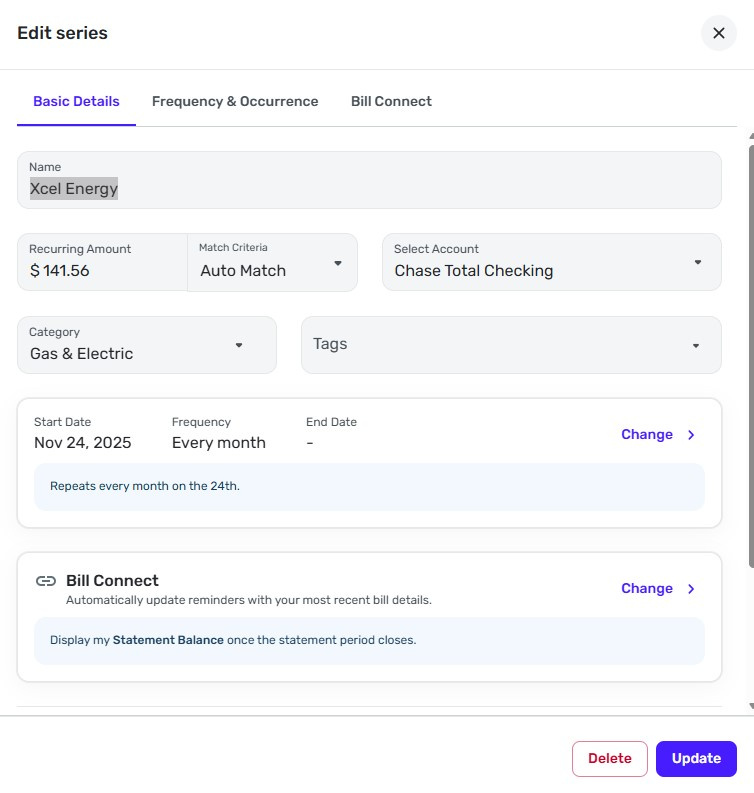
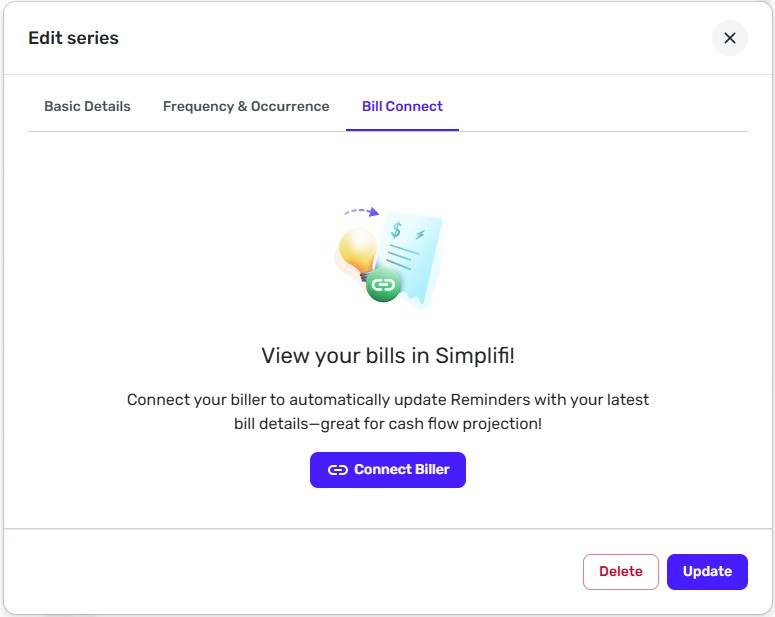
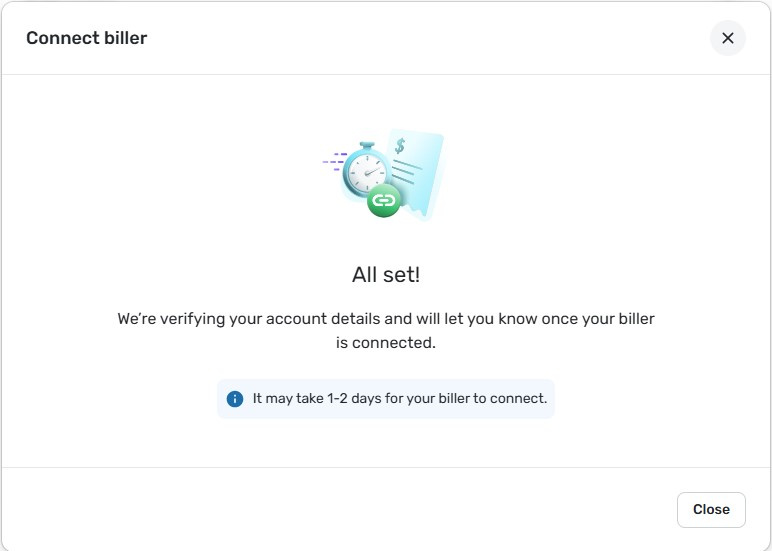
I have been waiting for two weeks for my Xcel Energy account to connect. I have filled out the Bill Connect a few times and each time it says it may be a day or two until it is connected. What is needed to be able to connect?
Hello @TiggerTrainer,
Thanks for reaching out! To further clarify the issue occurring here, can you please let us know what specifically is happening when you go through the process to connect your biller? Does it show as connected afterward, or are you presented with an error of some sort? Does it just never show as connected at all after finishing the process? From our side, I can see that Xcel Energy is showing as Enrolled for you, which is why I ask.
Let us know!
-Coach Jon
@Coach Jon Thanks. It does not currently show as connected. Here are a few screenshots.
Thanks for the screenshots! So it appears that it is currently in the process of being connected, per your last screenshot. I know that some billers may take longer than others to begin syncing. After waiting, does it eventually provide an error of some sort, or does it just show as not connected after waiting 1-2 days?
@Coach Jon It has shown as "not connected" for the last two weeks.
Thank you for the reply. I am sorry for the confusion. Does it show as "not connected" after waiting, or does it immediately show up after going through the connection process?
Can you also provide logs to better assist us?
@Coach Jon I was able to figure it out. Thank you for your patience.
The log has been provided, please see reference id 511922835720743937.
Thank you for the information! I did get this escalated to our service provider and will follow up when we have any status updates on this issue.
IP29405656
I am back with an update for this issue. We went ahead and escalated this with our product team, as it appears there may be a disconnect somewhere for you that our service provider identified. I will be sure to update you here going forward for this issue as we receive new information.
SIMPL-30389
Hello @TiggerTrainer
I'm checking open escalations, and I just wanted to let you know the ticket for this issue is still open and being worked on. We will continue to post back here with any updates.
Thanks for your continued patience!
Thank you. I can confirm it is still not working.