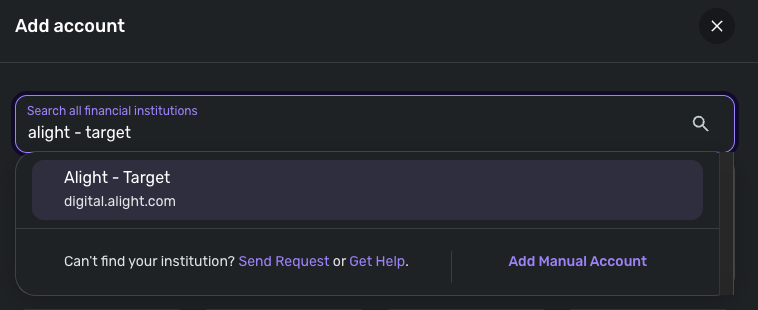
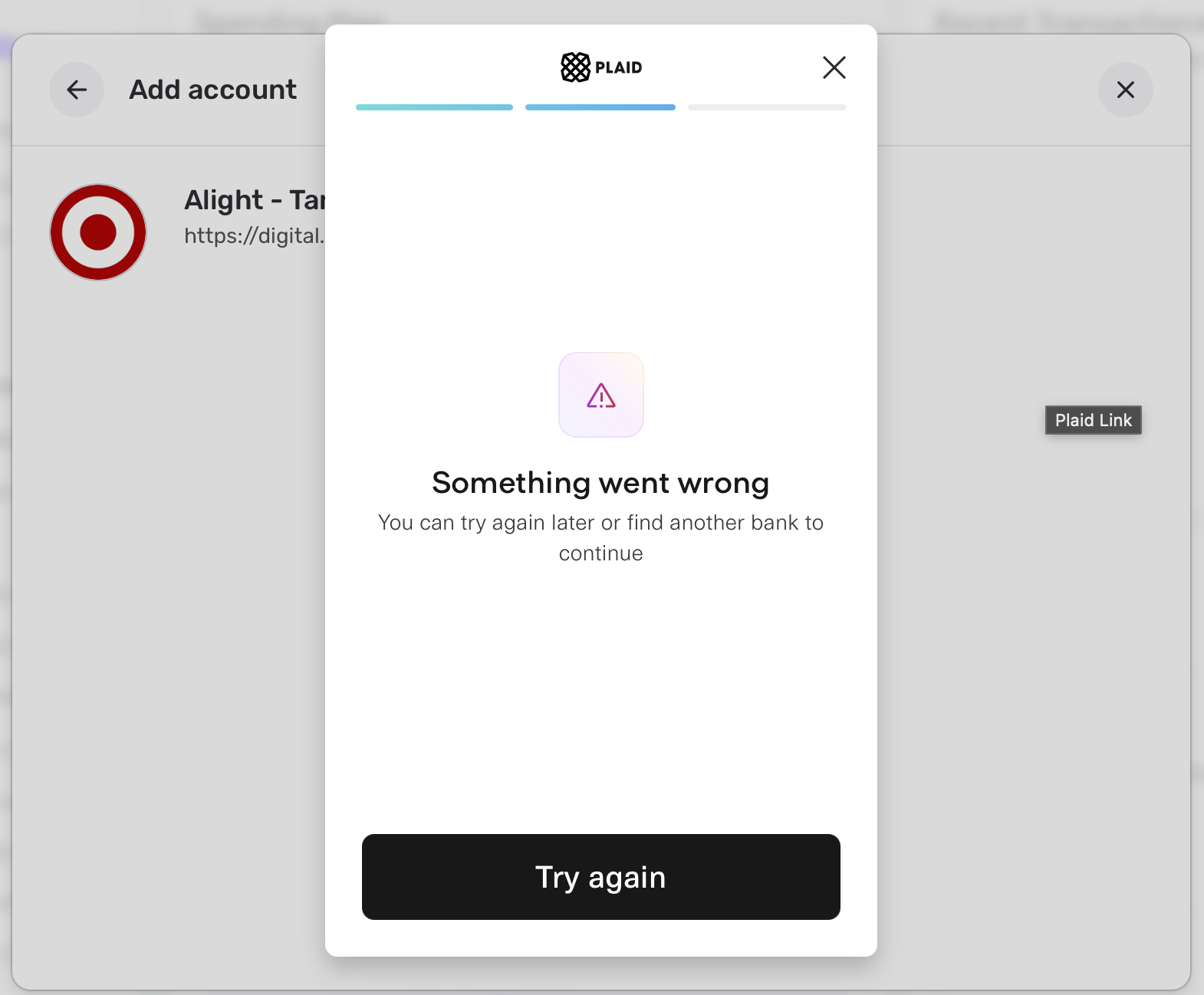
Alight - Target "Something went wrong" message (edited)

Serrabr
Serrabr Member

This has been going on for many months. I see the other discussion was closed because the rep was asking for personal information that the poster did not want to send through the discussion board. I am here to say this is still an issue. Plaid is also aware. Maybe it is time for Quicken Simplifi to have a workaround?

this is the current link:

https://worklife.alight.com/ah-angular-afirst-web/#/web/target/cp/preauth-home?forkPage=false

Comments

  • Coach Jon
    Coach Jon Moderator admin

    Hello @Serrabr,

    Thanks for reaching out! From our side, I cannot see if you are experiencing an error when trying to connect to the Target - Alight instance in Quicken Simplifi. Is this the instance you are attempting to connect to?

    image.png

    If so, can you please supply a screenshot of the error or issue you are receiving from your side? This will help us better understand what specifically is occurring here.

    -Coach Jon

  • Yes I am using that link. If I use a browser to go to that link it redirects to:

    https://worklife.alight.com/ah-angular-afirst-web/#/web/target/cp/preauth-home?forkPage=false

    This is the error I get in Simplifi with Plaid.

    Screenshot 2025-11-14 at 7.35.40 PM.png
  • Coach Jon
    Coach Jon Moderator admin

    Hello @Serrabr,

    Thanks for the requested screenshot! To confirm, were you able to connect through this instance previously in Quicken Simplifi? Or has this never worked for you when trying to connect your Alight- Target accounts? If this issue is occurring with previously connected accounts already within Quicken Simplifi, I would see if revoking Quicken's access and then establishing a fresh connection by making the accounts manual and re-linking fixes the issue. The instructions to do that are:

    • Navigate to the bank's website, sign in, and then remove Quicken's access from the bank's third-party linked apps.
    • Make all of the accounts with the bank manual by following the steps here.
    • Once you see the account(s) listed in the Manual Accounts section under Settings > Accounts, go back through the Add Account flow to reconnect to the bank.
    • If the connection is successful, carefully link the account(s) found to your existing Quicken Simplifi account(s) by following the steps here.

    If that does not work, can you also please supply the following information to better assist us?

    • The name of the account(s), as it appears in Quicken Simplifi.
    • The name of the account(s), as it appears on the bank's website.
    • Have there been any recent changes made to the bank's website or its sign-in process?
    • What type of account(s) are you attempting to connect in Quicken Simplifi?
    • A screenshot of the Accounts Summary page from the bank's website that has a wide enough scope to show the full page URL. This is the landing page after signing in, and typically lists all accounts and balances. You will want to take this from a web browser and not a mobile browser, as well as redact any private info such as account numbers.

    -Coach Jon