The problem is that the Taxes Report shows all the transactions and all the payees for the tax lines you have defined. But that amounts according to my printer to 34 pages! All one needs is what you are going to use on your Tax Return, which is normally just the bottom line. Some tax apps ask for the totals for payees such as Banks who paid interest. But that is only to be a few banks.
It is great that you can collapse these transactions and payees in the Taxes Report. BUT Simplifi doesn't print WYSIWYG but the entire original report. I would like it to print or export what I want and not all the extra stuff.
Here is what I want to print minus the amounts:
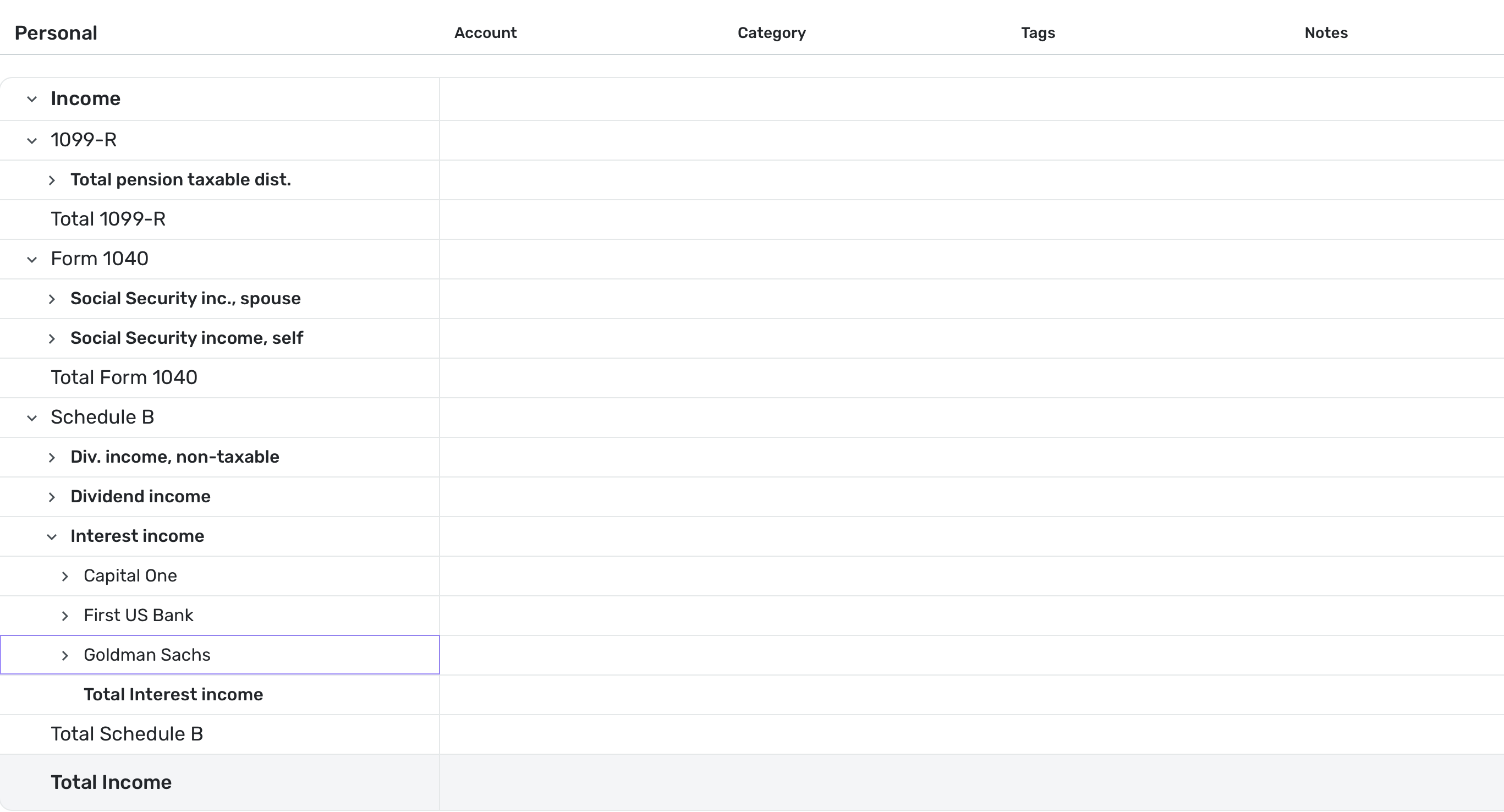
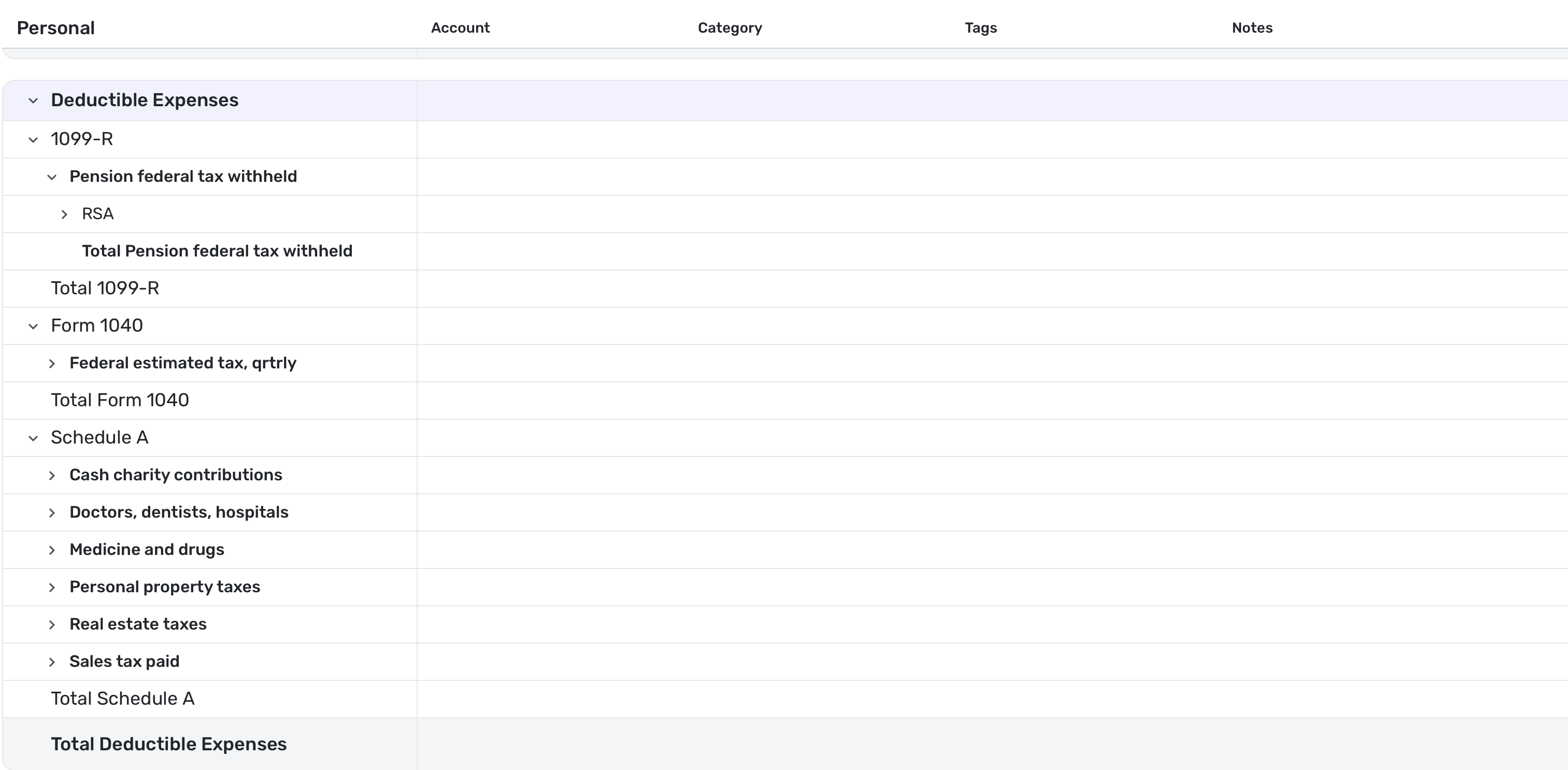
You see this could all fit on one page. Of course, the workaround is for me to do a Screen Save and print that, which is what I will probably do in January.
I hope this makes sense.
