Unable to connect BMO Bank of Montreal - FDP-101 (edited)
I have two BMO Canada credit card accounts; a BMO Mastercard that uses the CC number as the login id and a BMO Visa that uses a login name as the login id. I can connect the BMO Mastercard to simplifi, but attempts to connect the BMO Visa fail with FDP-101, but only after 2fa is successful.
The simplifi AI chatbot suggests that this is because BMO are refusing access after authentication.
BMO support suggest that it is not possible to download transactions from BMO and that they only supported access method is to download statement PDFs!! I told the support person that this sounds ludicrous but they were insistent that this was intentional!!
Is anybody else able to download BMO transactions using a login name rather than a cc number as the login id?
Thanks for any suggestions…
Comments
-
Hello @awfulhak,
Thanks for reaching out! I can also see the FDP-101 error you are receiving when trying to connect to BMO Bank of Montreal. I do know we have other instances available for this bank in Quicken Simplifi. Have you tried any of the others to see if they work for you?
Let us know!
-Coach Jon
1 -
Hi Jon, thanks for the suggestion.
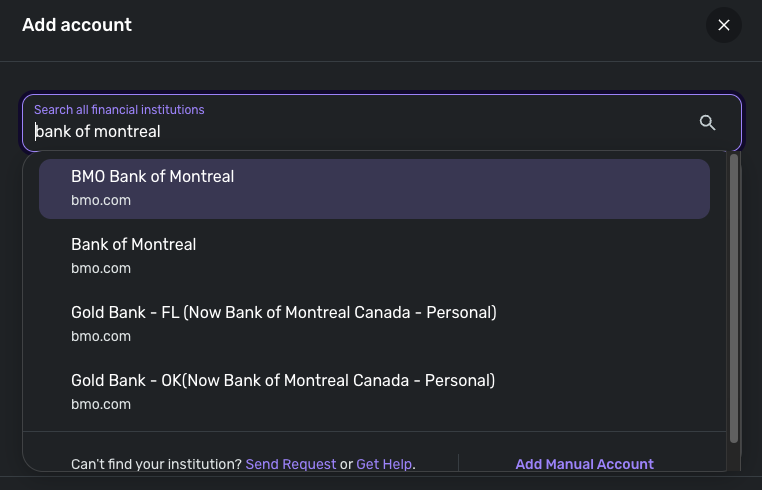
I tried the other options (except for the bmoharris.com entries) and got a variety of results:
BMO Bank of Montreal - FDP-101 after 2fa
BMO U.S. - creds wrong
BMO U.S. - Retain, SB - creds wrong
Bank of Montreal - FDP-101 after 2fa
BMO U.S. - Credit Cards - creds wrong
BMO Financial Group - creds wrong
Diners Club International - creds wrong
BMO Harris Bank - Bus CC - creds wrong
BMO Nesbitt Burns - creds wrong
BMO Harris Bank - creds wrong
BMO Harris Wealth Managements - creds wrong
First Indiana Bank - PC Banker - creds wrong
Gold Bank - FL - unable to connect after 2fa
Gold Bank KSMO - creds wrong
Gold bank ok - unable to connect after 2fa
I didn't try the bmoharris.com entries as I didn't want to send my login/password to a domain that doesn't (superficially) appear to be BMO on the surface. If you suggest I try them, I can dig deeper into who owns the domain.
0 -
Thank you for your reply,
When I check our internal tools, it looks like you were able to successfully update your BMO accounts today. Is that correct, or is the issue persisting? If the issue is persisting, please provide a screenshot of the exact error message/code you are seeing.
Thank you!
-Coach Kristina
0 -
Hi,
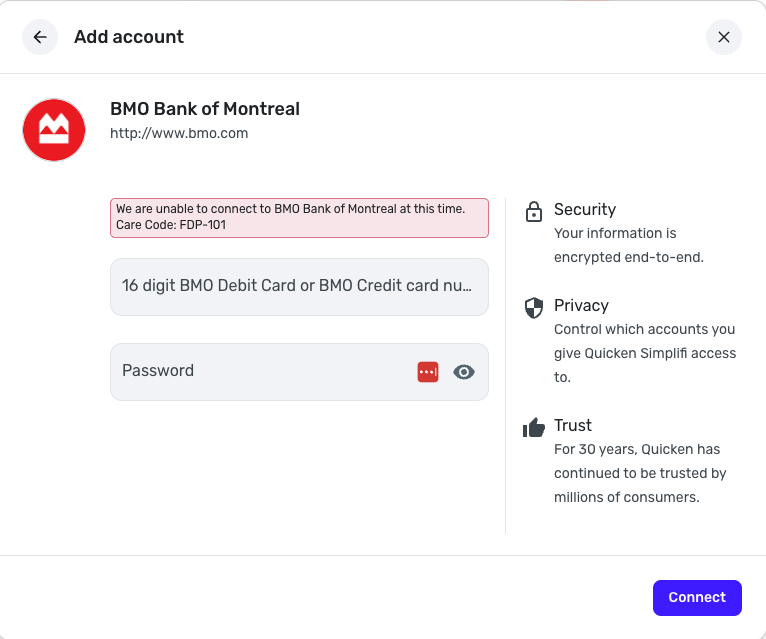
I'm afraid the successful update was with my BMO Mastercard which has the credit card number as the login-id. When I try to connect to the BMO Visa account using a login name, I still see the FDP-101:So unfortunately the behaviour is still the same.
(the above screen shot is after login/password/2fa)0 -
@awfulhak, thank you for the reply!
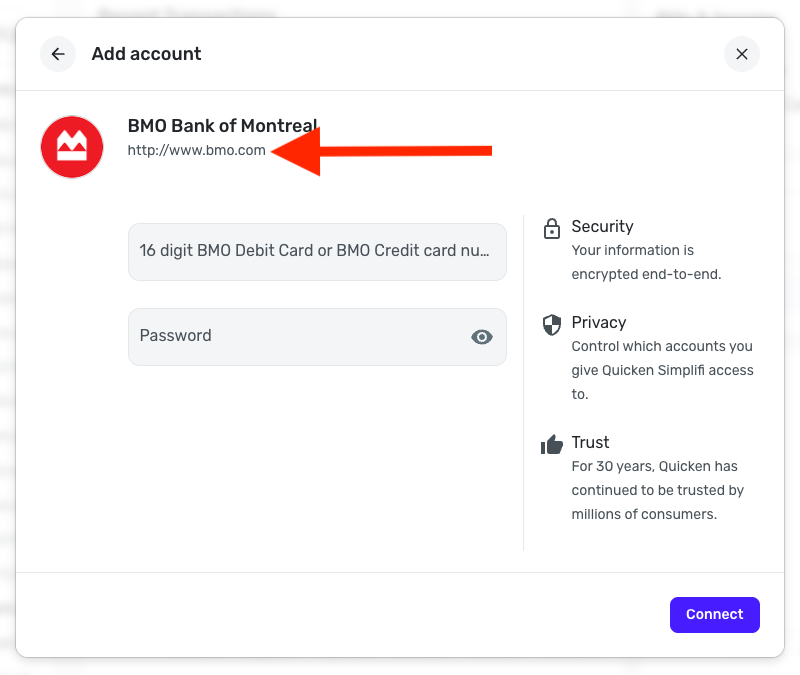
Upon reviewing this thread, I admit I am a bit confused. You mentioned that the BMO Mastercard uses a 16-digit card number to log in, and that the BMO Visa account uses a username and password. However, I see that you are using the 'BMO Bank of Montreal' bank option to connect the Visa account in Quicken Simplifi, which asks for a 16-digit card number. May I ask why you are using this bank option for that account when it does not ask for the correct login information?
To further clarify, do you access these accounts from a different BMO site, i.e., you sign into one site to see the Mastercard, and a completely different site to see the Visa account? If so, what is the URL for each one? Have you tried searching the URL for the Visa account in Quicken Simplifi to see if it returns a specific bank option?
Also, is this your first time connecting these accounts in Quicken Simplifi, or have you had them both connected successfully in the past? If the former, the best way to determine if a specific bank option will work with your account is to click the URL displayed for the bank in Quicken Simplifi, and then attempt to sign in to the new tab that opens to the bank's website. If you are able to sign in and access the account, it should be the correct option for you.
Let us know!
-Coach Natalie
0 -
Hi Natalie, thanks for your feedback.
I have two BMO credit cards.
- A Mastercard that uses the card number plus a password to sign in at bmo.com (under "sign in to online banking") which I've used for years with classic quicken and have used successfully since July with simplifi (after I migrated from classic).
- A Visa card which I have recently obtained, that uses a login name plus a password to sign in at bmo.com under the same login/password dialogue as is used with the Mastercard.
Note, the bmo.com website says "Card number or Login ID" for the login id field. Only the card number works for my Mastercard and only my login name works for my Visa card.
Note also, BMO will not amalgamate both cards into a single login with two accounts unless you pay them monthly to have a BMO current account.
BMO now insists on a client choosing a login name as the login id rather than using the credit card number when creating an online account. This is true for my Visa card account which was opened in October and I also know someone that opened a new BMO Mastercard account in November who was also only given a login name option.
I have been using the login name when trying to connect simplifi to my BMO Visa account, despite it asking for the credit card number, as using the credit card number fails authentication. By using the login name, I can login and successfully complete the 2fa but then get the FDP-101 error. It's entirely possible that simplifi, because it's expecting a card number, is attempting to use my login name as a card number in the bmo integration and something goes wrong as a result… but that's just speculation.
My BMO Mastercard continues to work fine with simplifi. I have tried disconnecting my Mastercard from simplifi to see if that allows me to connect the Visa card, but it made no difference.
Hopefully this makes things clearer?
Thanks.
0 -
Hello @awfulhak,
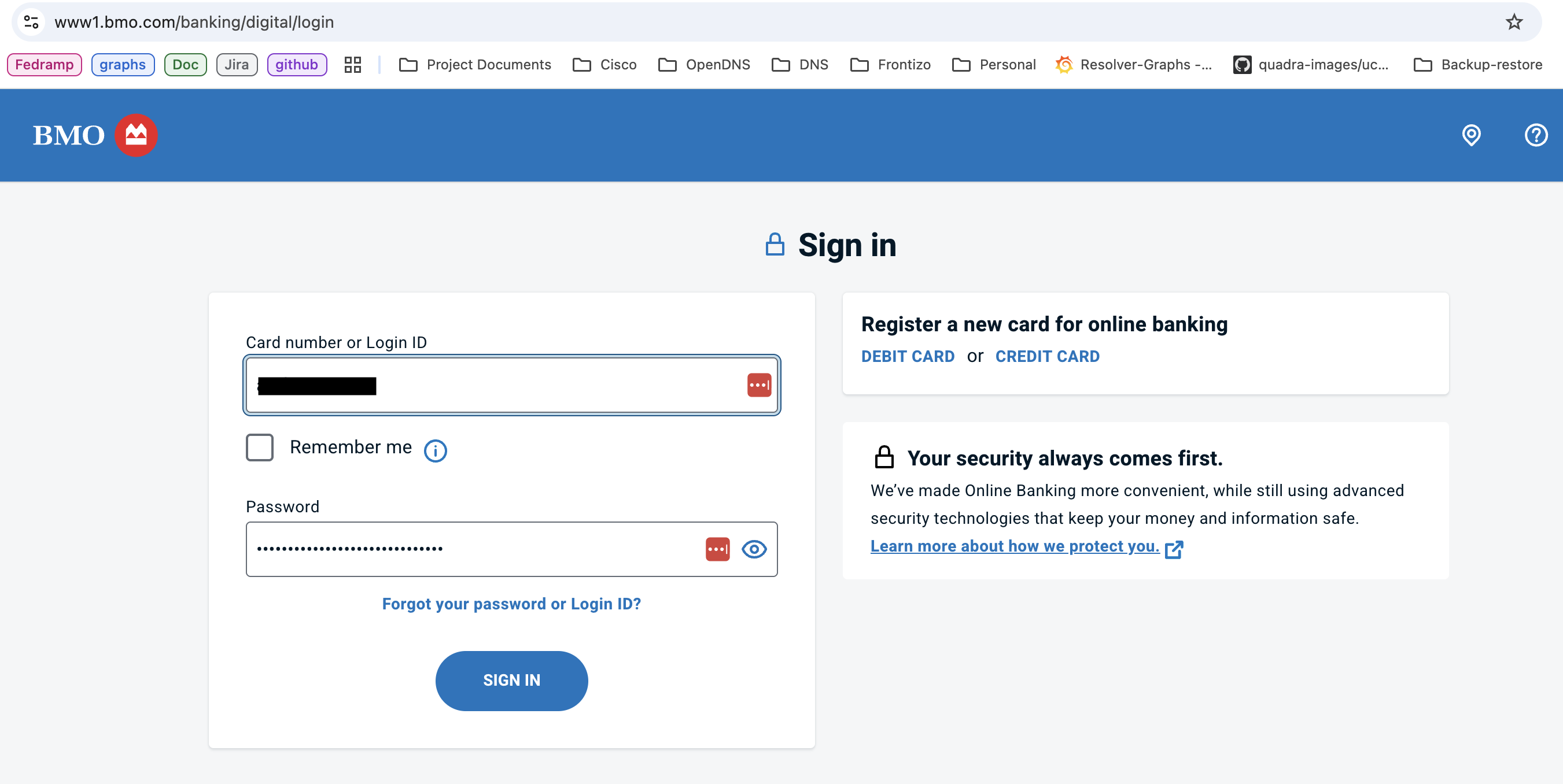
Thanks for the reply! In order to get this issue reported, can you please provide us with a screenshot of the Accounts Summary page from the bank's website that has a wide enough scope to show the full page URL? This is the landing page after signing in, and typically lists all accounts and balances. You will want to take this from a web browser and not a mobile browser, as well as redact any private info such as account numbers.
We will also want logs to be sent, please.
- Log in to the Quicken Simplifi Web App.
- Select Profile from the left-hand navigation bar.
- With the Profile menu open, hold down the Option key for Mac or the Alt key for Windows, and then click Send Feedback.
- Leave all boxes checked, add a brief description of the issue, and then click Send.
-Coach Jon
0 -
Hi Jon,
I submitted the feedback but it didn't give me the opportunity to attach additional screenshots. Maybe I'm supposed to attach them here?
The feedback id is 514912967272934400.
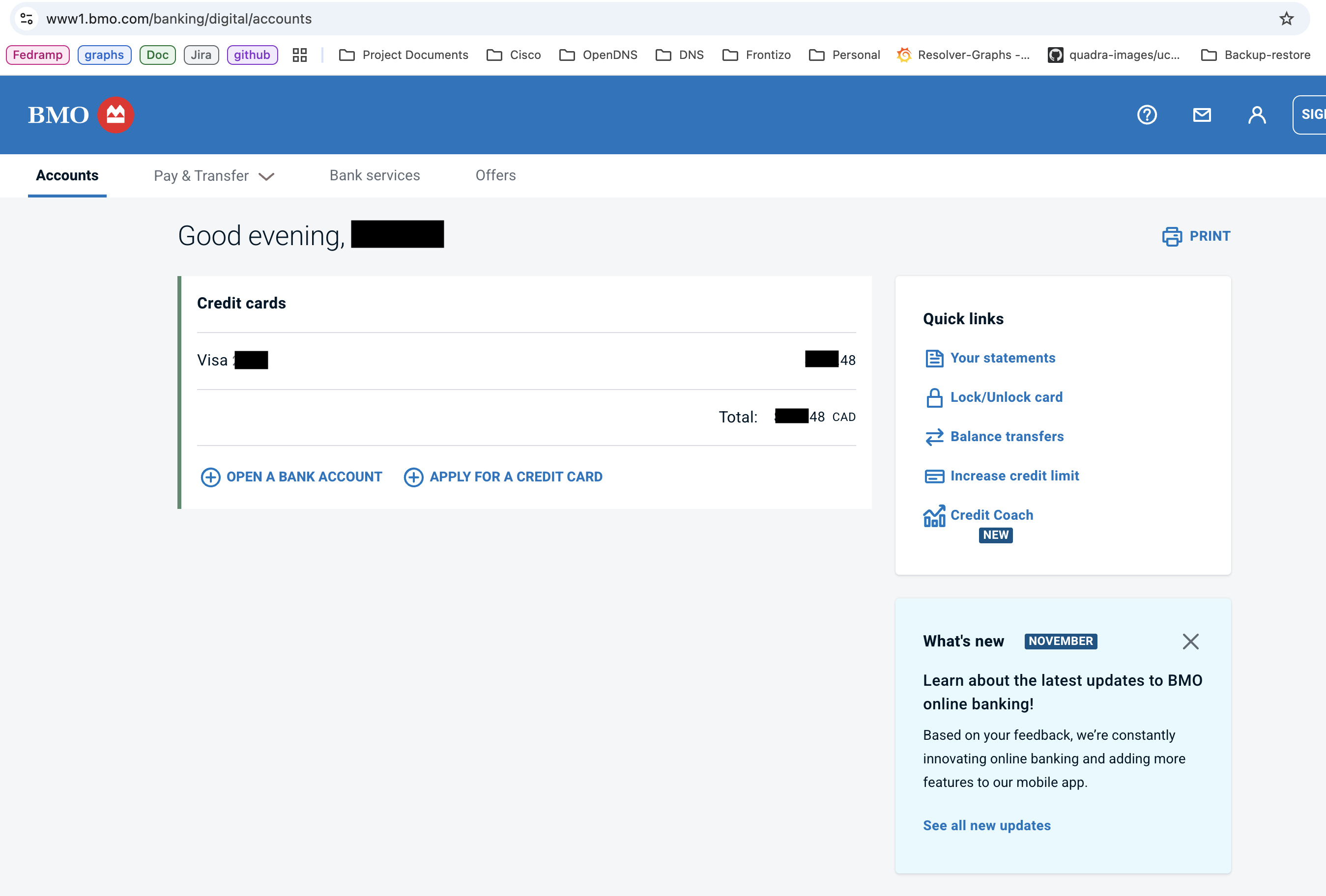
These screenshots show the pre and post login screens. The URIs shown are the same as the working Mastercard URIs - the only difference is that for the working Mastercard account I use the credit card number as the login id and for the not-working Visa I use a login name as the login id.
0 -
Hello @awfulhak,
Thanks for the requested information! I did get this escalated to our service provider, and I will be sure to provide updates on the issue here for you.
In the meantime, you can track the account manually by adding manual transactions, which will keep your records up-to-date. Here are the steps to do so: Managing Transactions in Quicken Simplifi | Quicken Simplifi Help Center
-Coach Jon
EWC - 12084181
0 -
Thanks for your help Jon
1 -
Hello @awfulhak,
We've heard back from our service provider! To work on a fix for the issue, they have requested a session so we can obtain a HAR file that captures your login flow. To request this session, I will need the following info from you:
- Confirm that the email address and phone number listed on your Quicken Simplifi Account are your best contact info.
- Provide your general availability over the next few weeks, and please also include your time zone with this.
Let us know if this is something you can do!
-Coach Jon
0