American Century Accounts Already Added
I am having an issue syncing my American Century account. Each time I type in my credentials, it states that all accounts are already added, even though there are none listed. This has happened before, see the following link:
https://community.simplifimoney.com/discussion/comment/40310#Comment_40310?utm_source=community-search&utm_medium=organic-search&utm_term=American+Century
Comments
-
Hello @vollmas,
Thanks for reaching out! Did you try establishing a fresh connection by making the account manual and re-linking to see if that fixes the current issue? The instructions to do that are:
- Make all of the accounts with the bank manual by following the steps here.
- Once you see the account(s) listed in the Manual Accounts section under Settings > Accounts, go back through the Add Account flow to reconnect to the bank.
- If the connection is successful, carefully link the account(s) found to your existing Quicken Simplifi account(s) by following the steps here.
Let us know how these steps go!
-Coach Jon
0 -
After multiple attempts, I ended up deleting American Century altogether and starting from scratch. Even with that, the same issue remains.
0 -
Hello @vollmas,
Thanks for the reply! Have you tried connecting in another browser/incognito mode to see if it offers different results? Can you provide a screenshot showing the error message you are receiving from your side, as well?
If you can also supply logs, this would be helpful!
- Log in to the Quicken Simplifi Web App.
- Select Profile from the left-hand navigation bar.
- With the Profile menu open, hold down the Option key for Mac or the Alt key for Windows, and then click Send Feedback.
- Leave all boxes checked, add a brief description of the issue, and then click Send.
-Coach Jon
0 -
Hey Jon,
Attached is the screenshot of the error after trying to add the account from scratch (fully deleted from my Simplifii account). I always run in incognito mode, but I do get the same results in other browser sessions.
0 -
Hello @vollmas,
Thank you for the requested screenshot! If you navigate to Settings> Accounts, do you see any connected instances of American Century there? If you do, can you make them manual and try connecting again?
We will still also need logs to be sent!
- Log in to the Quicken Simplifi Web App.
- Select Profile from the left-hand navigation bar.
- With the Profile menu open, hold down the Option key for Mac or the Alt key for Windows, and then click Send Feedback.
- Leave all boxes checked, add a brief description of the issue, and then click Send.
-Coach Jon
0 -
No connected instances on my account. Feedback was just sent.
0 -
Hello @vollmas,
Thank you for the requested logs. Please provide the following information so that we can work on getting this issue escalated:
- Has there been any activity in the account in the last 90 days?
- Is the account considered an external account (i.e., are you redirected to a different website when selecting the account on the bank's website)? If so, what URL are you redirected to?
- Is the account a subtype of a different account?
- Has the bank made any recent changes to its website or sign-in process?
- Are you the owner of the account?
- The name of the account, as it appears on the bank's website.
- If the issue is occurring on an existing Quicken Simplifi account, the name of the account as it appears in Quicken Simplifi.
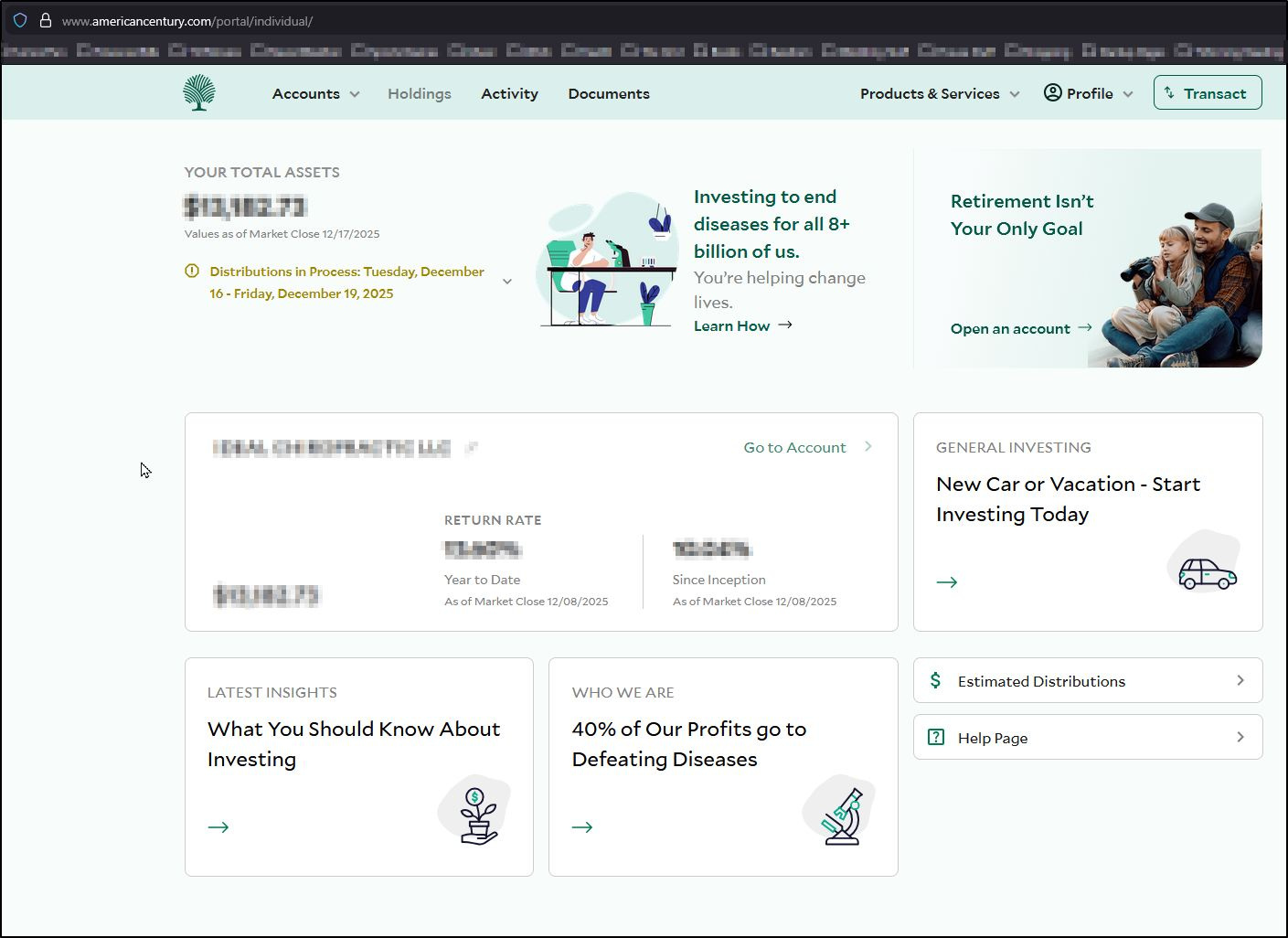
- A screenshot of the Accounts Summary page from the bank's website that has a wide enough scope to show the full page URL. This is the landing page after signing in, and typically lists all accounts and balances. You will want to take this from a web browser and not a mobile browser, as well as redact any private info such as account numbers.
-Coach Jon
0 -
- Yes, there has been activity
- No, it is not an external account
- No
- Not that I am aware of
- It is my wife's account that we share
- The Simplifi account is the one I am commenting to you on
- See attached screenshot
- Again, this was working for over a year, so it recently stopped working.
0