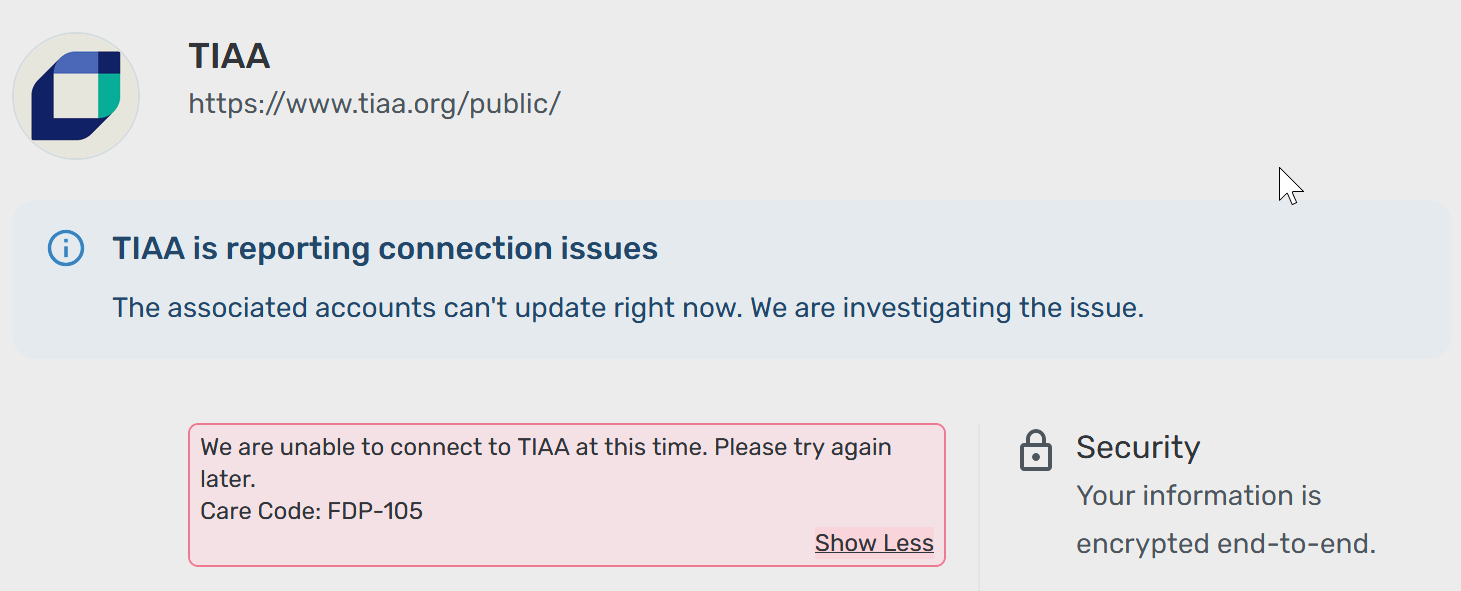
TIAA Connectivity Appears Down - FDP-105 (edited)
Hi,
I had successfully connected some TIAA accounts, and they were working perfectly until, oh, maybe a week ago. Now, the accounts are unable to update. When I try to reset them, I get the error message:
We are unable to connect to TIAA at this time. Please try again later.
Care Code: FDP-105
I can log on to the web portal, so I obviously know my username and password. The interface when I log on has changed, though, so I'm wondering if there's a new system in use and something needs to be updated on Simplifi's end.
Thanks.
Comments
-
Hello @rkjones,
Thanks for reaching out! Error code FDP-105 usually indicates that the specific bank is temporarily blocking us. This typically happens when the selected bank is performing server maintenance or is blocking third-party aggregation to avoid site saturation. In most cases, users can usually still log into their bank's website while receiving this error in Quicken Simplifi.
I can see from our side that this error has been occurring for some time now for you. I would have you try the following steps to make the accounts manual and re-link them to see if that fixes the current issue. The instructions to do that are:
- Make all of the accounts with the bank manual by following the steps here.
- Once you see the account(s) listed in the Manual Accounts section under Settings > Accounts, go back through the Add Account flow to reconnect to the bank.
- If the connection is successful, carefully link the account(s) found to your existing Quicken Simplifi account(s) by following the steps here.
Let us know how that goes!
-Coach Jon
0 -
Yes, oddly enough, that did the trick. It looks like the service that you're using to pull in the data pivoted to Plaid. Switching it to a manual account and back caused Simplifi to pick up this change. Prior, it was clearly trying to reconnect with whatever service had previously provided the connection.
1 -
TIAA - Making manual then re-adding worked for a few days. Then the connection stopped again. I tried the manual process again, but this time it did not work. Is a solution forthcoming?
0 -
Hello @Quick40S,
Thanks for reaching out! I can see that you are receiving an FDP-105 error when trying to connect to TIAA as well. If you have already tried the steps I listed previously in this thread and the issue is still occurring, then the bank may be temporarily blocking us.
Can you please provide a screenshot of the error from your side, as well as a screenshot of the Accounts Summary page from the bank's website that has a wide enough scope to show the full page URL. This is the landing page after signing in, and typically lists all accounts and balances. You will want to take this from a web browser and not a mobile browser, as well as redact any private info such as account numbers.
We will also need logs to be sent!
- Log in to the Quicken Simplifi Web App.
- Select Profile from the left-hand navigation bar.
- With the Profile menu open, hold down the Option key for Mac or the Alt key for Windows, and then click Send Feedback.
- Leave all boxes checked, add a brief description of the issue, and then click Send.
-Coach Jon
0 -
Care Code: FDP-105
https://my.tiaa.org/private/participant/home
0