How can I see how much I spend, month-to-month, for a particular Category? For instance how can I see how gas I buy each month during 2025? I can see the aggregate amount but not how much I spent each month.
@Thomas56
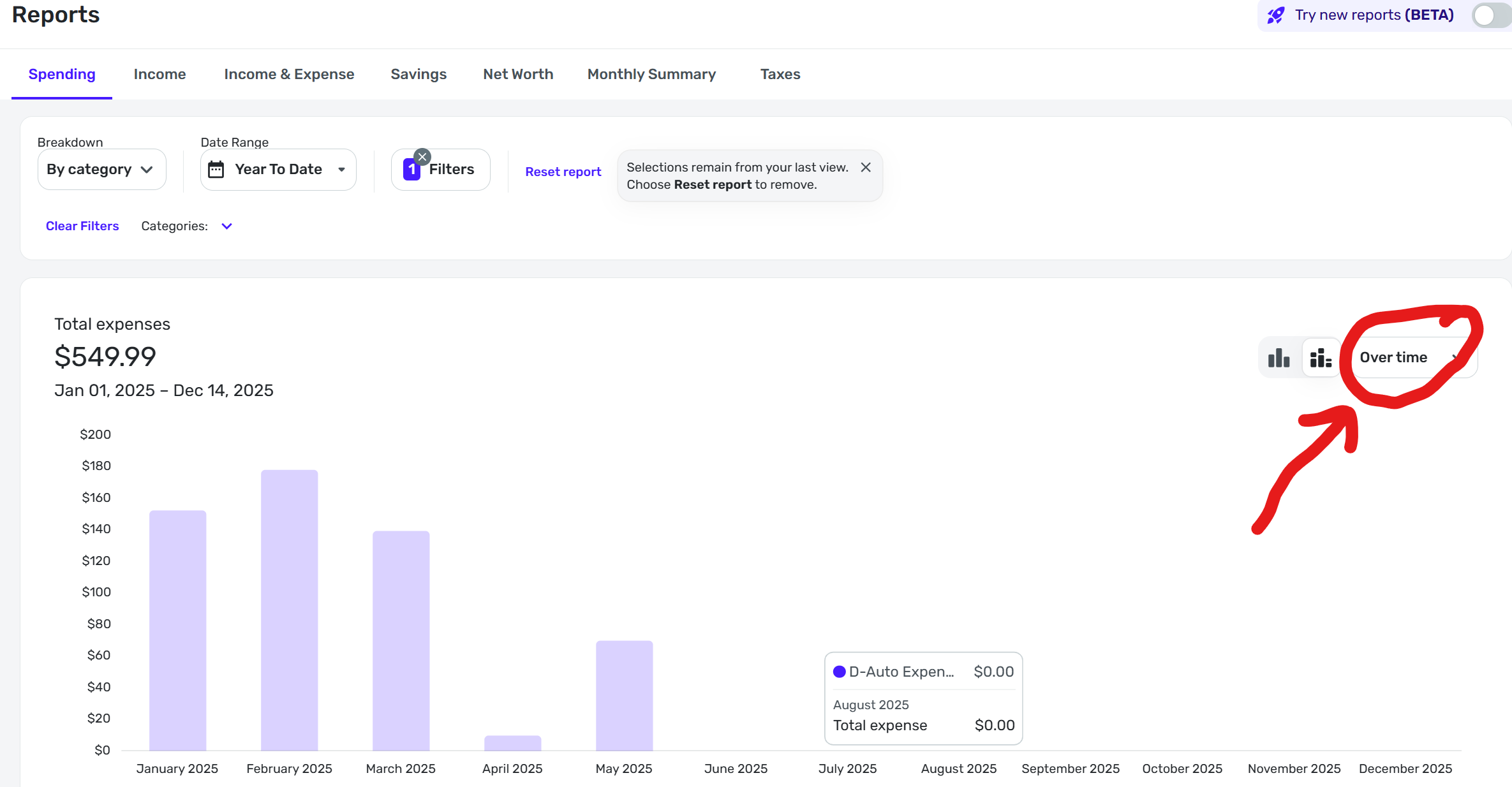
Select the category you want to see the report for, select YTD and when the report is generated select "Over Time" in dropdown menu at the upper right of the report next to the type of chart you want.
Good luck.
Thank you Danny. Very helpful. It taught me a bunch. But what I want to see my spending for is a Subcategory (I see that I did not make that clear). The Filter menu allows me to choose the subcategory I want to see my Spending for but when I Apply my Filter choices, what I see is a result for only Total Spending for the Category. But not for the Subcategory.
Hello @Thomas56,
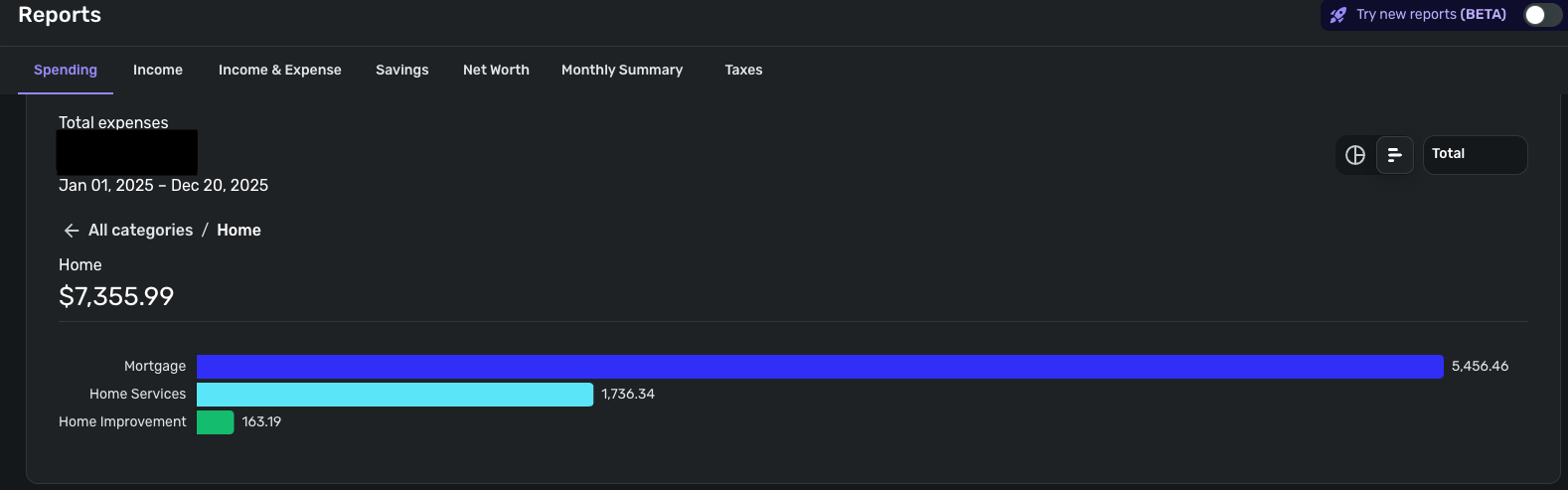
Thank you for clarifying. When you click on the bar for the category, it should display the subcategories associated with that category.
I hope this helps!
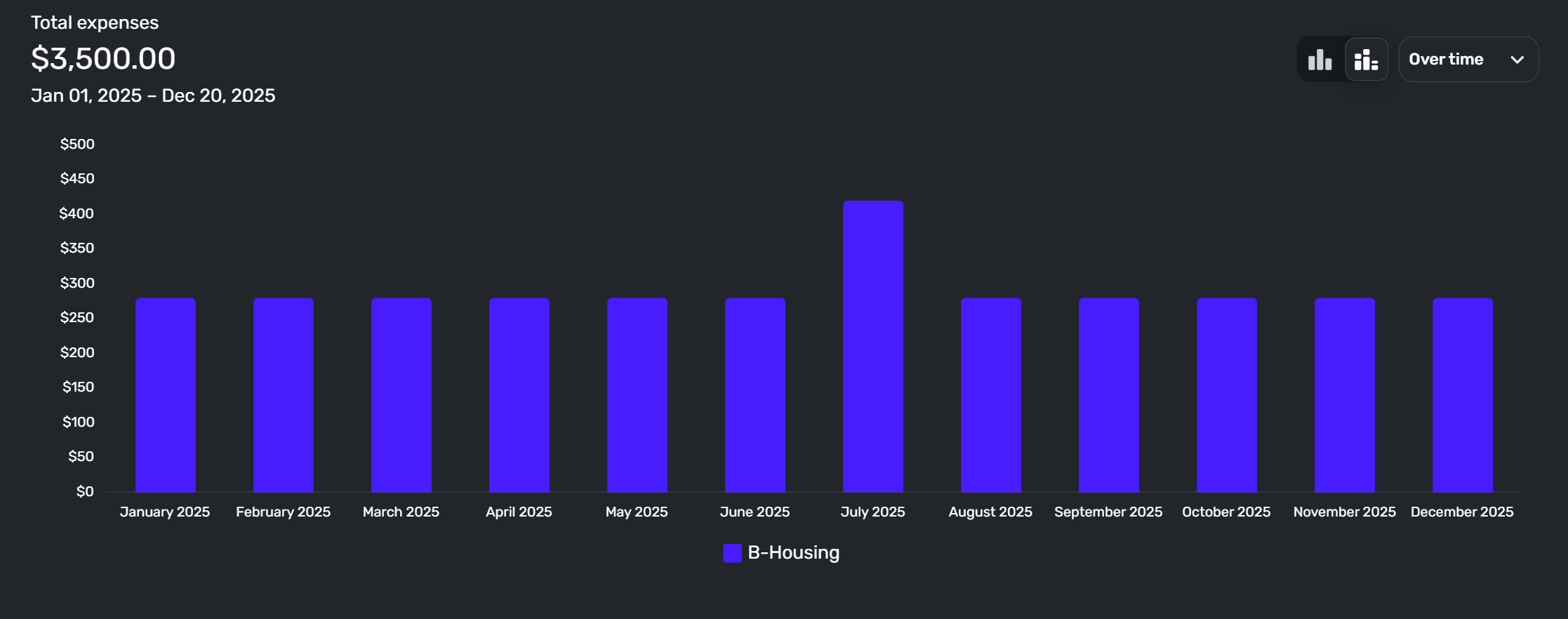
I'm not sure what you are trying to do but you should be able to create a Spending report for third level categories and show your spending over time. If I'm understanding what you are trying to do here is an example of a third level category report for my Housing > Home Maintenance > Cleaning Services.
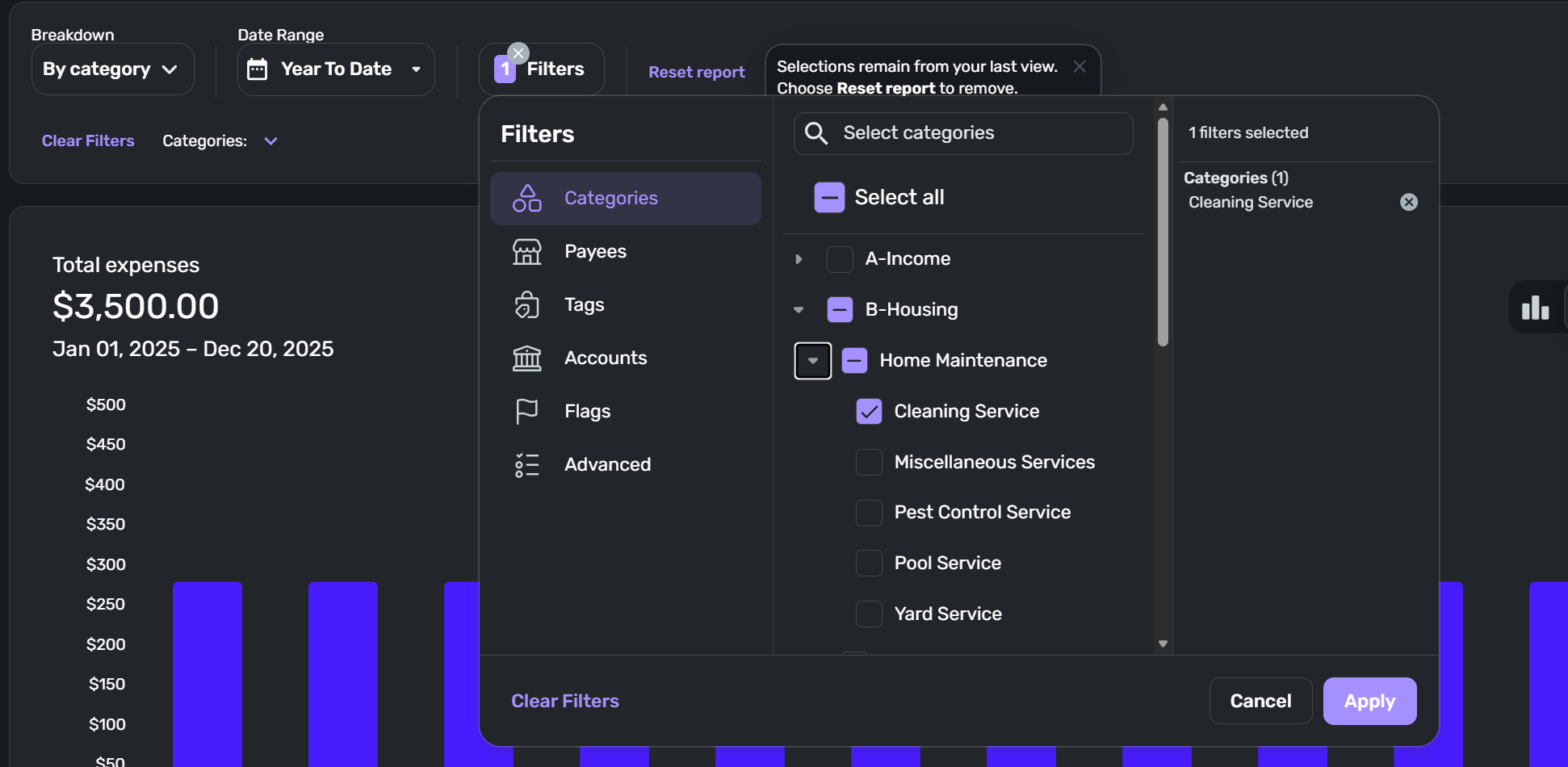
Here is what the set up for this expense report looks like:
HOWEVER… I see that if you have selected "Try new reports (BETA)" the "Over time" report is not available. You will have to turn off "Try new reports (BETA)" if you want the ability to see spending over time by month. Hopefully, the full version of the BETA expense report will include an over time feature when fully developed and released.
Another option would be to set up a Watchlist for the expense you want to see over time. The Watchlist shows you how much you spend by month for the past 12 months with some other data. A Watchlist doesn't seem to be exactly what you are looking for but you will be able to see your spending by month in the category you select.