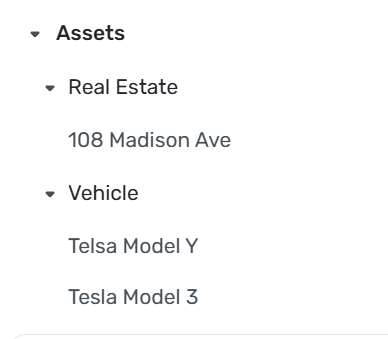
Since vehicles aren't updated by Quicken, how do I remove what I manually entered into Assets?
If you are looking to completely remove the asset, you can go to settings → Accounts and then remove the asset. If you are looking to alter the value of the asset you can click on the account and under transactions enter a transaction under the category of Balance Adjustment
You got the good advice above.
But if you want to keep up with the estimated value of your asset, you can just update it every once in a while.
I use carfax.com but there are plenty of others such as bluebook.com. I actually update the depreciation by entering a transfer amount and using the tag "depreciation". This way I keep up with it without letting the little fluctuations affect my net worth. OTOH, you can just have a depreciation expense for automobiles and exclude the depreciation from Spending Plan.
I keep the transaction date as the date I got the car and add splits to show the depreciation. When I trade the car, I zero it out with how much I got for it.
That works. Thank you!