Tip: How to get transactions faster for Fidelity Visa Credit Card provided by Elan Financial
When using the Fidelity connection for the Fidelity Visa card, pending transactions won't download. This is a known issue with the connection and can be frustrating because it takes 3-5 days for pending transactions to clear. Here's how to fix that:
Go to and create a new account. Essentially this will make an account through Elon Financial.
Make your existing Fidelity Visa account Manual.
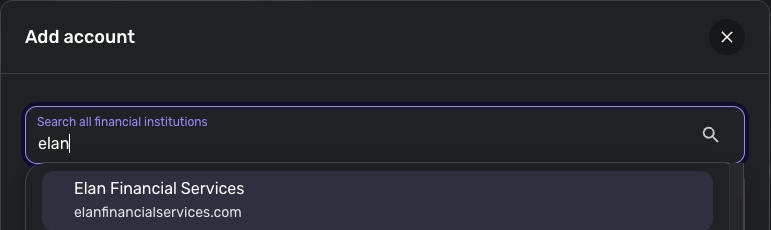
Create a new account and choose "Elan Financial." Use the credentials you just created and link your the account you just made manual.
You now can get all transactions, including Pending, immediately. The only downside I see is that it requires 2FA authentication (text message code), even with "Two step verification" is off on the Fidelity rewards site.
[edited to correct spelling]
Comments
-
Hello @danielkeisling,
Thank you for sharing your experience! Hopefully this will help others who want to see pending transactions for their Fidelity Visa accounts.
To clarify, I don't see any connection option for Elon. Are you referring to Elan?
Thank you!
-Coach Kristina
0 -
Yes, thank you for correcting my typos.
2 -
Super helpful thanks. Especially now that fidelity is blocking Android 12 phones like mine from using their app, at least I can have convenient non-website access to my transactions here now.
0 -
I've used both the Fidelity and Elan connections as needed. If one doesn't work well, I move to the other.
Right now, my Fidelity Rewards Card is a backup card so I don't often have transactions.
But it's a good tip!
Steve
Quicken Simplifi (Safari & iOS) Since 2021
Quicken Classic (MacOS) Since 2009
MS Money (1991-2009) and Dollars & Sense (1987-1991)0