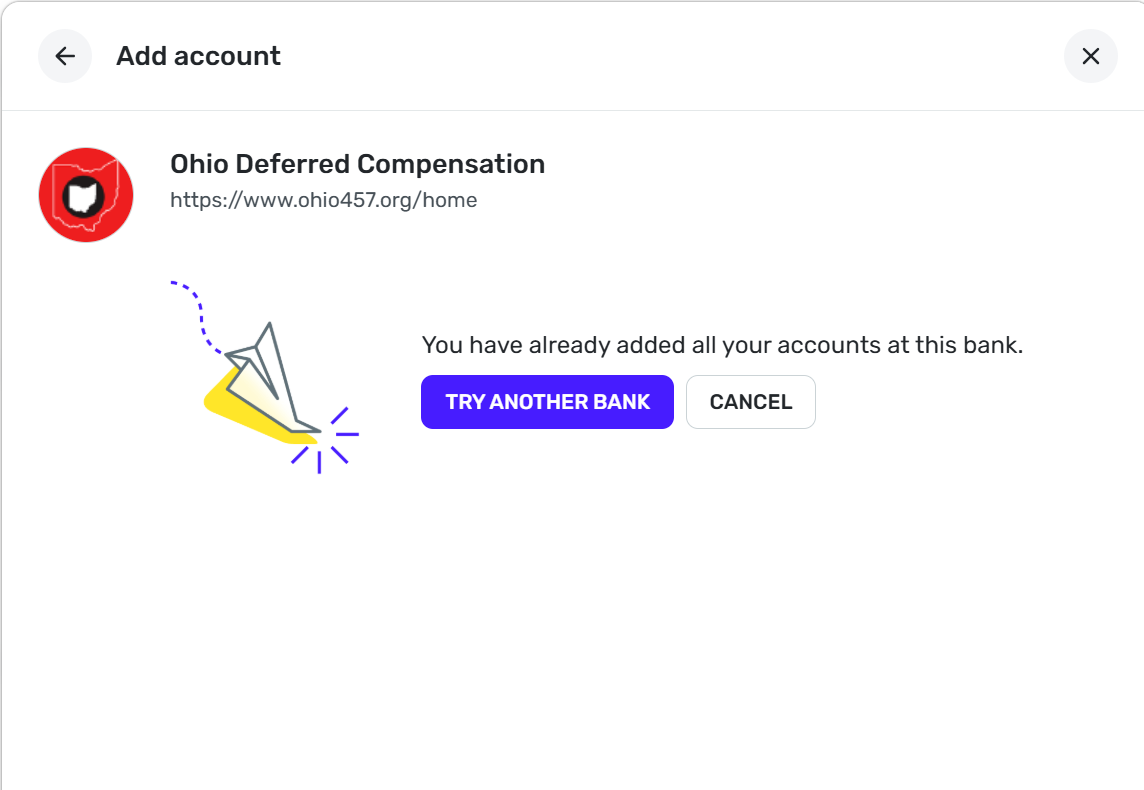
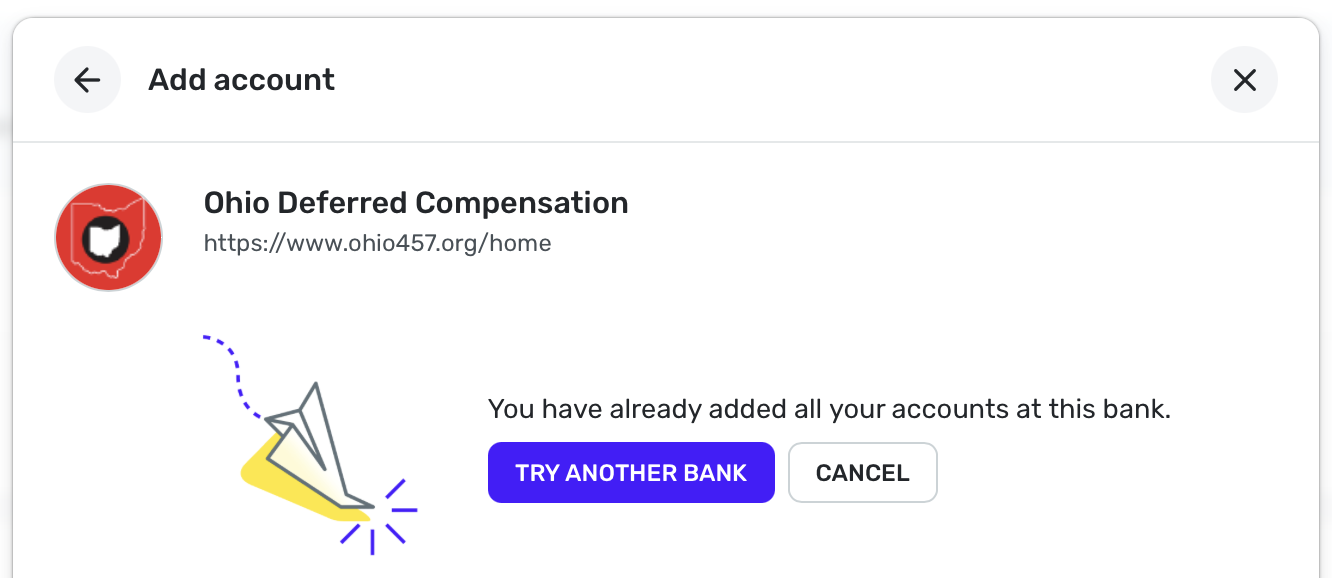
I have tried, numerous times, to add my Ohio Deferred Compensation (ohio457.org) account, but to no avail. "You have already added all your accounts at this bank." is the message. Frustrating, as it use to work. Please help!
Hello @mm18,
Thanks for reaching out! I am sorry to hear about the connection trouble you are experiencing with Ohio Deferred Compensation. Have you ever been able to add an account with this bank before? Has there been any activity in the account you are trying to add in the past 90 days?
I would also have you verify if you have any accounts that show as connected for this bank within Quicken Simplifi in Settings > Accounts. Let us know!
I have this same problem. It has been working at least since 2024. However, for the last 15 days, I'm not able to get it connected. I tried resetting the connection but now it just gives this message when trying to reconnect. This account has always asked for the two-factor authentication every time it refreshes until sometime in late 2025. Then, it worked perfectly for a couple months, then this problem started happening.
Please fix this soon!
Hello @kevinrickert,
Thank you for chiming in as well. Since you have successfully connected this account before, I would see if the following steps work to resolve the issue:
Let us know!
After making the account manual, trying to connect again gives the same message.
Thank you for your reply,
To continue troubleshooting this issue, please answer the following questions:
Please also provide a screenshot of the account summary page on your bank's website. It will need to show the full URL and the problem account. Please make sure to redact any personal information. If you're not comfortable posting the screenshot in this discussion, it's okay to send it via DM.
To help us further investigate, please also send logs. You can do this by following these steps:
Thank you!
I'm not comfortable sending a screenshot of my account. The URL to the summary pages is https://www.ohio457.org/postlogin/accountsummary/summary.
I sent the logs through the web app.
Thanks for the requested information. For question two, what we mean is if the URL/website changes to another when selecting the account itself within the bank's website. As for the screenshot we requested for the account summary page, this is something we will need in order to continue troubleshooting. If you prefer, you can send it to me via DM to keep things private. Let us know!
Can you explain the reason for needing a screenshot? I'm not comfortable sharing my private account information with you, even in a private message. If there is something you need to know that doesn't involve private account information, I can give you that.
We can certainly understand the need for security when it comes to your accounts. Which is why we suggest redacting any private information when sending the account summary screenshot. It just needs to be a wide enough scope to show the full page URL, and typically is the landing page after signing in. You are free to redact any private information, such as account numbers. Let us know if that can be sent!
I sent a screenshot in a private message.
Thank you for the requested screenshot! Were you ever able to verify if you could see any accounts that show as connected for this bank within Quicken Simplifi in Settings > Accounts? Let us know!
I’m not sure what you’re asking. I had this account connected and working for two years. About a month ago it stopped working. I set it to manual as you instructed. Now, it cannot be added back and gives the message posted above.
@Coach Jon is trying to confirm if Quicken Simplifi thinks any accounts are connected.
To check this, navigate to Settings, then choose Accounts. Is the financial institution listed? If it is, are there any accounts showing there? If there are no accounts showing with that financial institution, it would be near the bottom of the account list, and would look similar to this sample image.
I hope this helps!
There are no accounts - just a manual account because I set it to manual as instructed. Now, I’m not able to add a connected account because of the message posted previously. The connection works but says the account has already been added. Currently, I need to update the balance manually.
Thanks for the information. I have reported this to our service provider and will follow up when we receive any further status updates here.
In the meantime, you can track the account manually by adding manual transactions, which will keep your records up-to-date. Here are the steps to do so: Managing Transactions in Quicken Simplifi | Quicken Simplifi Help Center
EWC - 12210588
I am back with an update from our service provider for this issue! They stated that the issue should now be resolved and would like you to try disconnecting any accounts and reconnecting them to verify. Let us know how this goes!
I am following up to verify if you have seen my previous reply regarding the resolution from our service provider. Please let us know if everything looks okay from your side!
I am following up one final time to confirm whether you have seen my previous response regarding an update from our service provider on this issue.
If we do not hear back by Monday, 2/23/26, we will be closing out the escalation for this issue. Thank you!
I am just informing you that we went ahead and closed out the ticket for this issue due to no response. If you continue to experience any issues going forward, be sure to let us know so we can work on further troubleshooting at that time!