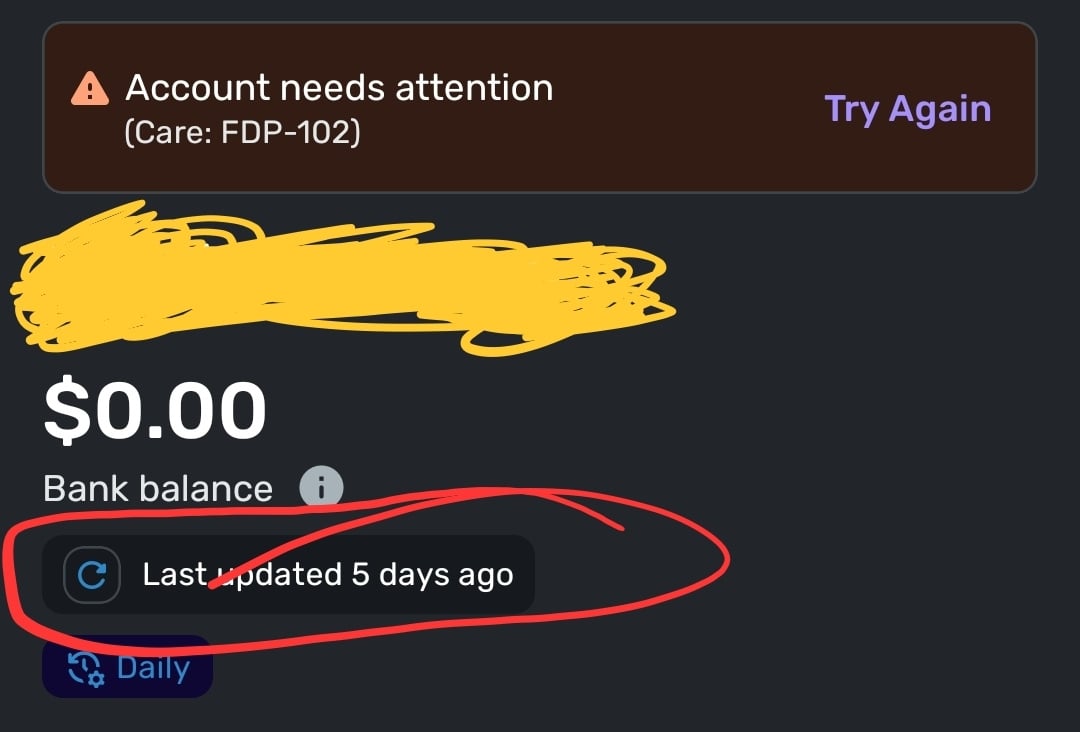
I tried all the usual and suggested troubleshooting steps from the ai bot in chat and still can't get it to sync. Tried those steps last night and today, was no help. Searched community and didn't see any current posts with this error code.
Me as well, very frustrating!
Hello @Jrunner01 & @Luv4lillys,
Thank you for letting us know you're encountering this issue. To help troubleshoot, please provide more information. When did you first notice this issue? Is this happening with an account you're trying to add or with an account that was previously connected and working?
I look forward to your response!
When I tried connecting to Venmo in the past, I got the MFA popup and it let me log in. But now, I don't get that MFA prompt anymore and instead there is an error. This started happening around a week ago.
"Account needs attention(Care code: FDP-102)We are unable to connect to Venmo at this time. Please try again later."
I just called Venmo customer support and they said there was nothing wrong with my account and I should ask Quicken Simplifi about this.
I was wondering if anyone could help.
I am having the same issue!
Same issue for me.
Yesterday was the first day in about a week that I last tried to sync it. It's an an account I already had on demand sync since it uses 2 factor Auth. So it was a previously working synced account.
Thank you for your reply,
Since the issue has been going on for a couple days, please try making the account manual (for instructions, click here), then add the account (for instructions, click here) and make sure to link it with the existing account (for instructions, click here).
If the above steps do not resolve the issue, please let us know and send logs so we can investigate the issue further. To send logs, please follow these steps:
Hello @gern, @Tamila, and @SteadyTrajectory,
Thank you for letting us know you're seeing this issue! I merged your discussion with the active discussion on this issue. Please follow the troubleshooting steps in this post, and if the troubleshooting does not resolve the issue, please send logs.
Thank you!
I forgot to mention in my initial correspondence that I too was now no longer getting the pop-up for MFA. So we're all getting the same issue it seems. As for the new steps you posted earlier I was able to make the account manual but then when I went to add it and enter my credentials I got the fdp-102 once again. I guess I have to send some logs later.
Coach Kristina,
The work-around is not working for me. After making the existing account manual, when I try to add the Venmo account per your instructions, the same FDP-102 error code appears.
same issue here
+1 same issue.
There was also a Reddit post on this a few days ago:
https://www.reddit.com/r/simplifimoney/comments/1q8j9o7/anyone_else_having_issues_with_venmo_connecting/
@Coach Kristina, Just submitted feedback, Reference ID 520746621505872640
We appreciate everyone taking the time to report this issue to us!
It looks like the FDP-102 error with Venmo is known by our service provider. While they work with the bank to resolve the issue, we have created an Alert that everyone can follow for updates:
While the connection is down, you can add manual transactions to keep your records up to date. Our support article here has the steps to do so: https://support.simplifi.quicken.com/en/articles/3348103-managing-transactions-in-quicken-simplifi#h_85ca9fed99
Thank you all for your patience as we work to resolve this matter!
+1 issue is persistent.
Would be awesome if there was some.user journey probing that checked these connections to see if they are having any issues on simplifi side so they can catch these and notify with a different message for known issues.
I might be saying the same thing here or in addition to what the previous user FinTechMan suggested, it seems like the service would benefit from some automation to ensure these connections to various entities are still up and functional and not have to rely on us customers to have to report these issues, which could then also automate a standard response message saying they are known issues that the service is looking into already so no one has to post here or wonder is this something they are only experiencing or is a multi-user issue like this one is.
Previous two user posts are a great suggestion that it almost blows my mind that it hasn't been implemented already. As a very involved user, I am aware that I need to search forums for answers to these connection issues that are likely not just my issue, but a mass issue. But for the average user, I would not expect that at all. I wouldn't doubt if Simplifi has lost a good number of users due to these reoccurring connection issues that seem to have little information on what is going on, and all of a sudden just work again after some unspecified time. I have just gotten used to it, but a new user might just not deal with it.
Day 5 and counting. Transactions building up that need to be cleared. My poor daily clearing streak
Convenience and automation are why I pay for quicken simplifi. This is not the first time this has happened with Venmo and I'm amazed it took someone making a forum post for the issue to even be known. I asked for an extension on my subscription or a discount for next year because I've wasted so much time troubleshooting venmo on this app and they told me I would have to cancel my google play subscription and redo it through them directly or they can't do anything.
I had to add a manual balance adjustment of thousands of dollars to my disconnected venmo account until I can resync it because it showed as thousands in the negative when it got disconnected due to the error troubleshooting.
[removed - disruptive]
Thank you to OP for taking the time to make the forum post or who knows how long it would've taken to get fixed.
@jaywilk the AI bot also said when you make the manual transactions, to label them as 'pending' so when the connection is restored, it wont make duplicate transactions
Wow, this is still a problem and I just started using simplifi. Not a good feeling for a new user.
I've been having the problem as well - day 9 and counting.
I'm not interested in going manual - that defeats the entire point of using quicken …
[removed - sarcasm]
Hello everyone,
We are aware of and actively working on the FDP-102 error with Venmo. While the issue is being worked on, please follow our Alert for updates and a resolution:
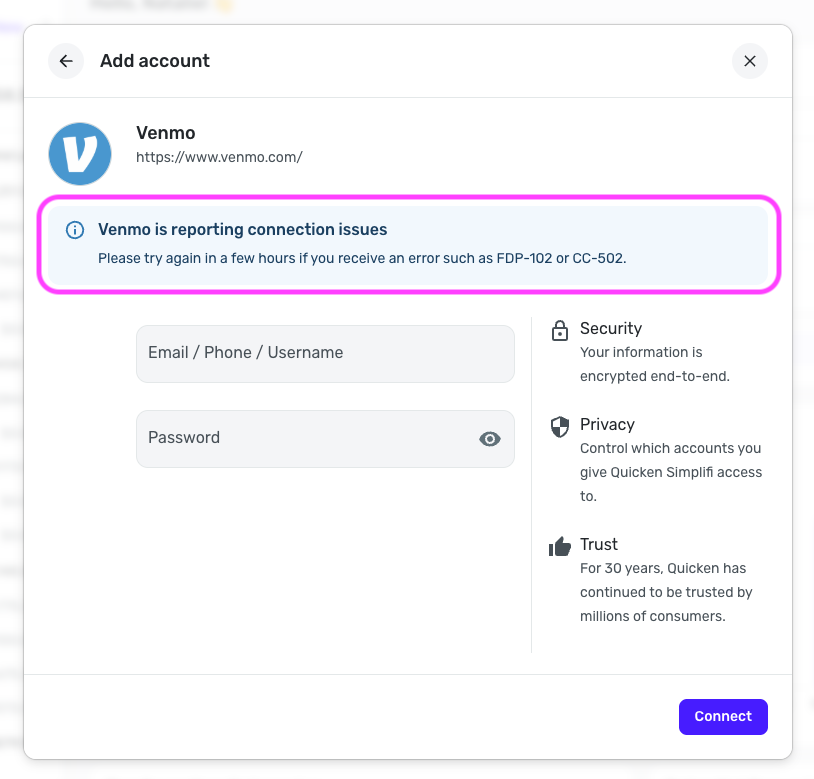
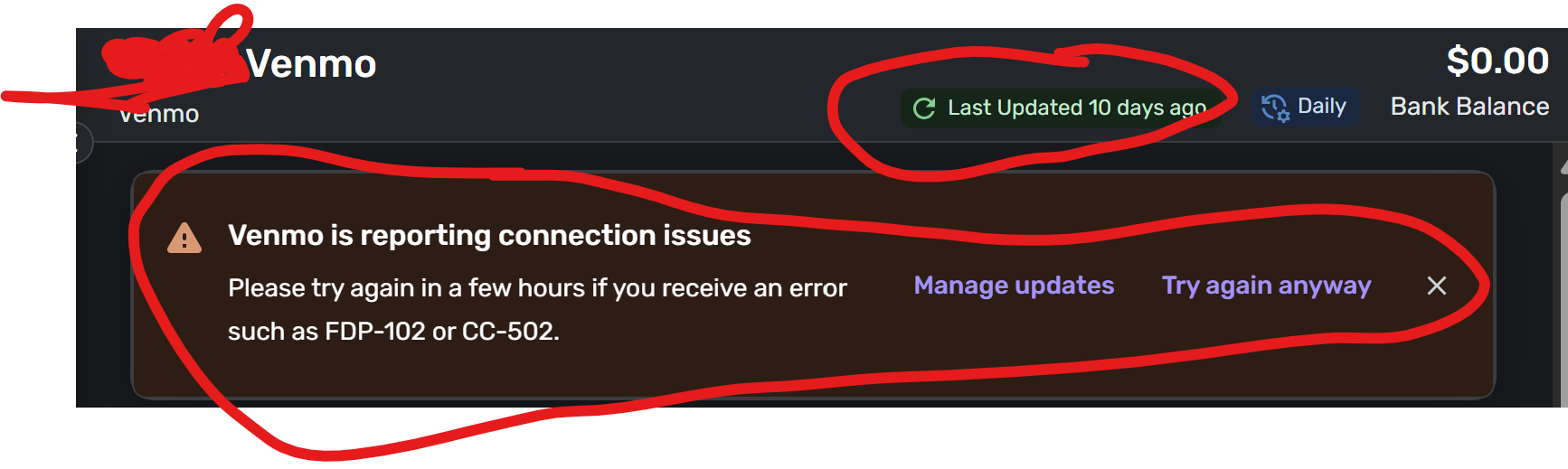
For this particular issue, we also recommend trying again at a later time. This is mentioned in the in-product messaging within Quicken Simplifi as well:
You can also add manual transactions to keep your transaction records up-to-date: https://support.simplifi.quicken.com/en/articles/3348103-managing-transactions-in-quicken-simplifi#h_85ca9fed99
With that in mind, we ask that this thread remain on-topic and productive. We understand the frustration caused by connection issues like this; however, sarcastic or disruptive comments are not appropriate. If this behavior continues, this thread will be closed to further comments.
We appreciate everyone's patience as we work to resolve this matter!
How will you notify us when you fix this issue, so that we don't waste time coming back here to check every day?
Bookmark the thread! That's how I got notified that you had a post that came in through my email
Hello @alexsbank,
Thank you for letting us know you're also seeing this issue. I recommend that you bookmark the Community Alert linked below in order to be notified of any updates, once available, and to know when the issue is resolved:
Depending on your notifications preferences for the Community, once bookmarked, any updates to that alert will either be emailed to you or you'll see a number by the bell icon near the upper right when logged in on the Community.
I hope this helps!
When is this going to be fixed??
Thank you for adding a notice in simplifi that this is a known issue. This is very helpful vs having to check this thread.
Day 10 hoping to see this resolved soon.
Any updates? My transaction history is all messed up now. Once this bug appeared my Venmo balance in quicken shows negative $2,000. It’s messing up all my reports…
Day 15 for me… This is really taking a lot of time to keep having to come back to this and is messing up my financial tracking, especially right as tax time is approaching. Expecting users to manually add transactions is not a solution.
I am trialing Quicken Simplifi and another company for 1 year to decide which I want to work with long term, and just a heads up, your competitor is not having any issues connecting with any of my accounts, including Venmo, in the 3 months I've been using both Quicken Simplifi and the competitor product, so the issue is not on Venmo's side.
Quicken, please, this needs to be treated with urgency.