Don't close modal windows when clicking outside of them; add a confirmation (edited)

RobWilk
RobWilk Superuser ✭✭✭✭✭
edited October 2025 in Feature Requests

Currently, when creating a manual transaction on the web, clicking anywhere outside the transaction window closes the transaction without warning, and no transaction is created or updated. My request is to please prompt as to whether the user wants to throw away (cancel) the transaction or not (or at least do that if anything other than the cancel button cancels it).

I have had to recreate many transactions as a result of this, and I thought I had manually entered transactions when they were never recorded.

I suspect that if the web interface is like a window manager, the transaction may be going to the background, but there's no apparent way to bring it back to the front. If it is like a window manager, maybe the new transaction window should be treated like a 'modal' window. From Google:
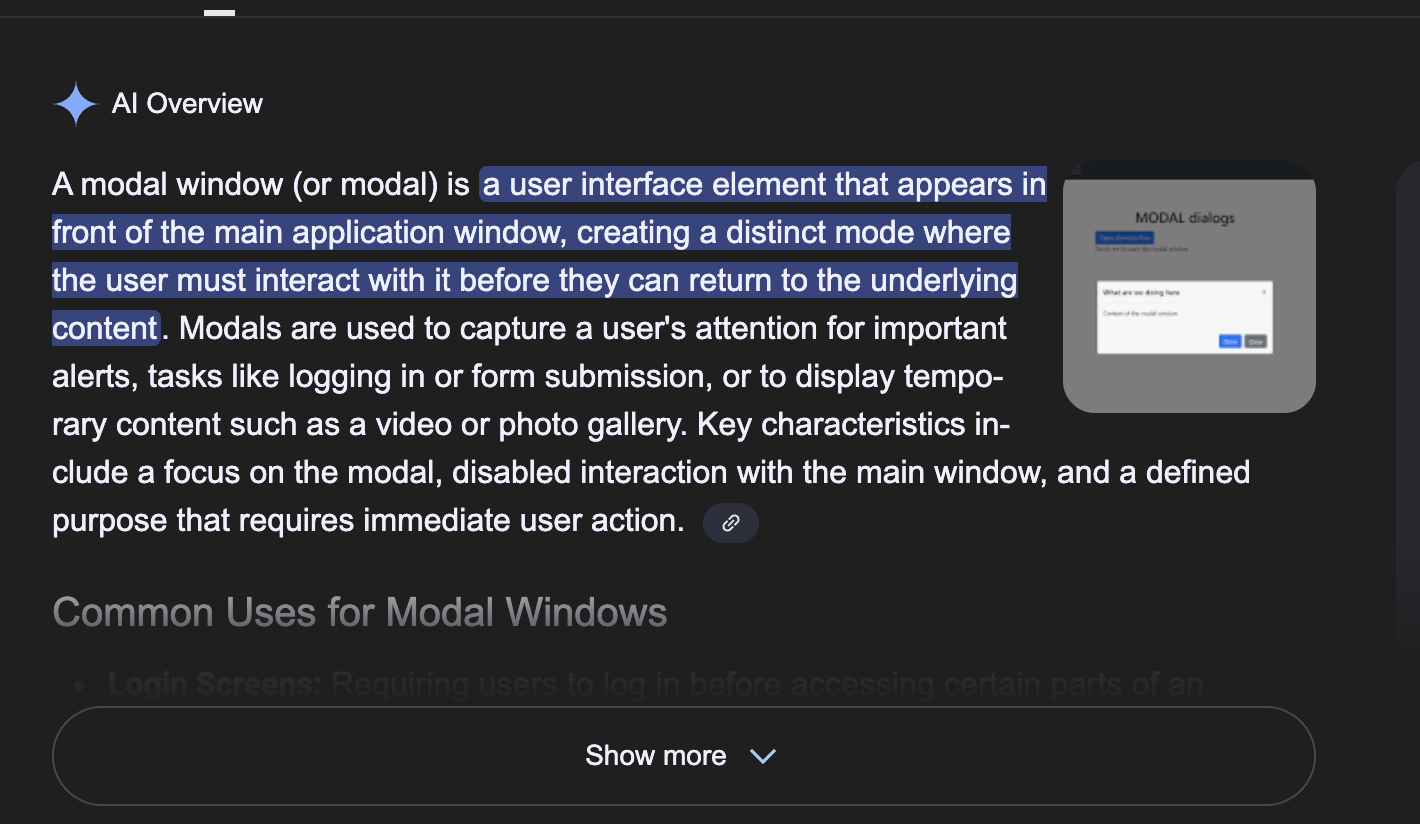
Screenshot 2025-10-03 at 7.15.11 AM.png

Rob W.

7 votes

Active · Last Updated

Comments

  • SRC54
    SRC54 Superuser ✭✭✭✭✭
    edited October 2025

    I never noticed that. I guess I never clicked outside the box. But I wouldn't expect it to be saved until I hit the create button. I then usually check anyhow, because I tend to add transactions when I am in that account's register. Interesting.

    And to be clear: upvoted.

    Steve
    Quicken Simplifi (Safari & iOS) Since 2021
    Quicken Classic (MacOS) Since 2009
    MS Money (1991-2009) and Dollars & Sense (1987-1991)

  • RobWilk
    RobWilk Superuser ✭✭✭✭✭
    edited October 2025

    Perhaps this is an accessibility issue, then. My hands shake— I have a condition similar to parkinson's disease, so when working the touch-pad my tremors can cause me to click somewhere before I meant to click.

    It's very easy for me to be moving my touchpad cursor towards the appropriate button, but click accidentally along the way. Also, i imagine this is an issue for people who have tap-to-click turn on and may touch the touchpad with their hands while typing and accidentally click (I tend to turn tap to click off).

    I also imagine this is a bigger issue for people who create manual transactions rather than wait for them to download.

    Rob W.

  • RobWilk
    RobWilk Superuser ✭✭✭✭✭

    BTW: Making it modal would require you to either select 'SAVE' or 'CANCEL', as opposed to cancelling without warning.

    Rob W.

  • Coach Natalie
    Coach Natalie Administrator, Moderator admin
    edited October 2025

    I have accidentally clicked outside of the Transaction Detail window many times, and it's always driven me nuts that it closes it and loses all of my changes. This definitely has my vote!

    -Coach Natalie

  • MorganG48
    MorganG48 Member
    edited January 23

    SO MANY TIMES I need to look at something else when I’m in the middle of editing a transaction with splits, etc. It’s too easy to click out without thinking, and all your work disappears. I track numerous splits from long receipts, and it’s so frustrating. A warning would let me save (update) the transaction before leaving.

  • EL1234
    EL1234 Member ✭✭✭✭
    edited January 26

    Great idea! I upvoted.

  • sbennet1
    sbennet1 Member ✭✭
    edited January 26

    I was thinking about turning in a feature request for this. @MorganG48 beat me to it. I too have lost many updates before I realized what was happening. There are some screens that warn you if you are going to lose your updates. All of the screens that have update buttons should do this. Thanks

    Steve B

    Ex Fortran, Cobol, Basic, MS Access and VBA (Visual Basic for Applications programer

    Been using Simplifi since Dec 2026.