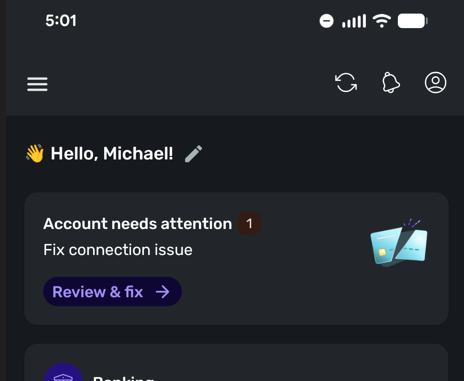
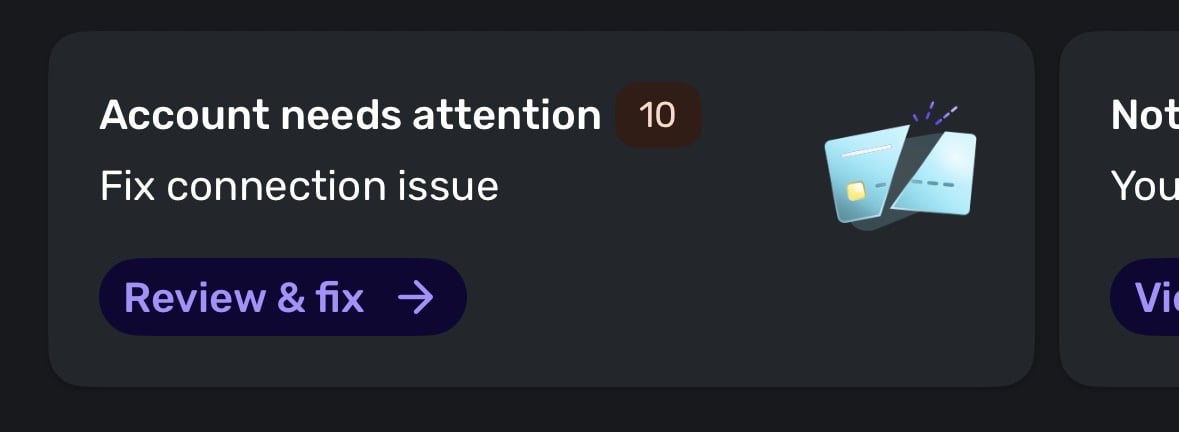
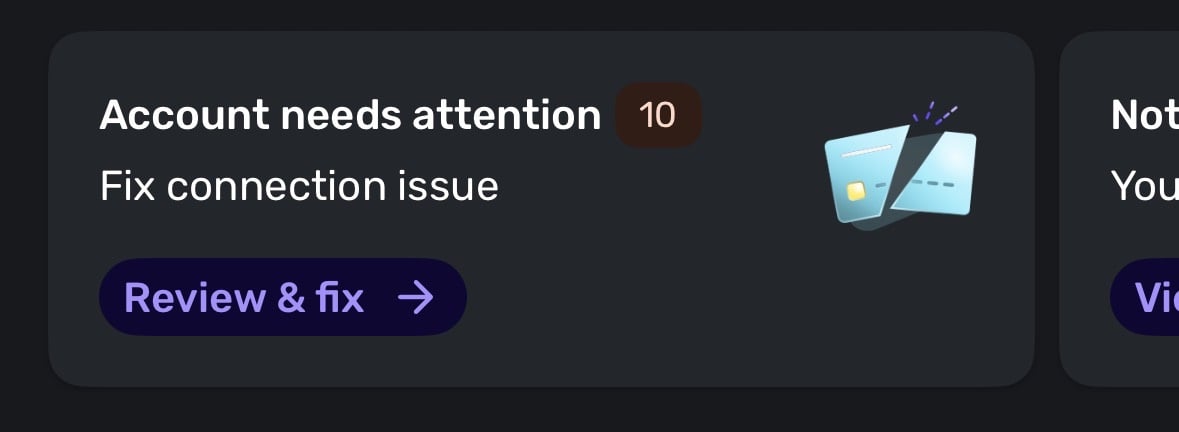
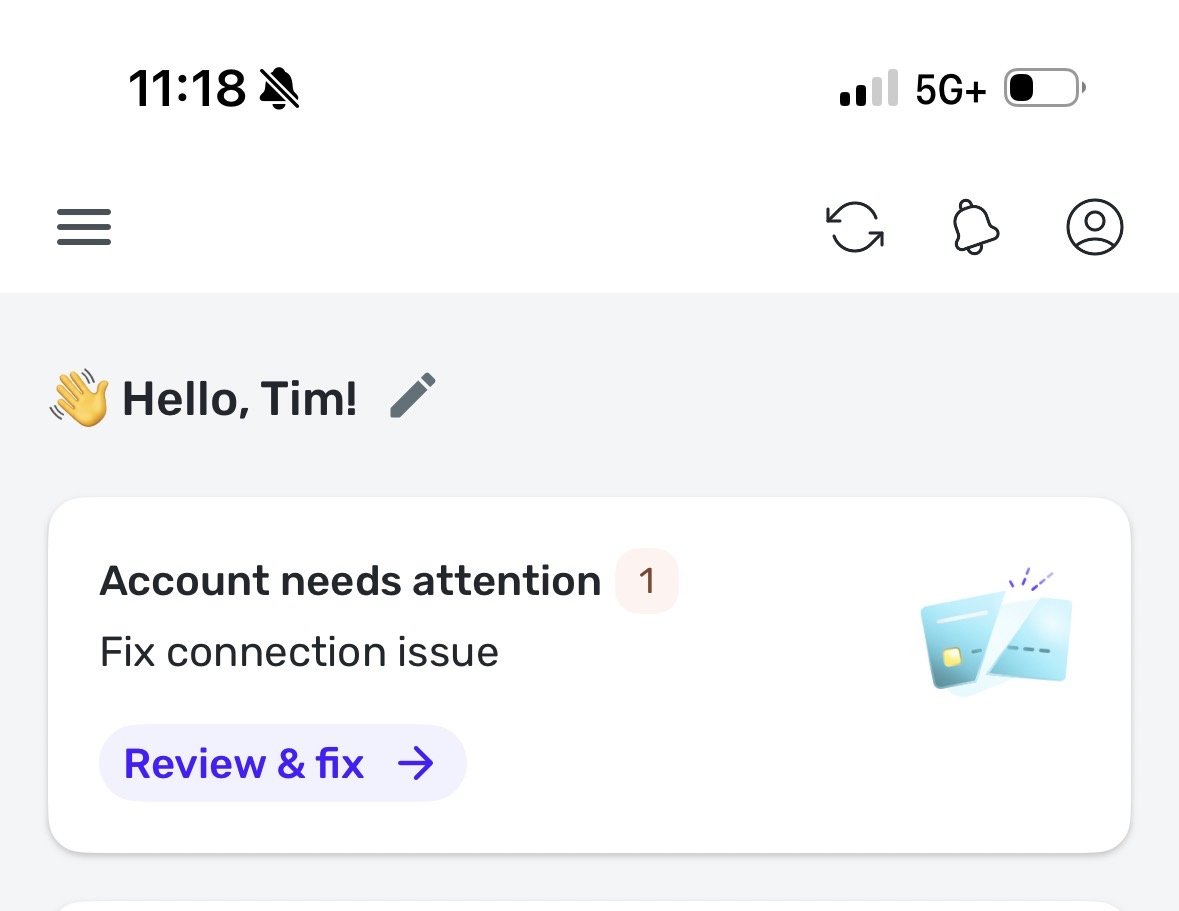
"Account needs attention" shown on mobile app for closed accounts (edited)
Very recently, on Android, after opening Simplifi app, I get an Accounts need attention notice. This appears to be for old Truist account that was made manual in order to add new one, since there was a change in the way Simplifi handled Truist connections mid last year, per the support post below.
https://community.simplifimoney.com/discussion/comment/54707
My existing "new" Truist connection is working fine, which is called Truist Online Banking - WC, however the "old" Truist connection called Truist Online Banking hasn't been updated in 194 days.
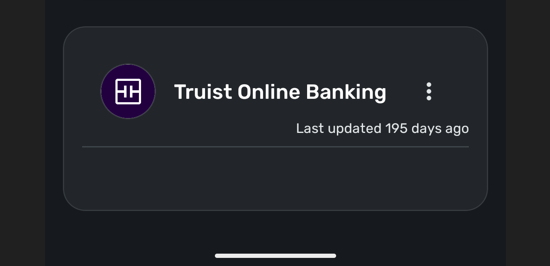
The old Truist Online Banking has no sub accounts, no options to make it manual, the only options on 3 dots menu are
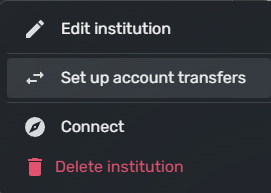
I am concerned with choosing Delete institution, because we were told to make these manual to keep all existing transactions before this cutover last year. If it's deleted I'm afraid it will lose all of those.
Honestly I have no idea why this is showing up now on the mobile app, seems like a bug, since I've never seen this in the past. There's no other options to just hide the account that I can see.
Thanks.
Comments
-
Hello Jon,
This is what I see on Dashboard.
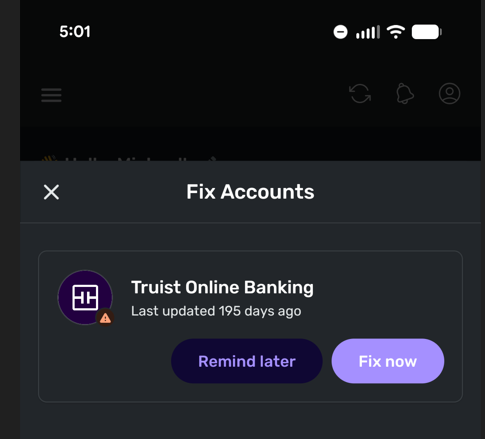
If I click Review & fix I get the following
If I click Fix now, it takes me directly to the Accounts screen, where the account in question is displayed. There are no accounts beneath it.
Thanks.
0 -
Hello @Mike2023,
Thanks for the reply! Does this issue only show up in the mobile application, or does it also show in the Quicken Simplifi web application? If it is specific to the mobile application, I would see if uninstalling and reinstalling the application works to resolve the issue here. Let us know!
-Coach Jon
0 -
Hello Jon,
It's only the mobile app, the web app behaves fine, it doesn't show that old account or give messages about it. I did a complete uninstall on Android and re-installed, same error though. I even tried clicking Remind later button, while that clears the message while the app is opened, when it's re-opened it comes back.
Thanks.
0 -
Hello @Mike2023,
Thanks for confirming. Can you please supply logs as well as the device specifications you are accessing the mobile application with?
- Log in to the Quicken Simplifi Web App.
- Select Profile from the left-hand navigation bar.
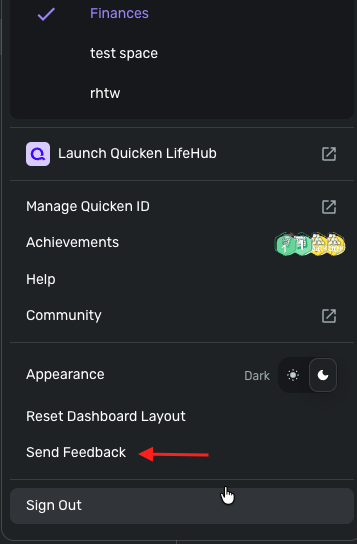
- With the Profile menu open, hold down the Option key for Mac or the Alt key for Windows, and then click Send Feedback.
- Leave all boxes checked, add a brief description of the issue, and then click Send.
-Coach Jon
0 -
I have recently (since the last two app updates) seen the same problem using the iOS app, iPadOS app and web application for an account that has been closed and moved to manual for months.
The account is no longer connected to the financial institution and I haven’t found a way to disable the message.
0 -
Hello Jon,
I've sent the requested report. Thanks.
0 -
I have same problem. None of those accounts are open anymore and quicken is telling to fix it. Also right in the front screen like that is eye sore. Please turn it off.
0 -
All these accounts are closed but Simplifi thinks that I forgot to sync it. Even if there is an error, I don’t want to see that in the first page. Without this the dashboard and networth graph was perfect. Please turn it off or provide option to turn it off.
0 -
When you go to Settings:Accounts, are these accounts shown as connected or manual? If they show connected, you should make them manual accounts. And you can close them in Simplifi then.
If you closed the accounts in Simplifi, they should become manual. If you closed them with the banks but didn't make them manual and close them in Simplifi, you may need to do that.
Let us know what you discover.
Edit: I see you have commented in this conversation: [removed link to merged thread]
So I hope Coach Jon will be able to help you. Good luck.
Steve
Quicken Simplifi (Safari & iOS) Since 2021
Quicken Classic (MacOS) Since 2009
MS Money (1991-2009) and Dollars & Sense (1987-1991)0 -
Looks like there was a bug fix this weekend. Like right now. This looks like is resolved post that update.
1 -
Hello everyone,
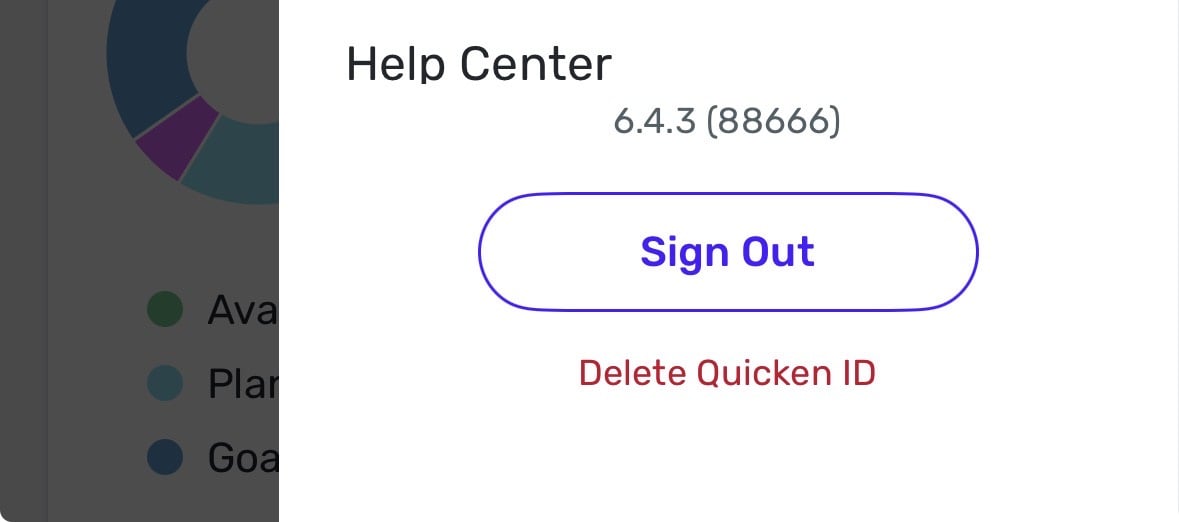
I am back with an update! It looks like our product team was aware of this issue and there was a fix implemented with Quicken SImplifi Mobile 6.4.3. Please make sure you are on that version of the mobile application and let us know if this issue is fixed for you.
Thank you!
-Coach Jon
0 -
Hello Jon,
I'm on 6.4.3 (88666), it's the same behavior.
To Steve's post, the only options on the account are shown in my first post, there is no option to make it manual. This "parent" account has no sub accounts.
Thanks.
0 -
Hello Jon,
Didn't seem to change anything. I uninstalled Simplifi, restarted phone, and re-installed, same behavior. I'm wondering if it's because this a "parent level" account it's treated differently.
Mike
0 -
I can confirm that I am on Apple and I am seeing the same behavior. This only shows on the app, not in the browser.
TiggerTrainer
Quicken Simplifi user since January 2025
Quicken Classic (Premier) user since 2004 - 2025 (21 years)
0 -
Hello @Mike2023 and @TiggerTrainer,
Thank you for the information. Are you both on the most recent version of the Quicken Simplifi mobile application? Can you confirm if this is still showing up within the Dashboard, or if it is showing up in the Accounts tab as well? Can you supply updated screenshots showing the issue from your side?
-Coach Jon
0 -
Here are some screenshots.
TiggerTrainer
Quicken Simplifi user since January 2025
Quicken Classic (Premier) user since 2004 - 2025 (21 years)
0 -
Hello @TiggerTrainer,
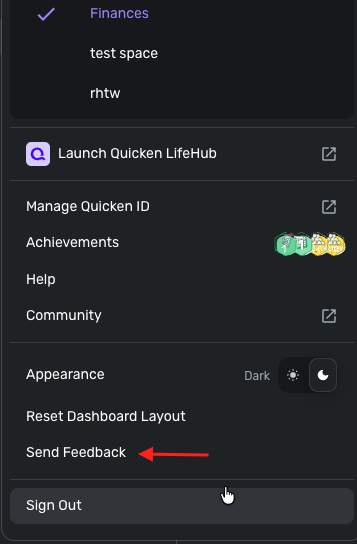
Thank you! And does selecting "Review & Fix" also do nothing for you as well? If you see an empty institution with no accounts under it below Manual Accounts in Settings > Accounts, I would see if deleting the institution resolves the issue being seen here.
Can you also please supply logs, as well as the device specifications you are accessing the mobile application with?
- Log in to the Quicken Simplifi Web App.
- Select Profile from the left-hand navigation bar.
- With the Profile menu open, hold down the Option key for Mac or the Alt key for Windows, and then click Send Feedback.
- Leave all boxes checked, add a brief description of the issue, and then click Send.
-Coach Jon
0 -
Deleting the institution seems to have fixed it for me. I was initially very hesitant to do that since it removes transaction history, however after doing transactions exports to compare it seems like everything is still there. Thanks for the help.
1 -
Glad you got it fixed!
So the institution had no accounts associated with it? So it was safe to delete. If I understand you right. Just for my information.
Steve
Quicken Simplifi (Safari & iOS) Since 2021
Quicken Classic (MacOS) Since 2009
MS Money (1991-2009) and Dollars & Sense (1987-1991)1