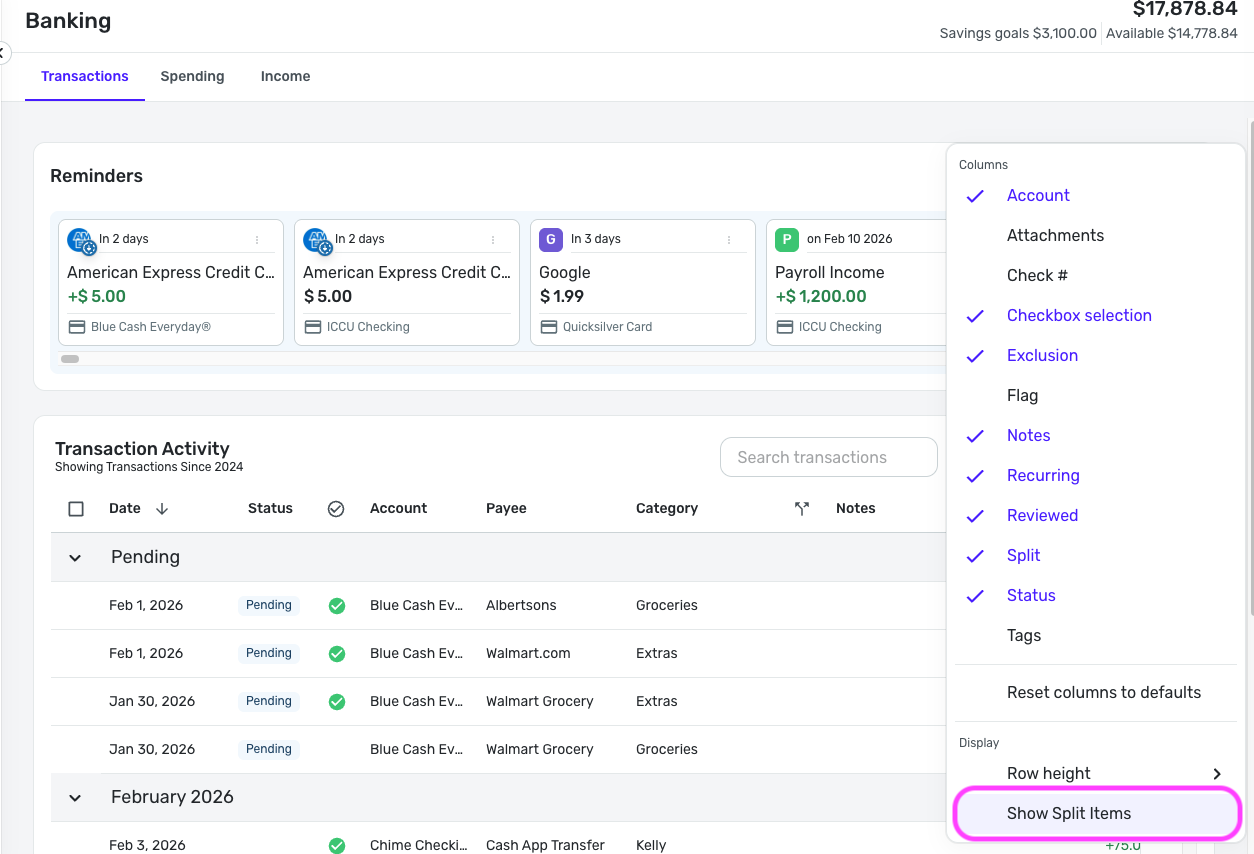
I download/export my transactions from Quicken Simplifi into Excel so I can further mine the data and create reports. The issue is with Split transactions. Those are showing up as a single line item with the total dollar amount of the transaction and the category shows "NA" instead of multiple line items with the proper category split. This is preventing me from properly reporting on my category spend and has no use since the category is "NA" - not even one of the categories or category with the largest amount. Please enhance the .CSV download to show the splits or I may have to find an application that can do so. Thank you!
EDIT: I see this is now resolved with an update on 1/22/2026. Ensure Splits are displayed in your transaction register before downloading.