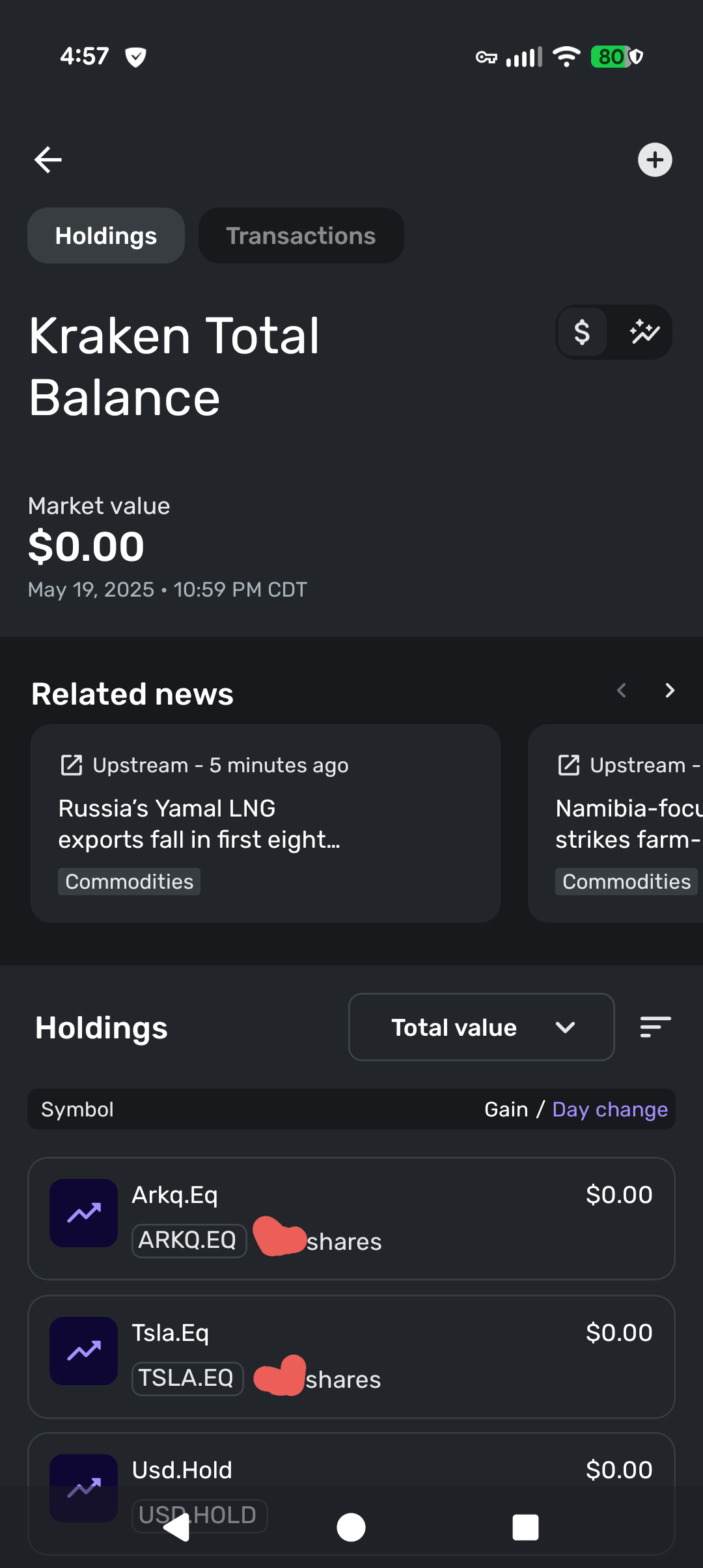
The number of shares shows correct but the price not showing up. Seems like The ticker isn't symbol isn't parsed correctly.
For example. TSLA stock is showing as TSLA.EQ, ARKQ stock showing as ARKQ.EQ
Hello @tjipz,
Thanks for reaching out! I see that you are accessing the Quicken Simplifi mobile app. I would see if the same issue appears in the web application as well. If it does not, I would have you sign out and back in to the mobile application to see if that resolves the issue.
If you see the same thing in the web application, I would check if resetting the account connection works to resolve the issue. https://support.simplifi.quicken.com/en/articles/4857199-when-and-how-to-reset-your-account-connections#h_037ac19bf9
Let us know how this goes!
-Coach Jon
yes same issue on web application. I think the problem is Simplifi doesn't parse the stock ticker correctly. I checked Kraken API that Plaid uses. Kraken API indeed returns the stock symbol with the .EQ suffix. So simplifi just need to remove the suffixes to get the actual stock symbol.
not sure why my issue was closed, its not fixed and still happening. [removed link to merged thread]
Thanks for reaching out! I can see that the ticket you originally escalated for this issue with our support team was closed. Let's have you try the following steps to see if they work in resolving the issue:
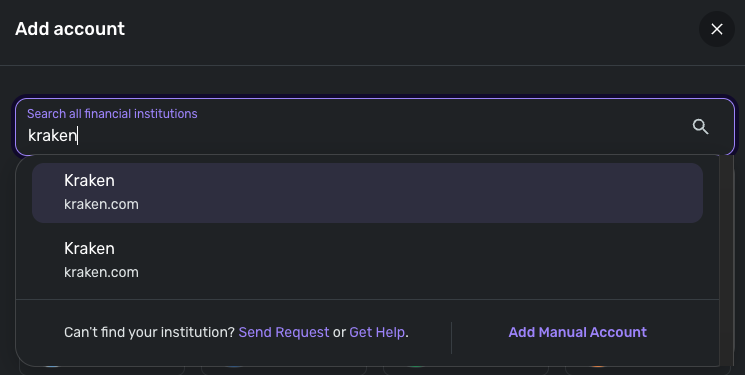
If those steps do not work, I would see if trying to connect to our other Kraken instance available in Quicken Simplifi works to bring the correct share prices.
yes the issue still there
Thanks for the reply! Did you try the steps I provided above in regard to making the account manual and relinking? If that didn't work in resolving the issue, I would have you try the second instance I provided above as well. Let us know!
yes of course, including the second istance.
Thank you for confirming. Can you please supply the following information so that we can look at the next steps for this issue? You may feel free to send this to me via DM if you prefer.
We will also need logs to be sent:
sent via DM, logs sent
Thanks for the information! I have reported this issue to my team and will provide status updates here going forward.
In the meantime, you can track the account manually by making the account manual so you can add and edit Holdings: How to Make an Account 'Manual' | Quicken Simplifi Help Center
And then adding/editing your Holdings to keep accurate records: Tracking Investments in Quicken Simplifi | Quicken Simplifi Help Center and Tracking Investments in Quicken Simplifi | Quicken Simplifi Help Center
CTP-16278
Hello everyone,
The ticket for this issue is still open and being worked on. We will continue to post back here as updates are received.
Thank you for your patience!