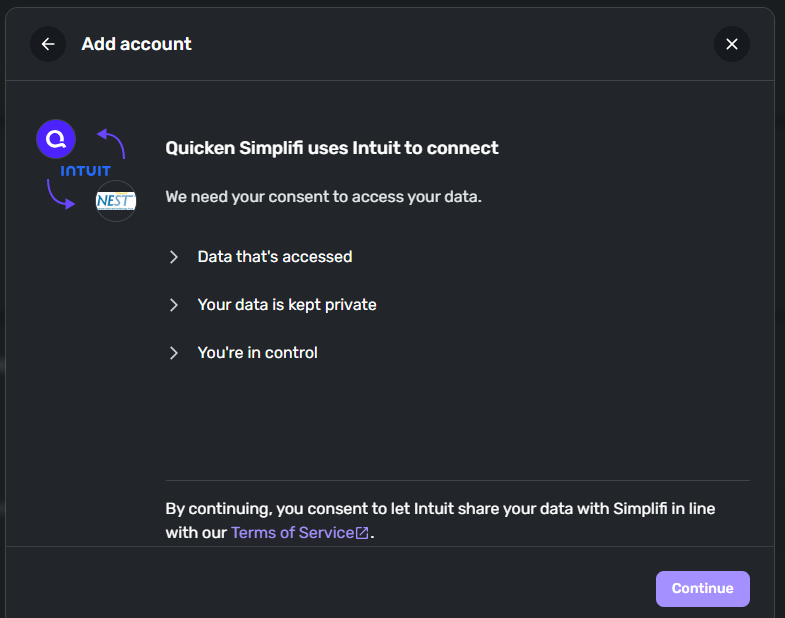
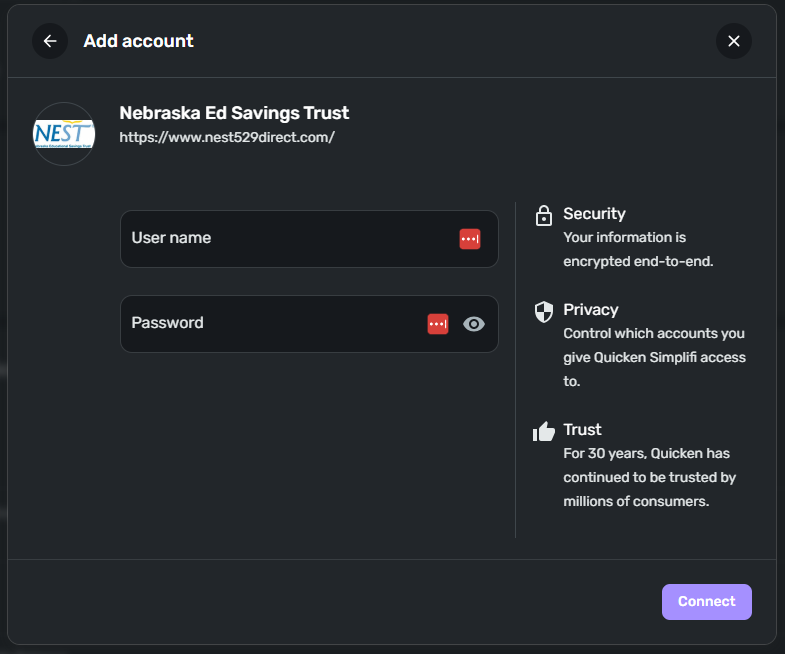
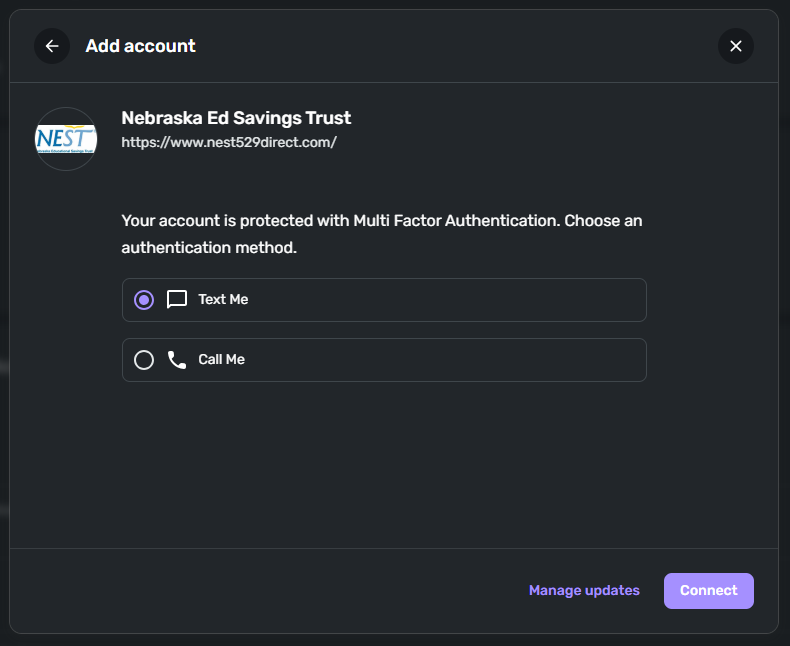
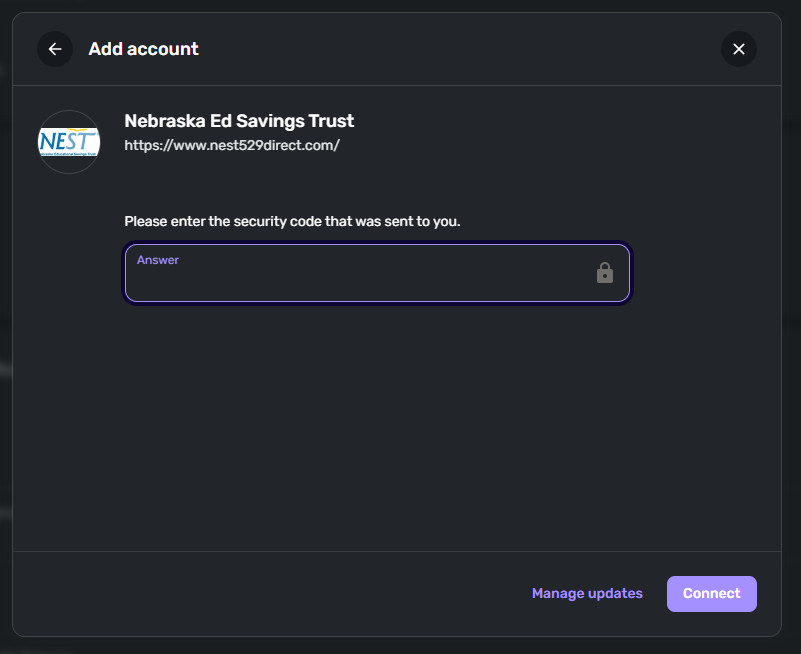
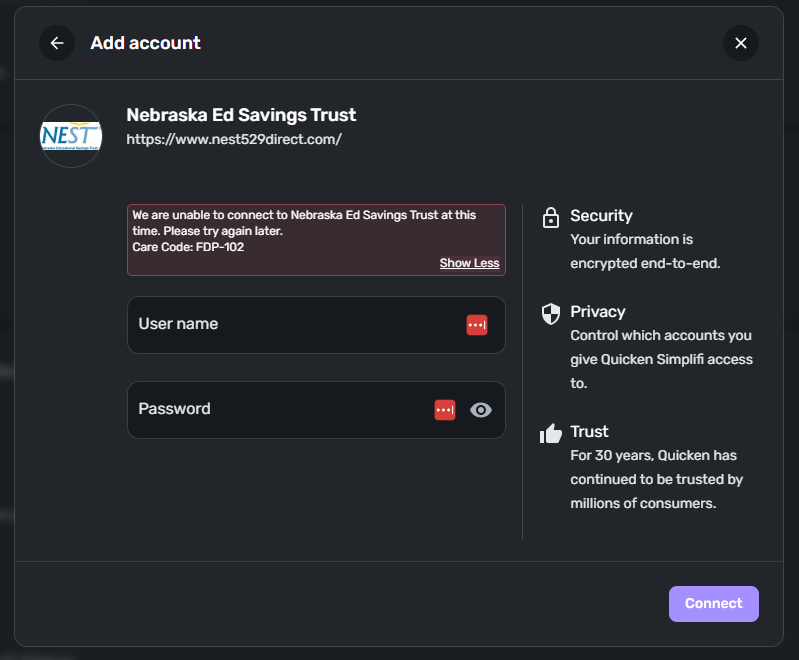
We are unable to connect to Nebraska Ed Savings Trust at this time. Please try again later.
Care Code: FDP-102
@adh289, thanks for posting to the Community with this issue!
When checking your connection attempts from our end, I can confirm the FDP-102 error with Nebraska Ed Savings Trust in Quicken Simplifi. It looks like this is your first time attempting to connect to this bank—is that right? If so, have you tried any of the other options listed in Quicken Simplifi?
Also, what is the exact URL you use to sign in to the bank's website directly?
Let us know!
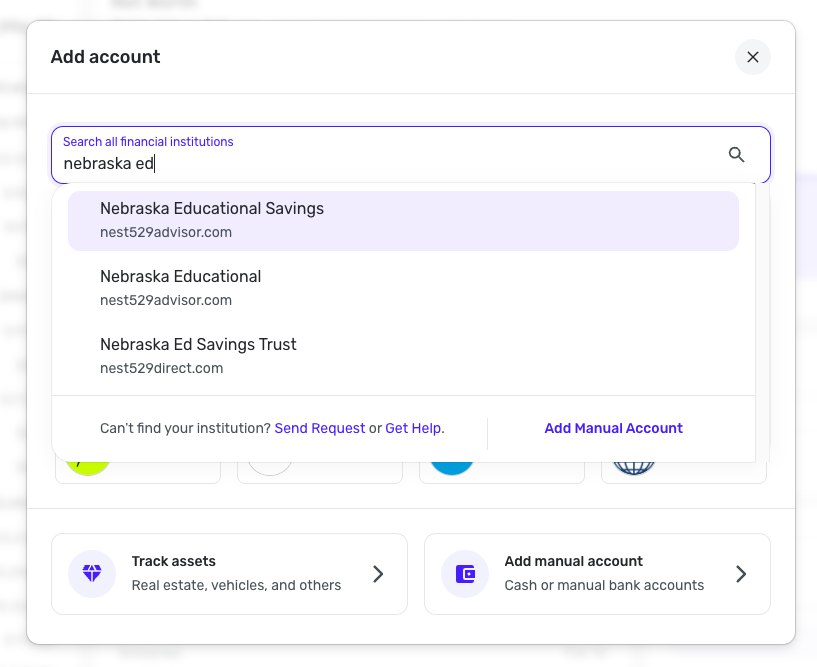
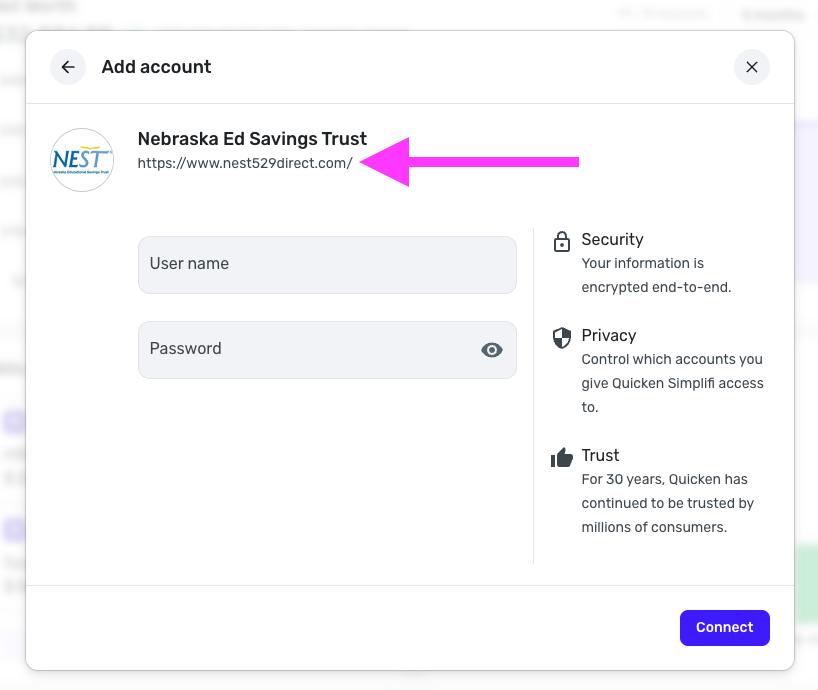
This issue has been open since March 2024. Simplifi team can you please fix this. The links you have as options when adding an account to either 1) "Nebraska Educational Savings (nest529advisor.com) and 2) Nebraska Ed Savings Trust (nest529direct.com) do not work. The correct login link for clients is https://portal.nest529.com/login
@Lionstone22, thanks for joining the discussion!
When checking your connection events from our end, I see an FDP-102 error with Nebraska Ed Savings Trust. Is this the same error you see in Quicken Simplifi? And is this your first time attempting to connect to this bank in Quicken Simplifi, or is the error occurring on an existing account?
When it comes to the URL, the one displayed in Quicken Simplifi is not always what's used to connect from the backend. With that said, however, I noticed that clicking on the URL for 'Nebraska Ed Savings Trust' in Quicken Simplifi pulls up a new page that directs to https://nest529.com/. .
When I click "Log In" from that page, I am directed to portal.nest529.com/login, which seems to be the same URL you provided above. When I open the URL you provided above, everything looks exactly the same. So, this should be the correct and matching bank option for you to use in Quicken Simplifi.
We look forward to hearing back from you!
Yes, this is the same error that I have been seeing for a long time. No it is not the first time attempting to connect. Previously, it was working using the URL www.nest529direct.com. Several months ago that connection stopped working with this error after MFA authentication. I won't pretend I know the root cause. Only that it hasn't worked in a very long time.
@Lionstone22, thank you for the reply!
When you click on the URL displayed for 'Nebraska Ed Savings Trust' in Quicken Simplifi, are you able to log in to the page that opens to the bank's website?
If so, I think we can confidently use this bank option to get this issue escalated for you. Let us know!
Using that link (that used to work with not issue) I get the following every time. I am 1000% sure the credentials are correct because I get the MFA token and can login directly on the website. I am also correctly inputting the token when prompted. The FDP-102 is the result I and others have been getting for months now.
This information was provided by another user in a different thread as far back as March 2024.
https://community.simplifimoney.com/discussion/comment/66303#Comment_66303?utm_source=community-search&utm_medium=organic-search&utm_term=nebraska
@Lionstone22, thanks for the reply!
Please follow the steps in my last comment to see if you can click the URL displayed for 'Nebraska Ed Savings Trust' in Quicken Simplifi, and then log in to the new page that opens to the bank's website.
Here are the steps to follow:
Additionally, the other thread you shared is a Missing Financial Institution Request, not an issue report. Since this financial institution is already available in Quicken Simplifi, we’ll go ahead and mark that request as completed. Just to clarify, Missing Financial Institution Requests are not the same as reporting an issue and aren’t used for issue tracking.
Let us know if you're able to log in to the bank's website when following these steps!
@Coach Natalie - Following your instructions takes me to the NEST529 website (https://nest529.com/). After I click Log In, it takes me to (https://portal.nest529.com/login). I can enter my credentials here and complete the MFA request successfully and then get into my accounts on their website.
As for the information from the other thread. I didn't start it, but it seems that user was having a similar issue. If your support plan is to close it as complete because they chose the wrong option when opening the thread, that is up to you.
All I am trying to do is get my 529 accounts reconnected to Simplifi. Same as others.
thanks,
@Lionstone22, thanks for giving those steps a try! That confirms you are using the correct bank option for your account in Quicken Simplifi.
With that, it looks like this issue has been added to our service provider's known issues list since we last spoke. It says that they need to schedule a debugging session with a user to further research the issue. If this is something you'd like to participate in, please provide the following data:
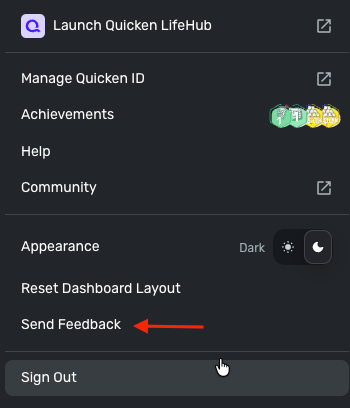
We will also need logs to be sent via the 'Send Feedback' option:
We look forward to hearing back from you on this!