Enhanced Reports: Share your feedback here!

Coach Natalie
Coach Natalie Administrator, Moderator admin
edited February 27 in Early Access User Feedback

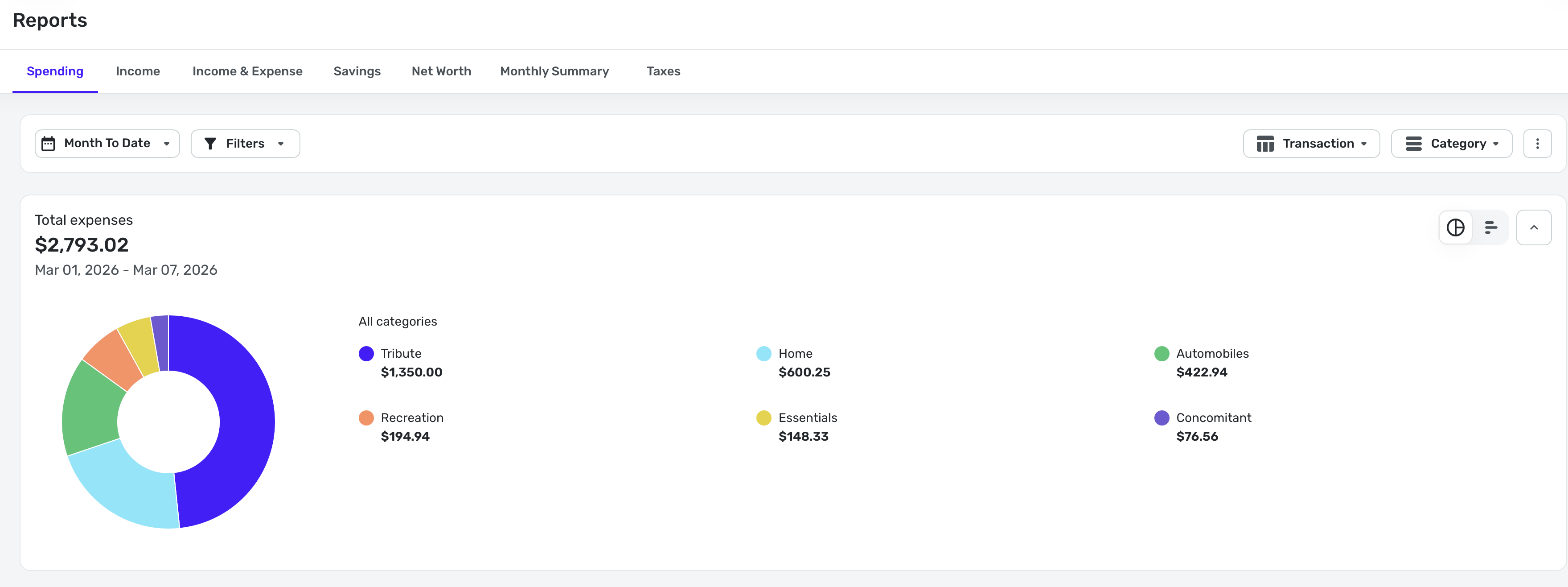
With the recent enhancements made to reports on both web and mobile—now available in Early Access—we’d love to hear your feedback! 🎉

These updates are part of our ongoing efforts to improve the reporting experience in Quicken Simplifi, and your insights play a huge role in helping us fine-tune what’s next.

You can check out the full announcement for this feature enhancement here:

-Coach Natalie

Comments

  • rosachin21k
    rosachin21k Member ✭✭✭
    edited February 27

    When running a report with a custom time frame, it would be highly beneficial to have a dynamic "Current Date" (or "Today") option for the "To" field. ​For example, if I want to track my spending from January 1st, 2020, to the present day, I currently have to manually input today's specific date. If I run the same report tomorrow, I have to update the end date again. Adding a "Current Date" option would eliminate the need to manually adjust the dates every time a recurring report is run.

  • Coach Marcus
    Coach Marcus Moderator admin

    Yes, this is a great idea. I'm on the product management team, and I'll write up a ticket to get this into the features we consider for the future. Our top focus is getting everyone the ability to save reports first, but after that, we'll be open to lots of report enhancements, such as the one you propose above.

  • Coach Marcus
    Coach Marcus Moderator admin

    I want to highlight a few current issues, how to address them, and some upcoming changes.

    “No Data” appearing in reports - Some users are seeing a “No Data” screen in the Spending, Income, and Savings reports, even when data exists. Clicking Reset will resolve this. During this transition, some reports expect specific configuration elements. If those elements are missing, the report can’t render and displays “No Data” instead.

    Report type and row/column settings are reverting to the default configuration for beta users - As we update configurations to automatically add the missing elements (and reduce the issue above), some beta reports will reset. We’re able to preserve filter settings and date ranges, but report type and row/column selections will return to their defaults.

    Unfortunately, this will happen again when we turn on the new reports for all customers, which is currently planned for the second week of March. We apologize for the inconvenience.

    Upcoming change to account grouping logic - For Profit & Loss (Income & Expense), Spending, and Income reports grouped by Accounts, we currently determine whether transactions appear under Business or Personal based on the account’s designation.

    In a couple of weeks, we’ll switch to using the transaction’s usage instead. This means that if a personal account contains both business and personal transactions, all transactions will appear in the report according to their individual usage.

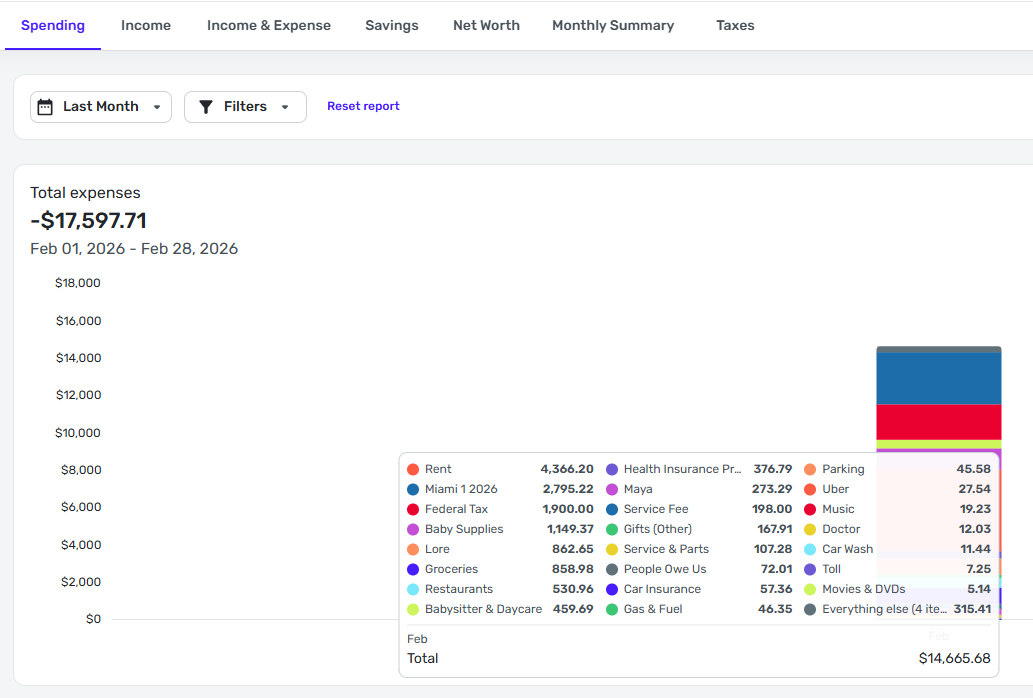
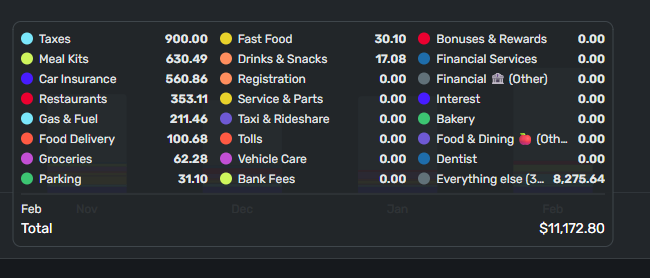
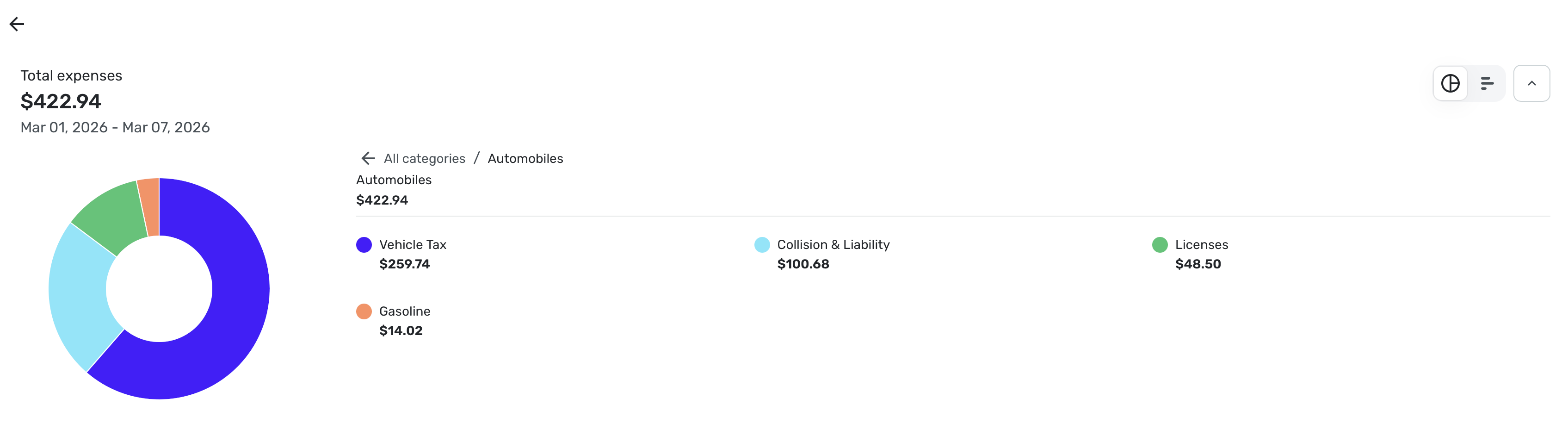
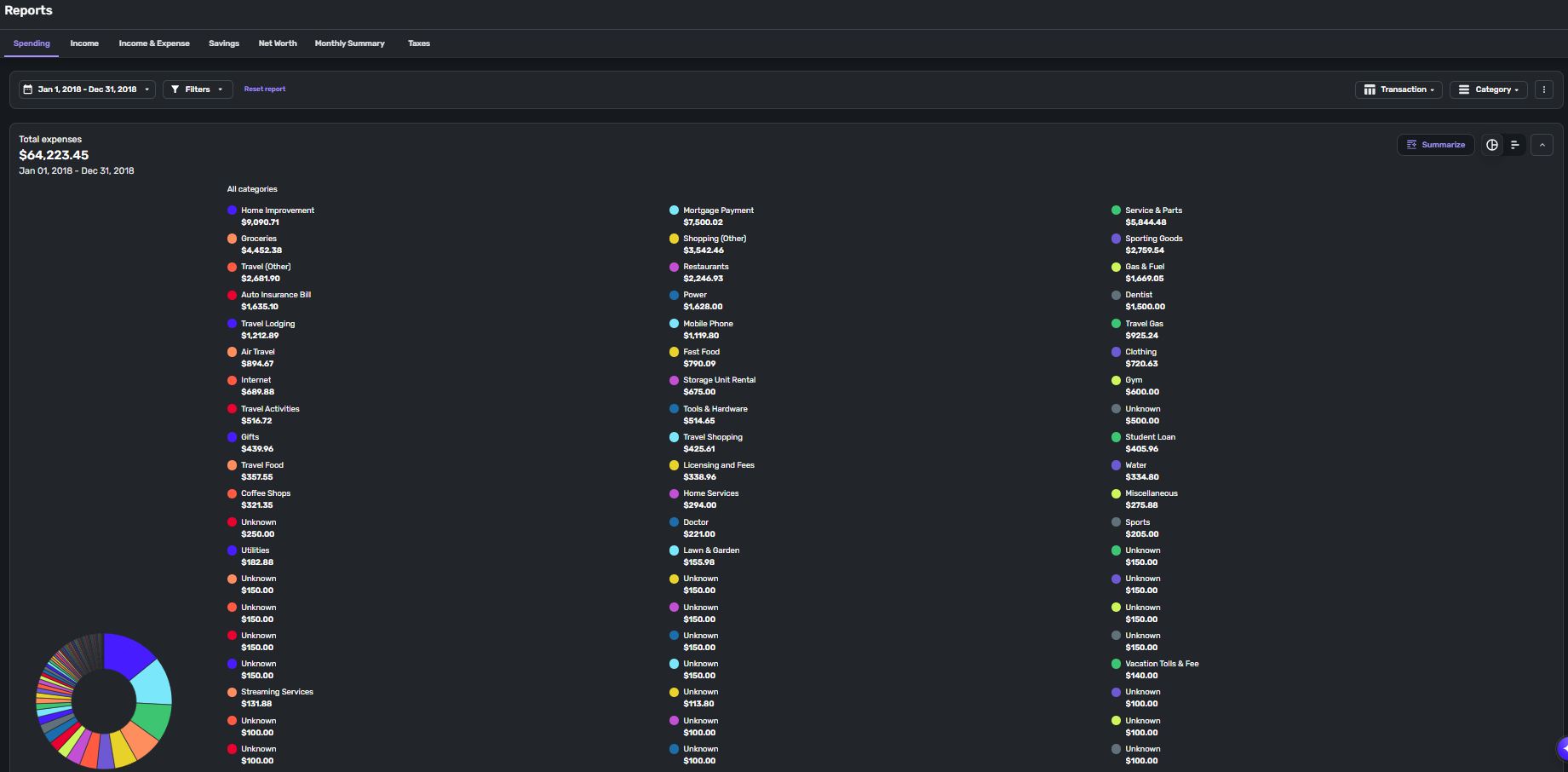
    Pie Chart Improvements - Currently, the pie chart may display categories twice. This happens when a category is both a Business and a Personal category. The fix we're making is to include whether a category is Business or Personal in the pie chart legend so you can distinguish between the 2.

    Net Worth Balance Improvements - Currently, we always use the Bank balance when calculating Net Worth. A number of customers asked us to change this behavior and to use Balance with Pending if they are using that balance.

    We're sorry for the inconvenience this may be causing, but we hope you'll like the report improvements. We're trying to minimize the changes, but unfortunately, some can't be avoided.

  • Forteleza
    Forteleza Member ✭✭

    @Coach Jon asked me to leave a comment here about Spending Report on iPadOS 18.7.3 Not Changing Transactions List When Selecting another Category. I have tried resetting the report but the subject functionality still fails. Changing any of the Date Range or Group By filters doesn’t seem to make this feature work either. Please investigate? Thank you.

  • DryHeat
    DryHeat Superuser ✭✭✭✭
    edited February 27

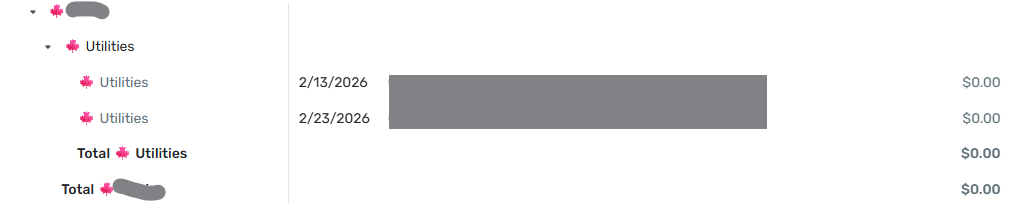
    Choosing "Show all categories" shows a Category in the bar graph even though that Category only has transactions that have been excluded from Spending Plan and Reports.

    I have a Category with two transactions in the selected period. Both are marked as "Exclude from: Reports." That Category total shows up in the report (both in the bar graph and in the detail list) with an amount of $0.00. The two individual transactions show up in the detail list with amounts of $0.00. The actual amounts of those transactions are not zero.

    DryHeat
    -Quicken Classic (1990-2020), CountAbout (2021-2024), Simplifi (2025-…)

  • Coach Natalie
    Coach Natalie Administrator, Moderator admin

    @DryHeat, since the feature you're referencing is related to the new Enhanced Reports, which are currently in Early Access testing, your post has been merged with the official feedback thread so it can be viewed by our product team.

    Thank you for bringing this to our attention! We will let you know if any further info is needed.

    -Coach Natalie