This discussion was created from comments split from:
Transactions Stopped Downloading - Wells Fargo and Discover (edited).
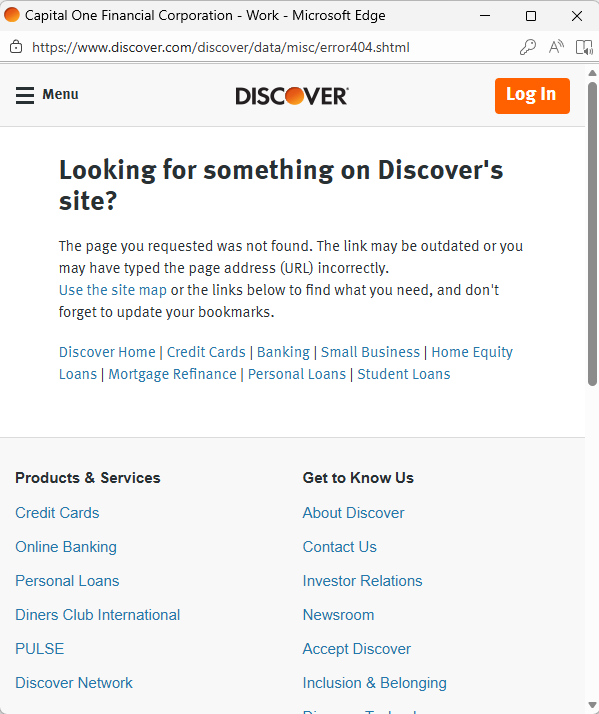
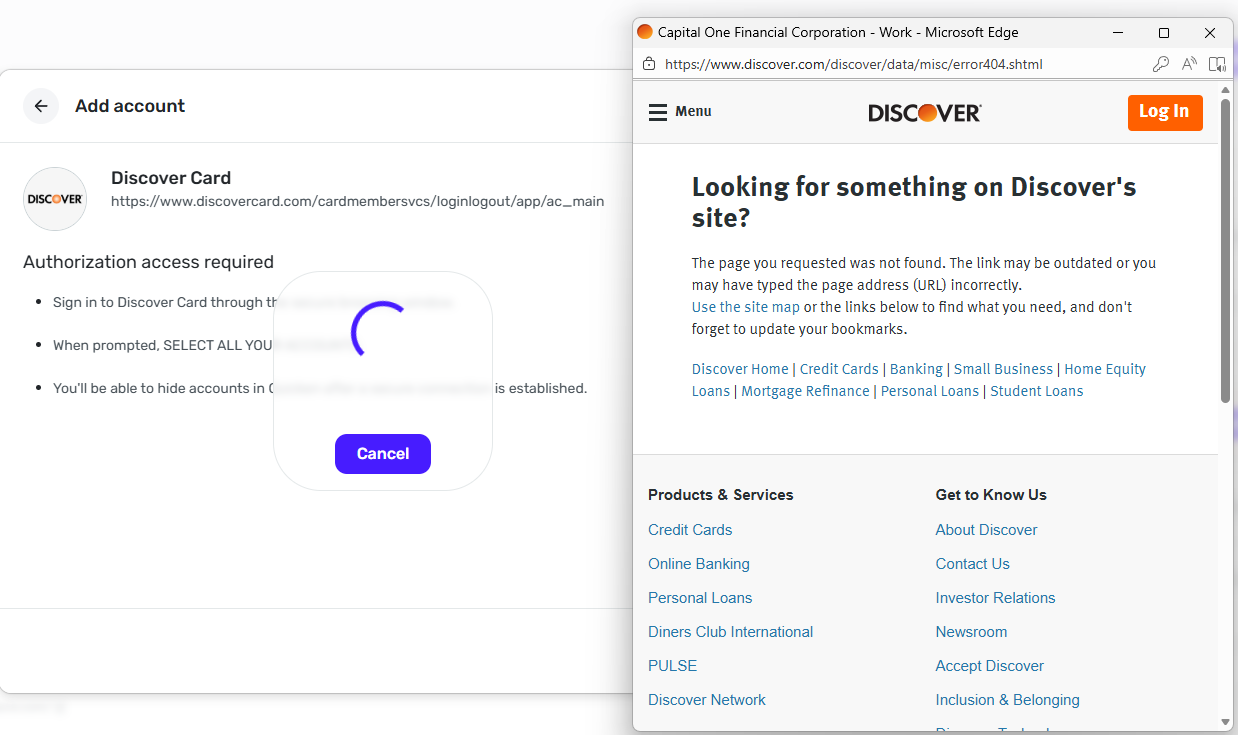
This is what I get when I try to reconnect the account.
@crt2338, thanks for reaching out to the Community!
When checking your connection attempts with Discover from our end, I see you are using a discontinued bank option. Please follow these steps to make your Discover accounts manual and link them back up with the correct "Discover Card" bank option in Quicken Simplifi:
Let us know how things go!
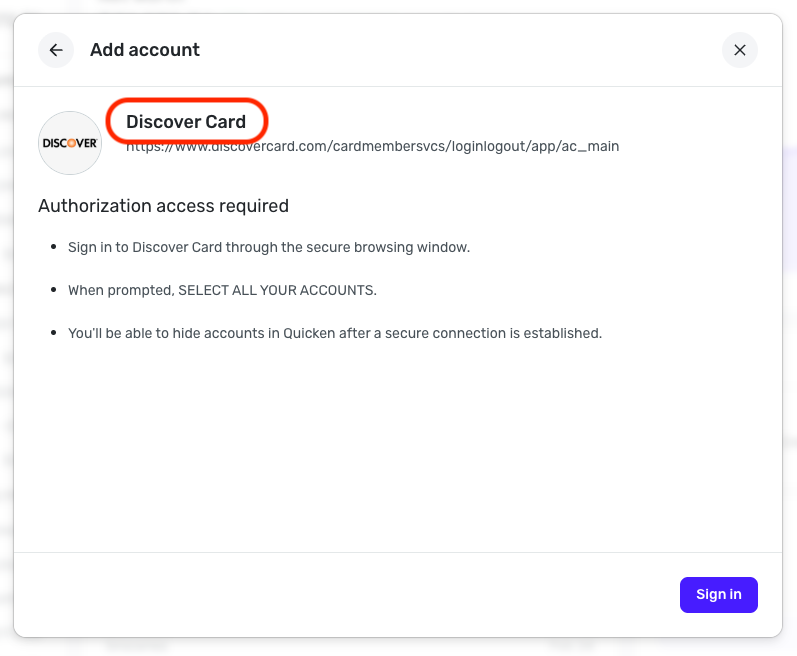
This is the bank option I used with the same outcome.
@crt2338, thank you for giving the Discover Card bank option a try and posting back!
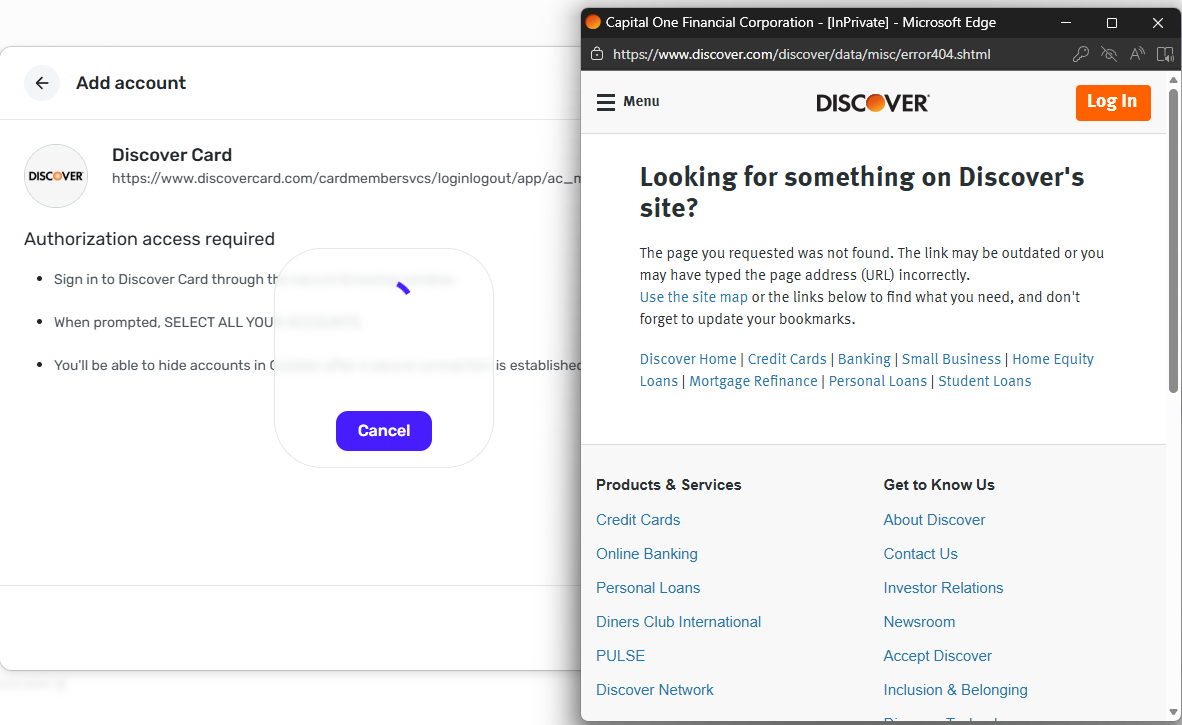
The Discover Card attempts aren't reaching our systems, so you're not even getting that far in the connection/authorization process. I would recommend trying from a different browser or in incognito/private mode in case something in your primary browser is blocking Discover's authorization flow.
Let us know if this works for you!
Same result. I have also tried adding from my IOS device as well with the same result.
@crt2338, thank you for that!
Since the message is being displayed on Discover's webpage and the connection attempts aren't hitting our systems, this definitely seems like it could be on Discover's end. I would recommend trying outside peak hours, such as this evening, to see if doing so makes a difference.
In case you are being impacted by the issue outlined here, I would also recommend trying to connect the accounts to Capital One's API:
You can follow the same steps I posted above to make the accounts manual, and then choose "Capital One", or maybe even "Capital One Card Services" for step 2.
Let us know!