Team
I tried to add two new Citibank account but the authentication interface between Simplifi and Citi is failing.
Hello @nrp06,
Thanks for reaching out! I am not seeing an error for you when checking from our side. Can you let us know what error you are experiencing when trying to connect? Additionally, is it specifically Citibank you are trying to connect to, or is it a Citi Retail card?
I ask because we do have an ongoing known issue with Citi Retail Cards that you can follow here if you are experiencing this issue:
Let us know!
Hi, thank you.
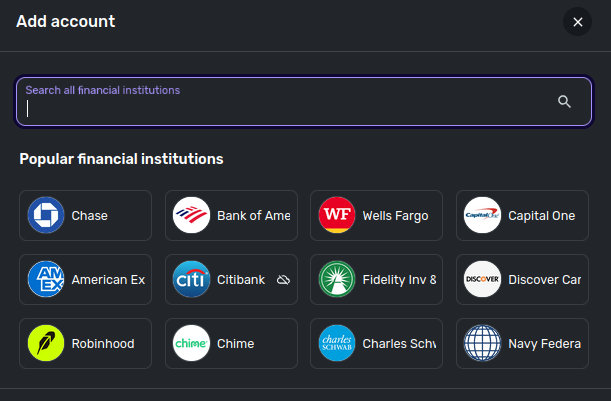
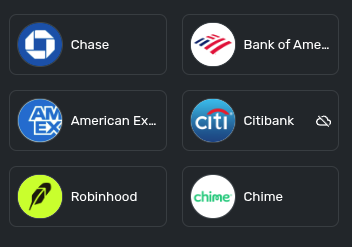
It is not a Citi Retail Card. It is regular Citibank card. Notice that on the Citibank logo I see a crossed cloud icon, maybe showing that they are having a connection issue. I'm not sure.
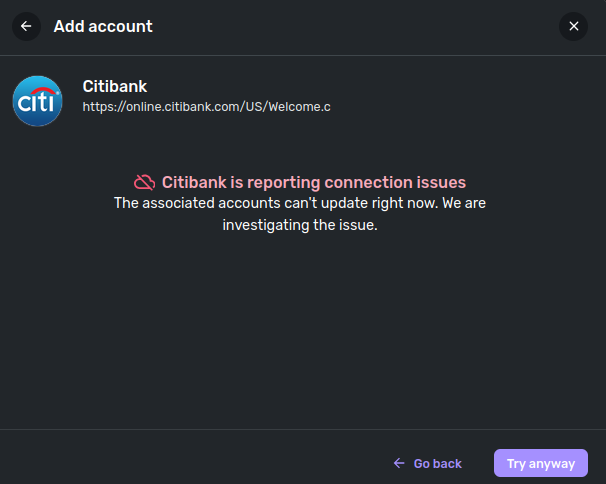
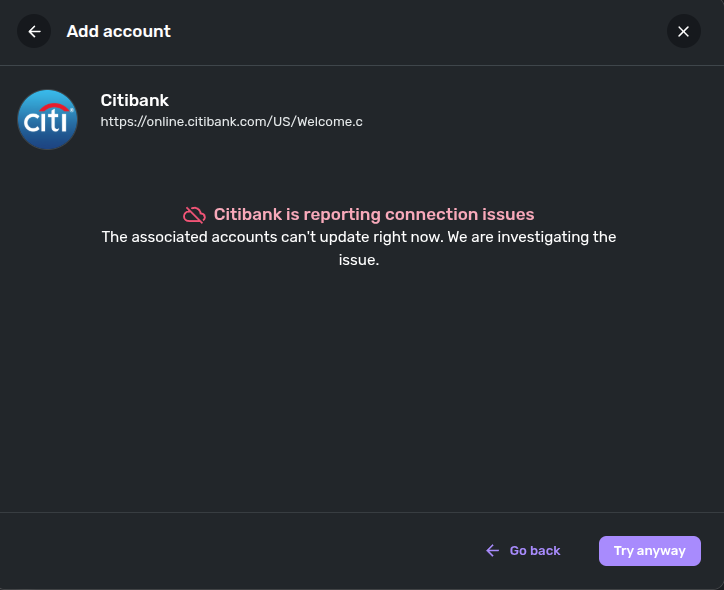
When I click on that icon, this is what I see.
So is this only me? Can't you replicate this?
I tried on different browsers. The results are the same.
Thanks for the reply! I am still not seeing any errors for you from our side. If you select the "Try anyway" button in the bottom right of your screenshot, can you try connecting and see if you receive an error?
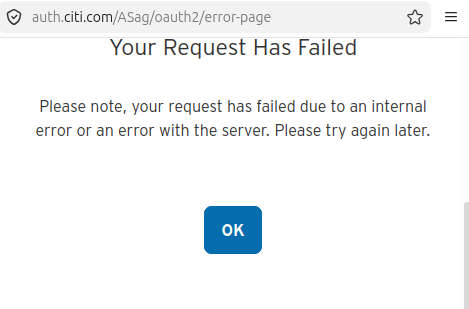
This is the result.
Can you please try it yourself? You should be able to replicate this error easily.
Since Citibank uses an OAuth connection, the only thing I would be able to reproduce is being directed to their OAuth sign-on page from Quicken Simplifi.
Can you let us know whether you have connected any Citibank accounts in Quicken Simplifi before? If you have, I would see if the following steps work to resolve the issue:
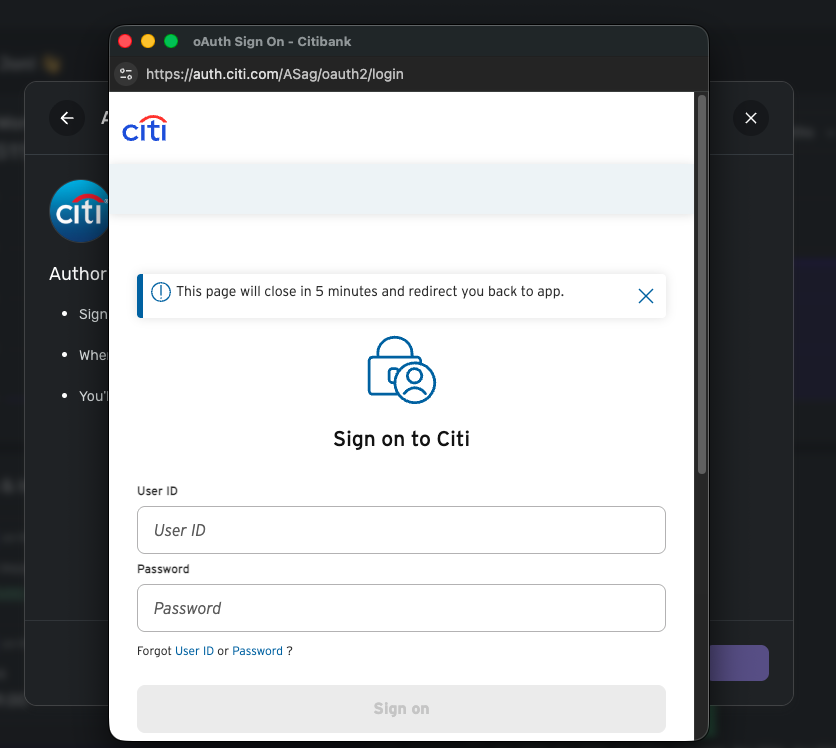
Correct,
On this screen, if you type your username and password, you get that error message that I shared before.
My username and password are ok. If I log in directly on the bank website, they work just fine.
I tried your procedure. Did not work. Same results.
What I would like to ask you is to reach out to whoever is in charge of the connectors and ask why the Citibank logo shows with a Crossed Cloud.
This seems to be an acknowledgement that you have some problem.
Citibank is the only one with the cloud icon.
Can you please find out what this means?
The cloud icon is simply a visual reminder that the bank is temporarily unavailable for download, and is a common occurrence during peak periods for some banks.
I would suggest ignoring the cloud icon in the meantime and trying from another web browser/incognito mode to see if that works. You can also try connecting outside of peak hours, like over the weekend, to see if you have an easier time connecting then. Let us know!
Can you please report this to the team that work on these connectors?
This was the result.
It says "we are investigating the issue". Who is we? Is it you guys, support?
That would be our service providers and us investigating in this case, yes. This can include many different things. These kinds of issues are usually temporary, and when they are not, we generally post an alert explaining why. I would still suggest trying outside peak hours to verify whether you can connect at that time, and also trying from a separate browser.
Thank you for your patience!
I tried early today, a Saturday. Including in incognito mode. Same error.
Have you asked your provider if they indeed confirm the problem? I don't want to invest time trying to fix things if the problem is not here.
Please let me know.
Thank you for your reply,
To clarify, do you encounter the same issue in the mobile app, or does this happen only in the web app?
Thank you!
Same issue. Citibank does not connect no matter what I try.
Thank you for the update. To confirm, are you still receiving the "Your Request Has Failed" error you shared previously when trying to connect after clicking "Try anyway"? Are you able to enter your credentials before receiving this error, or does it appear beforehand?
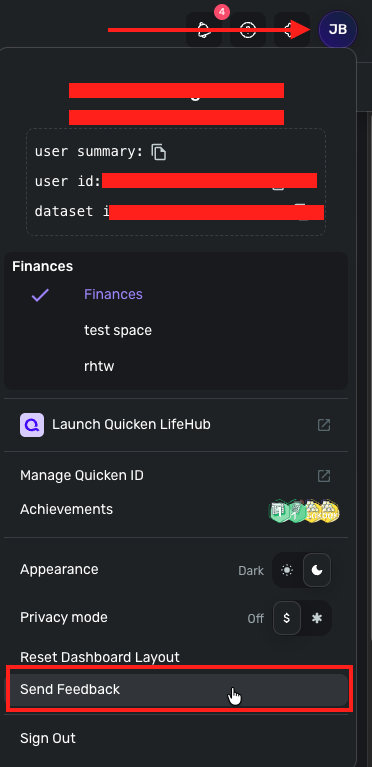
Please also supply logs for us:
Coach Jon,
With all due respect, this issue is readily reproducible on your end. Any attempt to add a Citibank account fails. I confirmed this by asking another Simplifi user to try, and they experienced the exact same result.
The questions being directed back to me are ones your team should be able to answer independently. This is why I am concerned about the effectiveness of the support process and the role of this community. Similar issues I have reported in the past, all easy to replicate, did not appear to receive meaningful follow through. From my perspective, there seems to be an overreliance on users to perform troubleshooting that should be handled internally by your team and the support organization.
Given your customer base and the likelihood that many are Citi users, combined with your own system message indicating connection problems, it is reasonable to expect a more proactive approach and a sense or ownership. I would ask that your team investigate and address this issue directly to prevent others from encountering the same problem. You would be benefiting the entire Simplifi user community.
Thanks for the reply! I can understand where you are coming from; however, we will need the information I requested in order to escalate this issue. This is not something I can reproduce from my side, which is why this information has been requested. Be sure to let us know if you would like to continue.
Additionally, you can always reach out to our support team directly via chat/phone if you would rather go that route. https://support.simplifi.quicken.com/en/articles/5077917-how-to-contact-support#h_60f30eda99