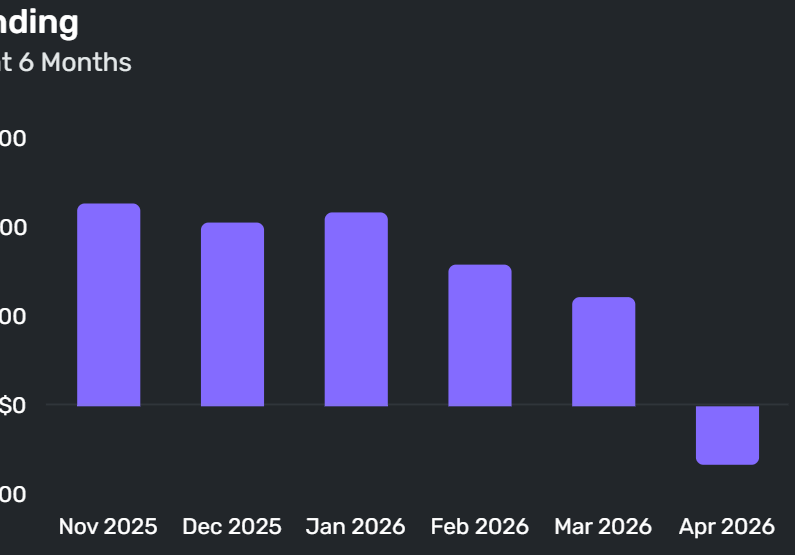
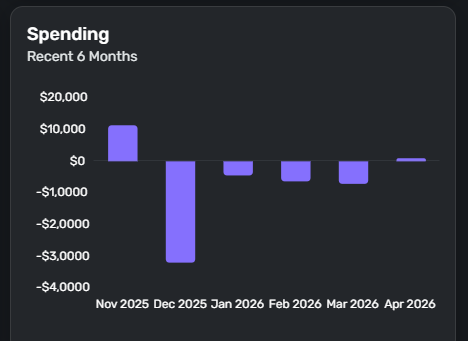
While researching a large anomaly in the "Spending" dashboard widget (see first image),
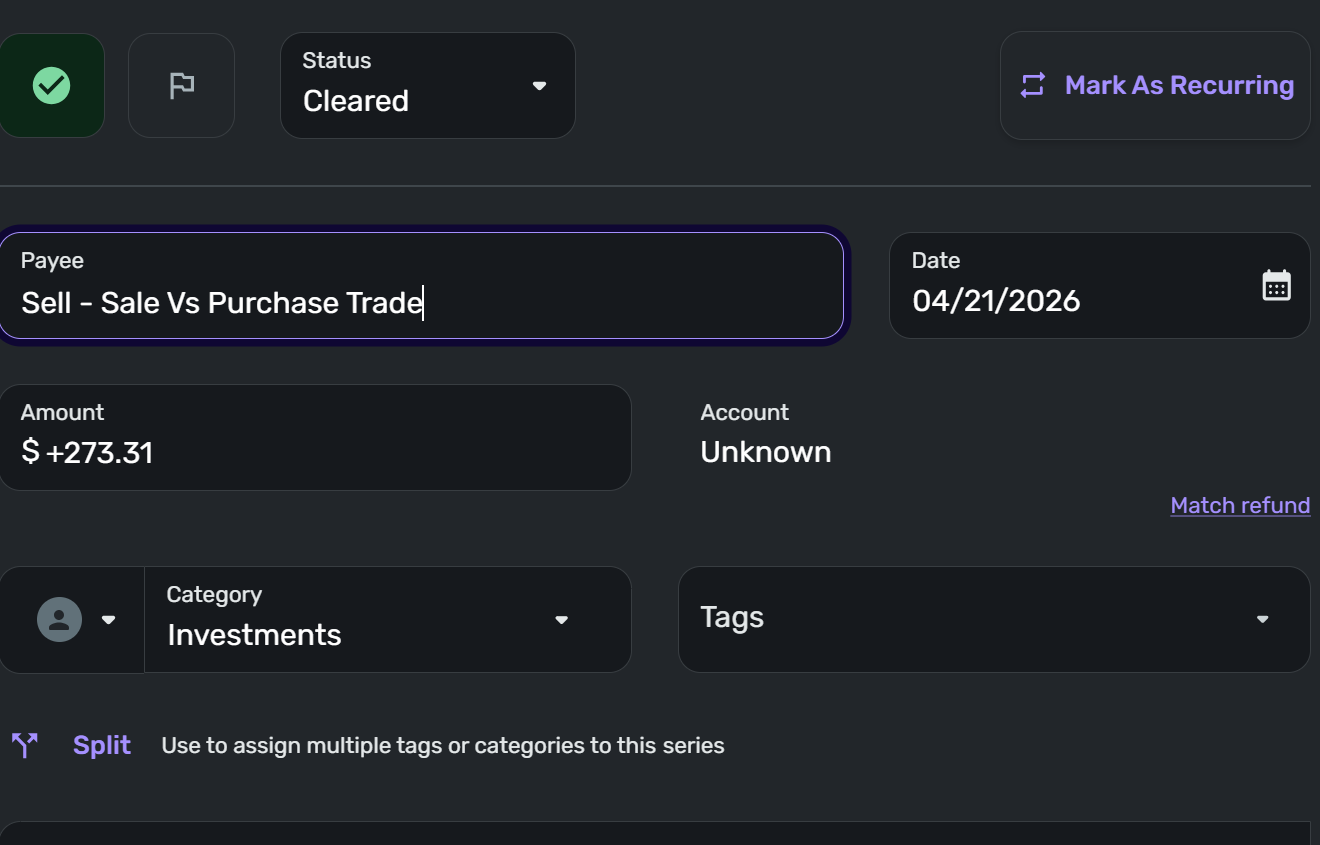
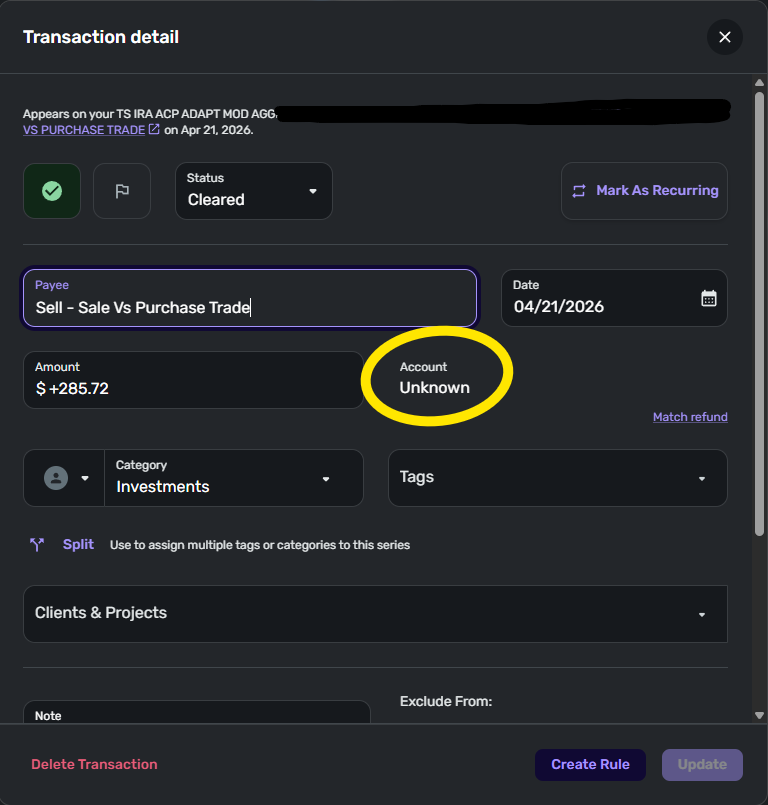
I discovered a significant number of transactions in that month (and more in prior months) assigned to the account "Unknown":
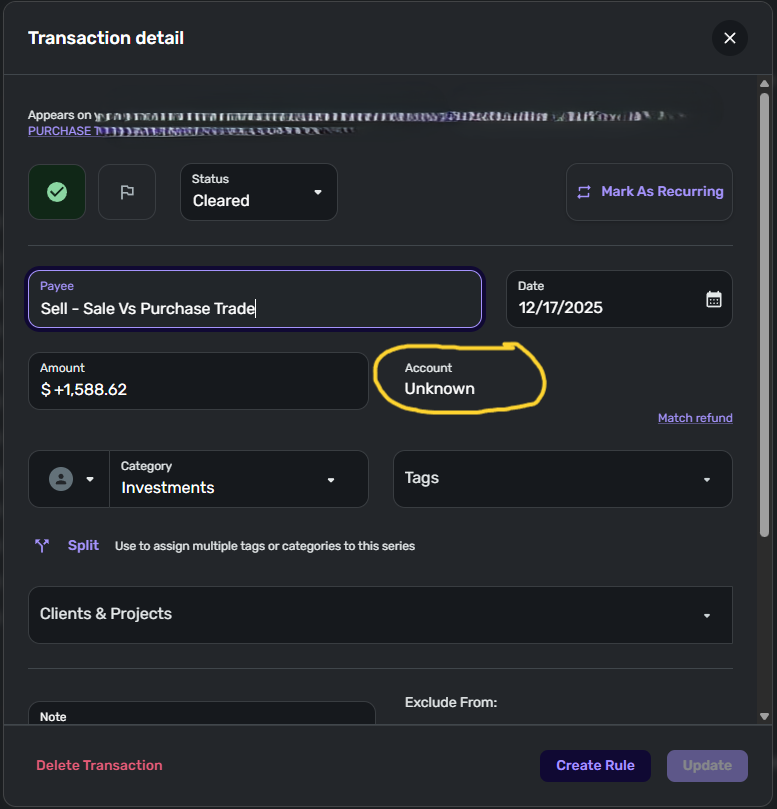
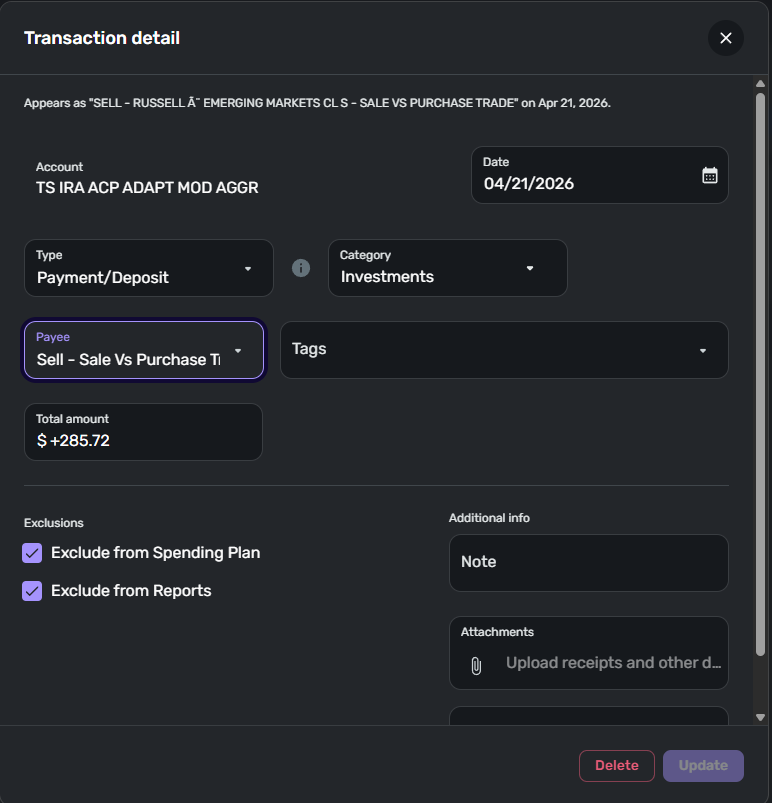
The correct account these transactions should have been in was marked "Excluded" from Spending Plan and Reports, so the transactions should not have been visible in the Dashboard in the first place.
Upon further investigation, these transactions do not appear to be duplicates. I can tell which account they should be in (many are investment transactions), but you cannot navigate to this "Unknown" account to fix the transactions. Nor can I cannot find where to search for all transactions in an "Unknown" account without just bumping into anomalies.
How do I search for these transactions, and how can they can be added back to the correct account? Their existence means I cannot trust any dashboards or reporting data in Simplifi 🙁