This discussion was created from comments split from:
Remember the expanded/collapsed state for the Projected Cash Flow/Upcoming section (edited).
Another idea : A simple button or option to "collapse all accounts" , either on the dashboard or as a persistent option in settings, would be really helpful. Even if I have to press it every time, at least it's easier than closing each account stack one at a time.
This would be a great addition to managing the appearance of the Accounts list along with enhancing the ability to quickly locate a particular account. Ideally, in addition to this ability it would be great for QS to remember my selection of expanded and collapsed states for my various account categories in the list.
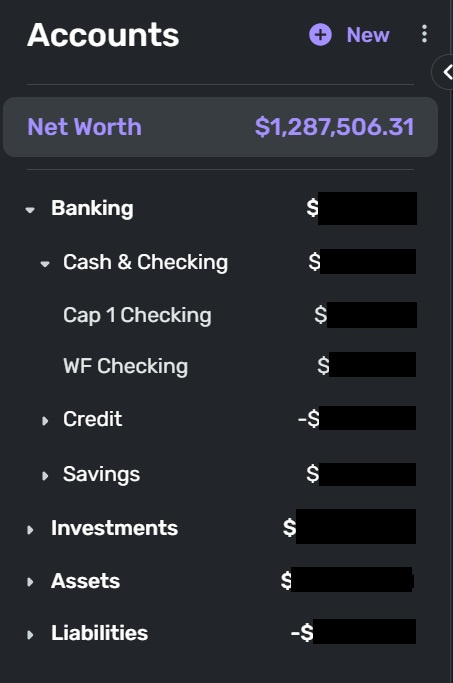
This is how I would like my Accounts list to appear every time I open QS without having to collapse categories every time I log on (which I don't do since I don't want to take the time to do it).
Currently the Accounts list is fully expanded showing all account categories along with all accounts.
A collapsed or partially collapsed list presents a cleaner look and feel to the Dashboard and Transaction landing pages.