Deleted Recurring Series Not Deleting

I am seeing an issue where I put in a hypothetical bill that I was considering entering into agreement with. I added it as a recurring bill to see how it affects the account forecast. After deleting the series once I reviewed the outcome, the series is still in the system as reminders for the next 12 months. It does not show up in the "All Recurring" tab, but when scrolling the cash flow and review the entries, the series is now been converted to 12 "one time payment" entries, and I have to go through and delete each one individually. Please Advise on this. This happened with an income and expense recurring entry.
Comments
-
Hello @jflores11,
Thanks for reaching out! Were you able to delete the 12 individual entries that showed up, or are they still showing in the program? When deleting the series the first time, did the 12 individual entries show up immediately or after signing back in at a later time? Can you please provide screenshots showing the issue if it still exists?
-Coach Jon
-Coach Jon
0 -
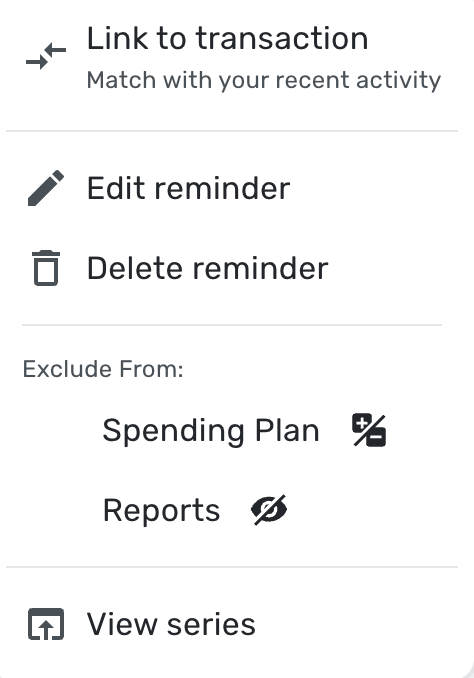
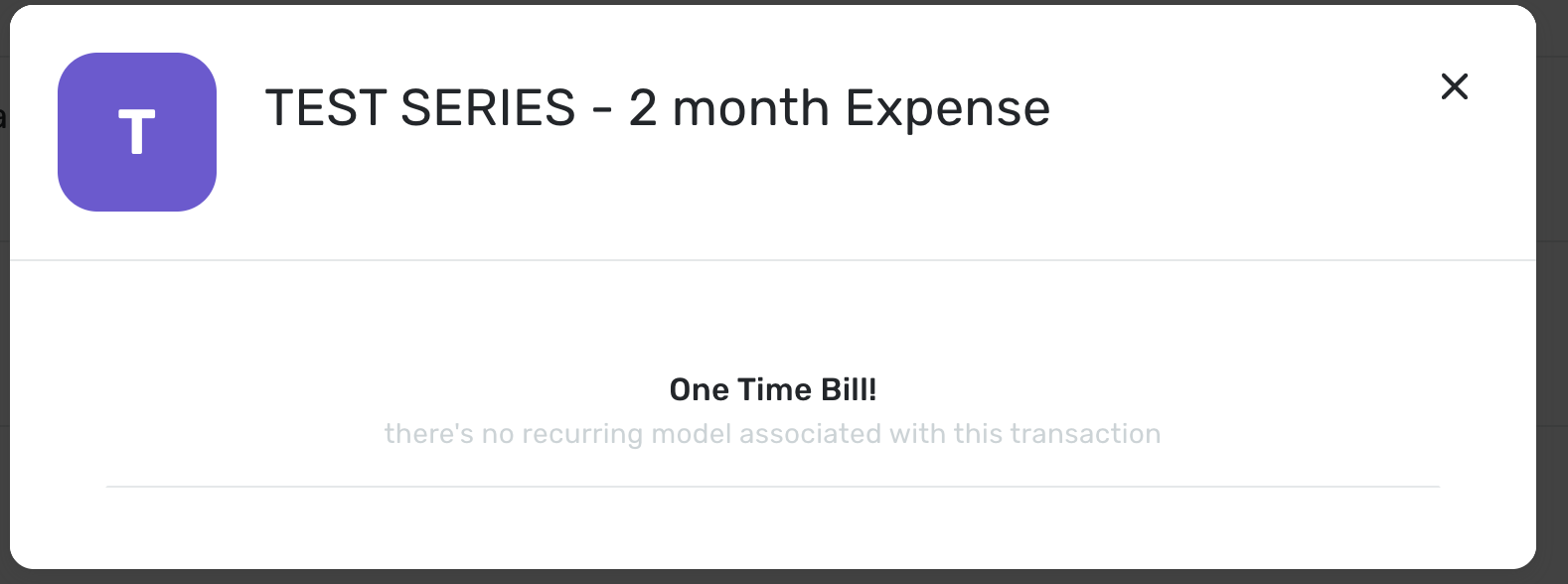
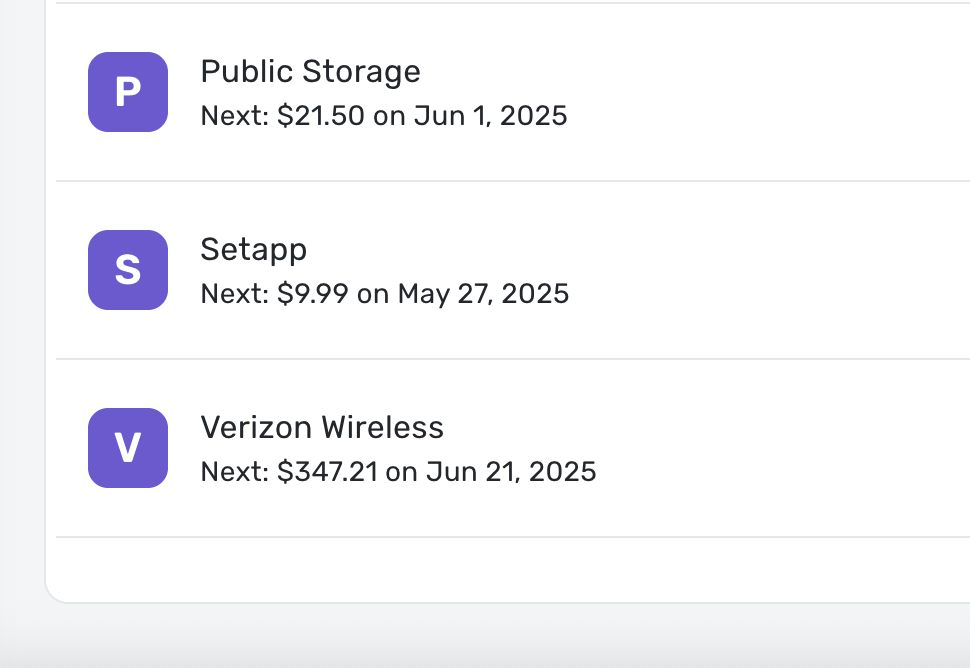
Hello @Coach Jon, yes I had to delete each one individually. There were several others that were there as well. I was creating different "scenarios" and reviewing how those payments and incomes would affect the cash flow. When I deleted the different series, several of them were still appearing on the cash flow. When I clicked "View series" on the individual item, it shows up as a one time payment. I did a "test series" just recently, screenshots below, and I deleted it. It disappeared initially and all the events on the cash flow were gone, but after logging back in, the events on the cash flow re-appeared. In the screenshots, I show where the test series would be in the "all recurring" tab. Its not there, as its been deleted, but the cash flow screenshot shows it marked as a "one time payment" now. Please advise.

 0
0 -
Hello @jflores11,
Thanks for letting us know! We do have an alert for this issue that you can follow for updates here:
It looks like it was just updated today, and a fix for this issue is expected with the 4.62.0 Web Release!
-Coach Jon
-Coach Jon
1 -
Hello @jflores11,
I am just checking in to see if this issue is still occurring for you within Quicken Simplifi? Please let us know so that we can bring this information back to our product team!
-Coach Jon
-Coach Jon
0 -
Yes, the linked account still incorrectly shows a zero balance.
0 -
No, different topic.
0

