Is there a problem with Acorns syncing?

I have had no luck trying to resync Acorns to Quicken Simplifi. I have done everything I did in the past, but all I get is the "Still Working" screen once I log in and it never stops or connects.
Any suggestions?
Comments
-
Hello,
I am not getting an error; I am just consistently getting this screen:
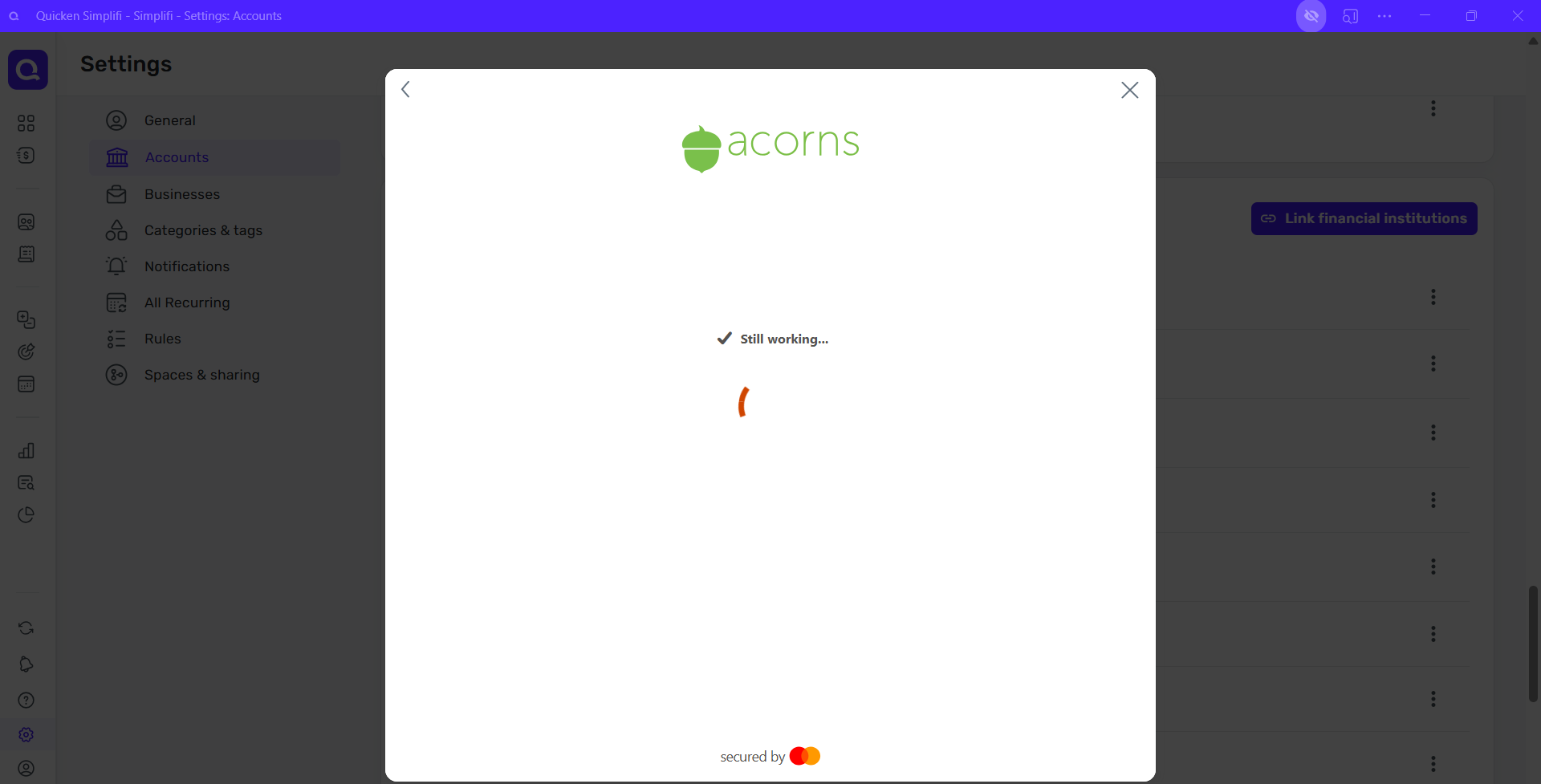
It never connects.
Thanks!
0 -
Hello @B_H,
Thanks for the reply. That is certainly strange. Can you please try connecting from another web browser/incognito mode to see if it works this way? Additionally, I would verify if you have a VPN or third-party program/extension currently set up that may be blocking the connection for some reason. Let us know!
-Coach Jon
-Coach Jon
0 -
Hello again,
I did try using Chrome instead of Edge, but no luck. I also disabled my pop-up blocker, cleared my cache, and even tried in private mode… no luck. All I get is the same screen for at least 5 minutes or more.
I am able to log into my Acorns account through their site with the information I am using in Quicken, so I don't believe it is their site.
0 -
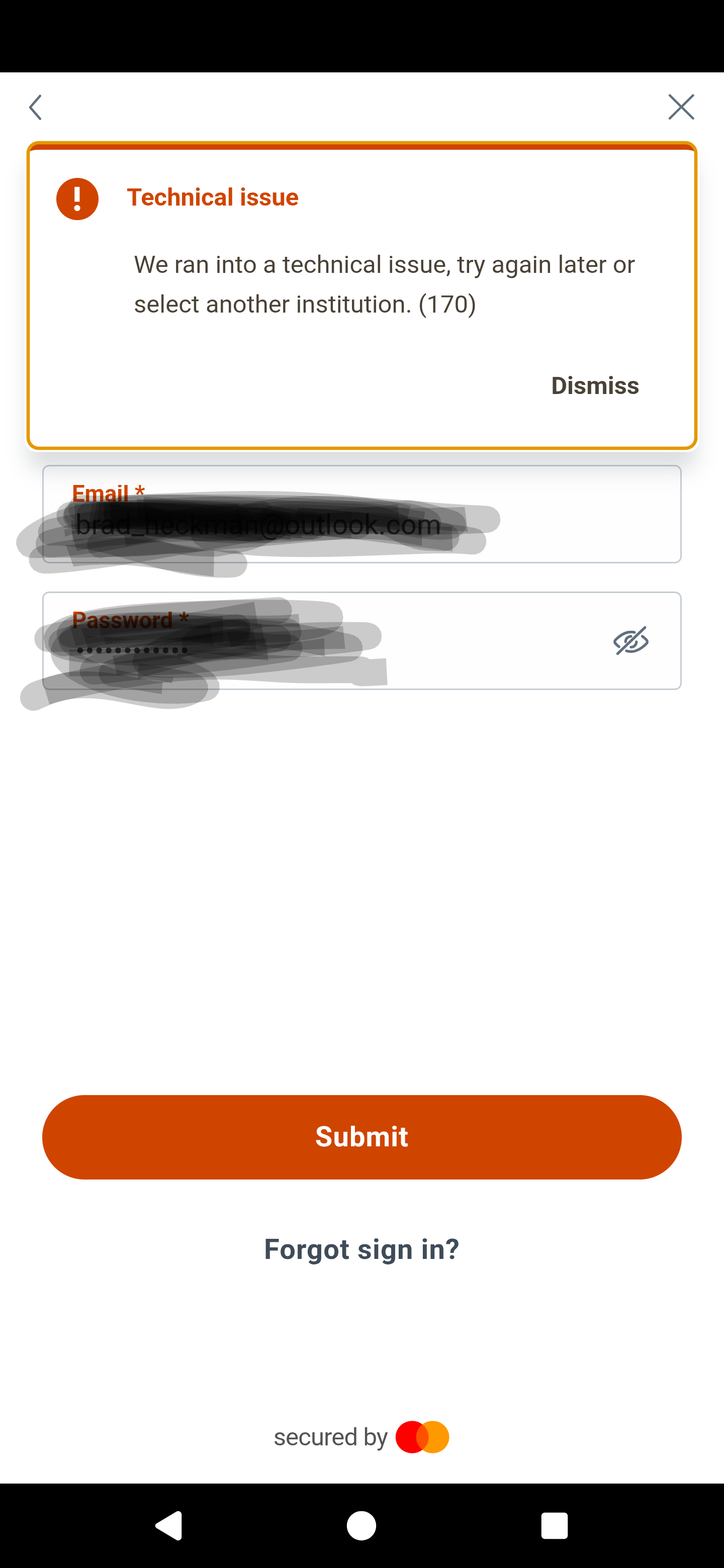
Here is what I am getting returned from my phone when I try to login :
 0
0 -
Hello @B_H,
Thanks for providing this screenshot. Can you also provide the following information when you can? Feel free to DM this information if you prefer.
- The name of the account(s), as it appears in Quicken Simplifi.
- The name of the account(s), as it appears on the bank's website.
- A screenshot of the Accounts Summary page from the bank's website that lists all accounts and balances (feel free to redact any personal info) and has a wide enough scope to show the page URL (this must be taken from a web browser and not a mobile browser).
We will also need logs.
- Log in to the Quicken Simplifi Web App.
- Select Profile from the left-hand navigation bar.
- With the Profile menu open, hold down the Option key for Mac or the Alt key for Windows, and then click Send Feedback.
- Leave all boxes checked, add a brief description of the issue, and then click Send.
-Coach Jon
-Coach Jon
0
