Freedom Mortgage Technical Error 11000

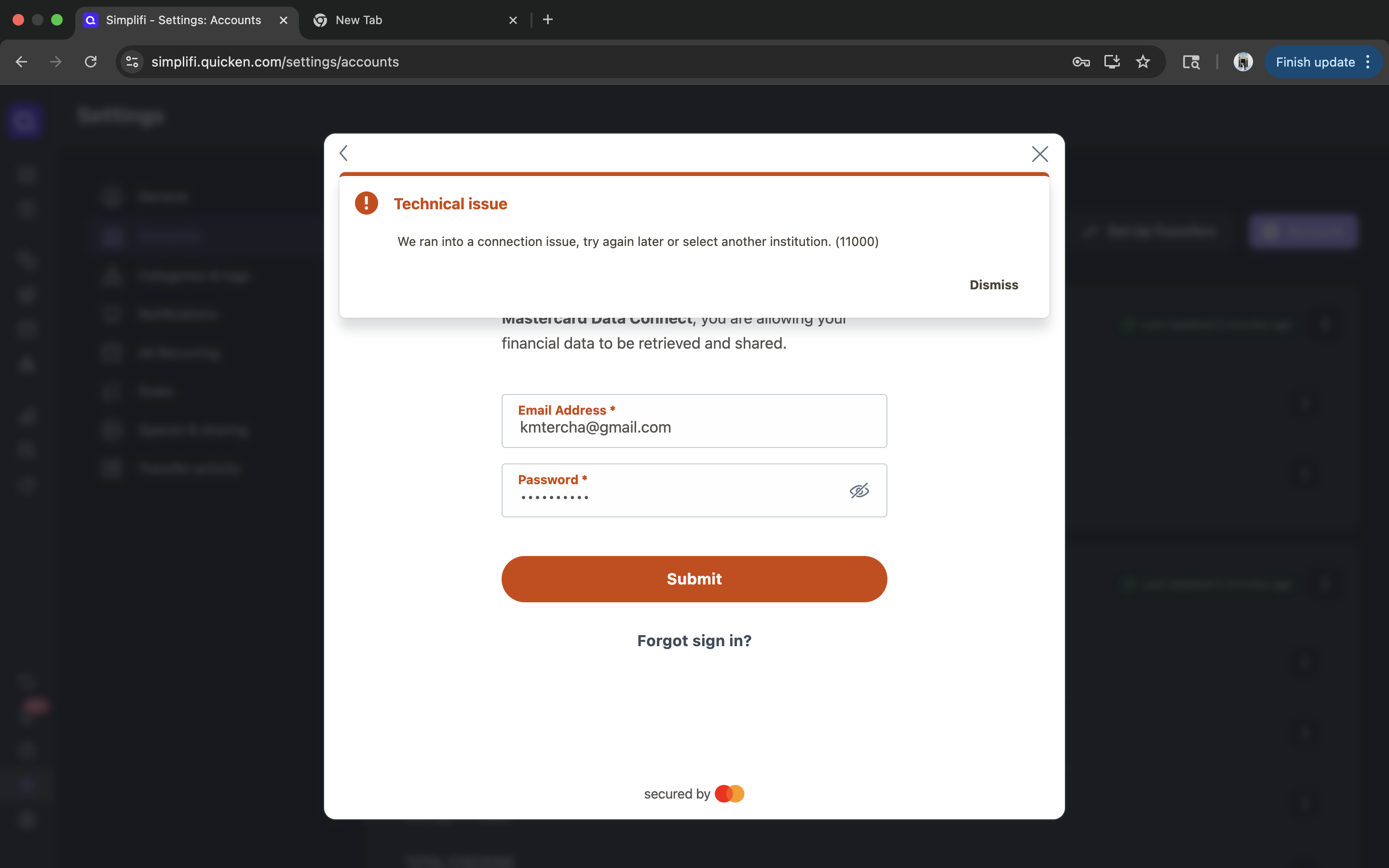
I am unable to establish a connection to my mortgage account with Freedom Mortgage. After the login and authentication I get technical error 11000. I've tried several browsers, and this is a new connection. I saw a nother members post with the same error and the last guidance was to disable the MFA on the Freedom side, which is not an option.
It should be noted that several days ago when i first tried to add this account i received a different error message (technical error 107). Any help is appreciated.
Comments
-
Hello @KTercha,
Thanks for reaching out. I cannot see the error you are receiving from our side, but if you are receiving a 11000 error, then we can look into getting this issue reported. Can you please provide the name of the account(s), as they appear on the bank's website, as well as a screenshot of the Accounts Summary page from the bank's website that has a wide enough scope to show the full page URL. This is the landing page after signing in, and typically lists all accounts and balances. You will want to take this from a web browser and not a mobile browser, as well as redact any private info such as account numbers.
We will also need logs if you can supply those:
- Log into the Quicken Simplifi Web App.
- Select Profile from the left-hand navigation bar.
- With the Profile menu open, hold down the Option key for Mac or the Alt key for Windows, and then click Send Feedback.
- Leave all boxes checked, add a brief description of the issue, and then click Send.
-Coach Jon
-Coach Jon
0 -
Thank you Jon! Below is the information requested.
Name of the account: Mortgage - 7547
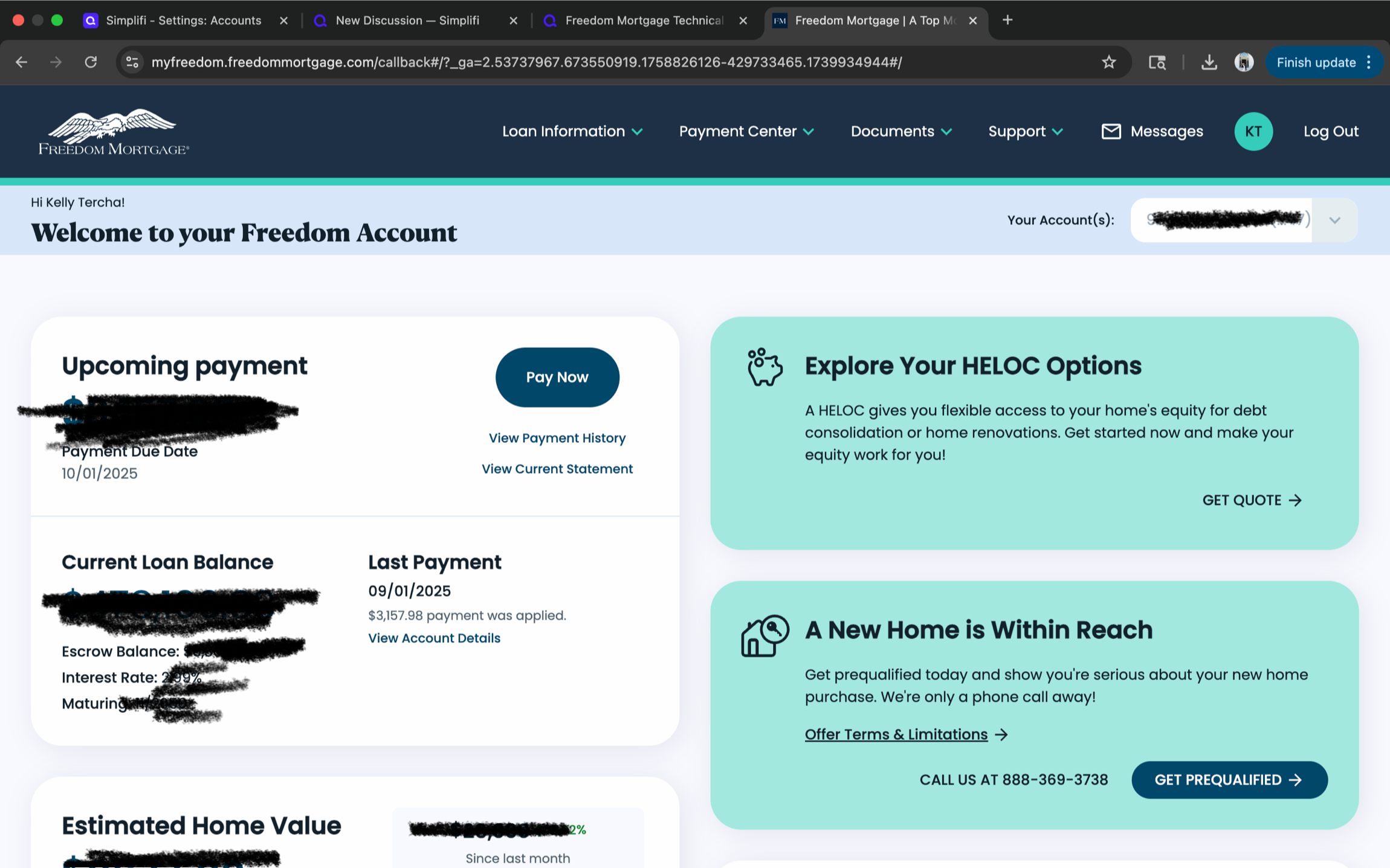
This is the landing page when you first sign in. Its a dashboard view:
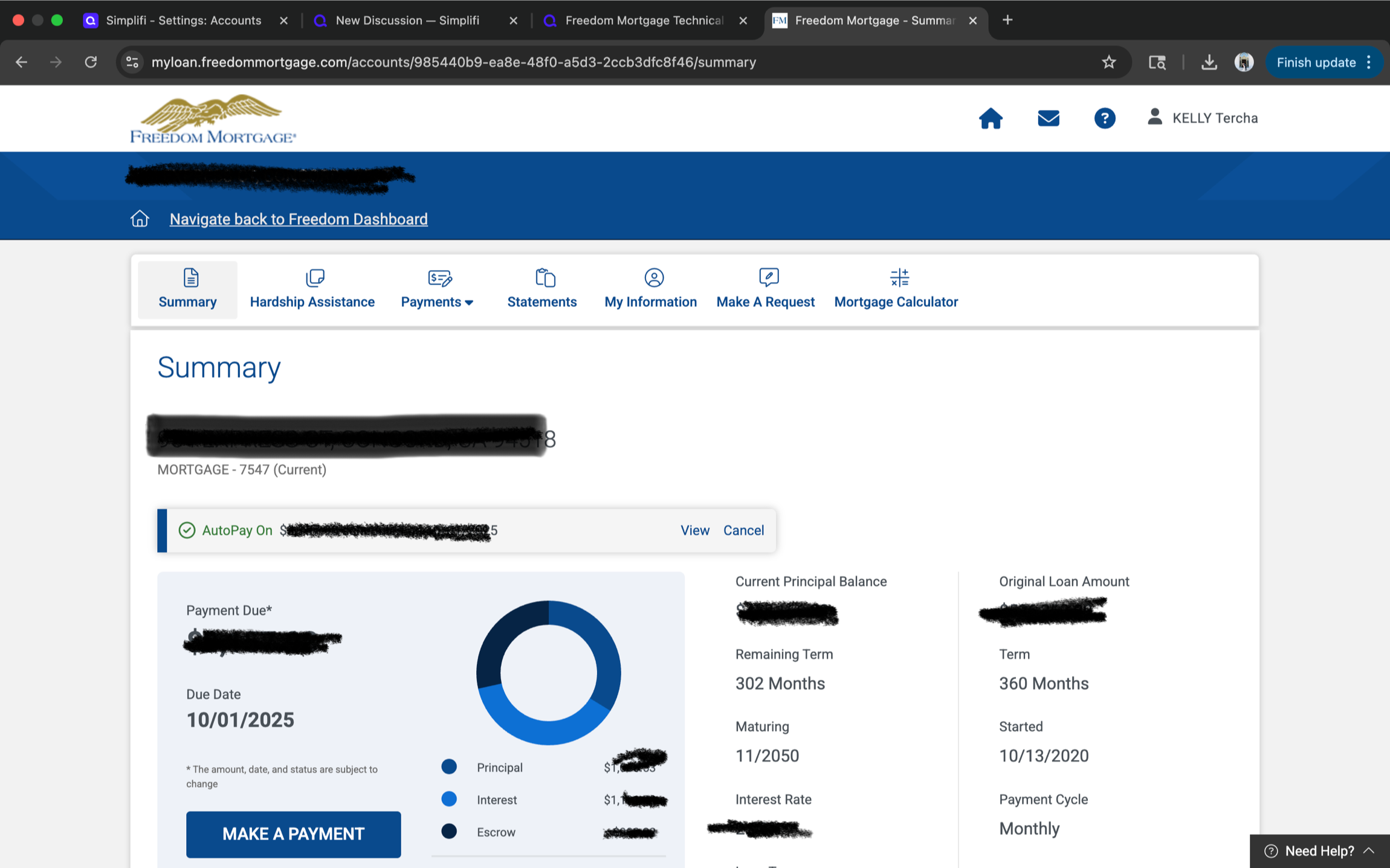
This is the account summary page which you can navigate to after the dashboard landing page:
Log has been sent.
Thanks again!
0 -
Hello @KTercha,
Thanks for the requested information! I did get this reported to our product team and will be sure to follow up with any status updates as we receive them for this issue.
In the meantime, you can track the account manually by adding manual transactions, which will keep your records up-to-date. Here are the steps to do so: Managing Transactions in Quicken Simplifi | Quicken Simplifi Help Center
-Coach Jon
CTP-14647
-Coach Jon
0 -
hi @Coach Jon - wanted to add a +1 to this. I've not had success with importing Freedom Mortgage Transactions and therefore I'm hoping this bumps up the queue
0 -
Hello @akadenco,
Thank you for letting us know you're also seeing this issue! So that we can add you to the ticket, please provide the name of the affected account(s), as they appear on the bank's website, as well as a screenshot of the Accounts Summary page from the bank's website that has a wide enough scope to show the full page URL. This is the landing page after signing in, and typically lists all accounts and balances. You will want to take this from a web browser and not a mobile browser, as well as redact any private info such as account numbers.
We will also need logs if you can supply those:
- Log into the Quicken Simplifi Web App.
- Select Profile from the left-hand navigation bar.
- With the Profile menu open, hold down the Option key for Mac or the Alt key for Windows, and then click Send Feedback.
- Leave all boxes checked, add a brief description of the issue, and then click Send.
Thank you!
-Coach Kristina
0 -
Hello @KTercha,
I am back with an update on the reported issue from our product team. They would like you to try connecting again in Quicken Simplifi and let us know if the issue persists. If it does, please provide updated logs!
- Log in to the Quicken Simplifi Web App.
- Select Profile from the left-hand navigation bar.
- With the Profile menu open, hold down the Option key for Mac or the Alt key for Windows, and then click Send Feedback.
- Leave all boxes checked, add a brief description of the issue, and then click Send.
-Coach Jon
-Coach Jon
0 -
@KTercha, hello!
I did want to let you know that the escalation was closed due to no response. If you are still experiencing this issue with Freedom Mortgage in Quicken Simplifi, please let us know so we can revisit it.
Thanks!
-Coach Natalie
0


