Receiving new bill notifications for deleted billers

This discussion was created from comments split from:
Still receiving bill connect email notifications after cancellation and dataset deletion (edited).
Comments
-
@Coach Jon I am a current subscriber and receive new bill emails on recurring bills that did not have an option to disconnect the biller. I deleted the recurring bills and set them up again and still receive the new bill notifications. I have attached the last two new bill notifications that I would like to disconnect but have been unable to do so.
0 -
Hello @RickS,
Thanks for reaching out! Can you please clarify what the specific issue is here? You stated that you deleted the recurring bills and then set them up again. Are you stating that the notifications you are receiving are from the ones you deleted and not the new ones? Are they from the same biller? Let us know!
-Coach Jon
0 -
@Coach Jon I wanted to disconnect the biller and there there was no option on the recurring bills under the three dots to disconnect the biller. I thought deleting the recurring bills might disconnect the biller but it did not. I set up new recurring bills and there is only an option under the three dots to connect the biller, no option to disconnect. How can I disconnect the billers on the emails I attached to my original post?
0 -
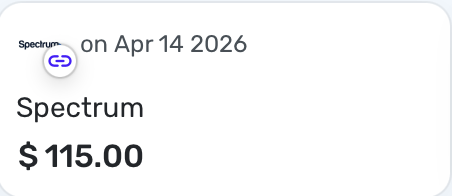
@RickS I have a sole linked bill. It shows a chain link next to the name in the Bill Carousel:
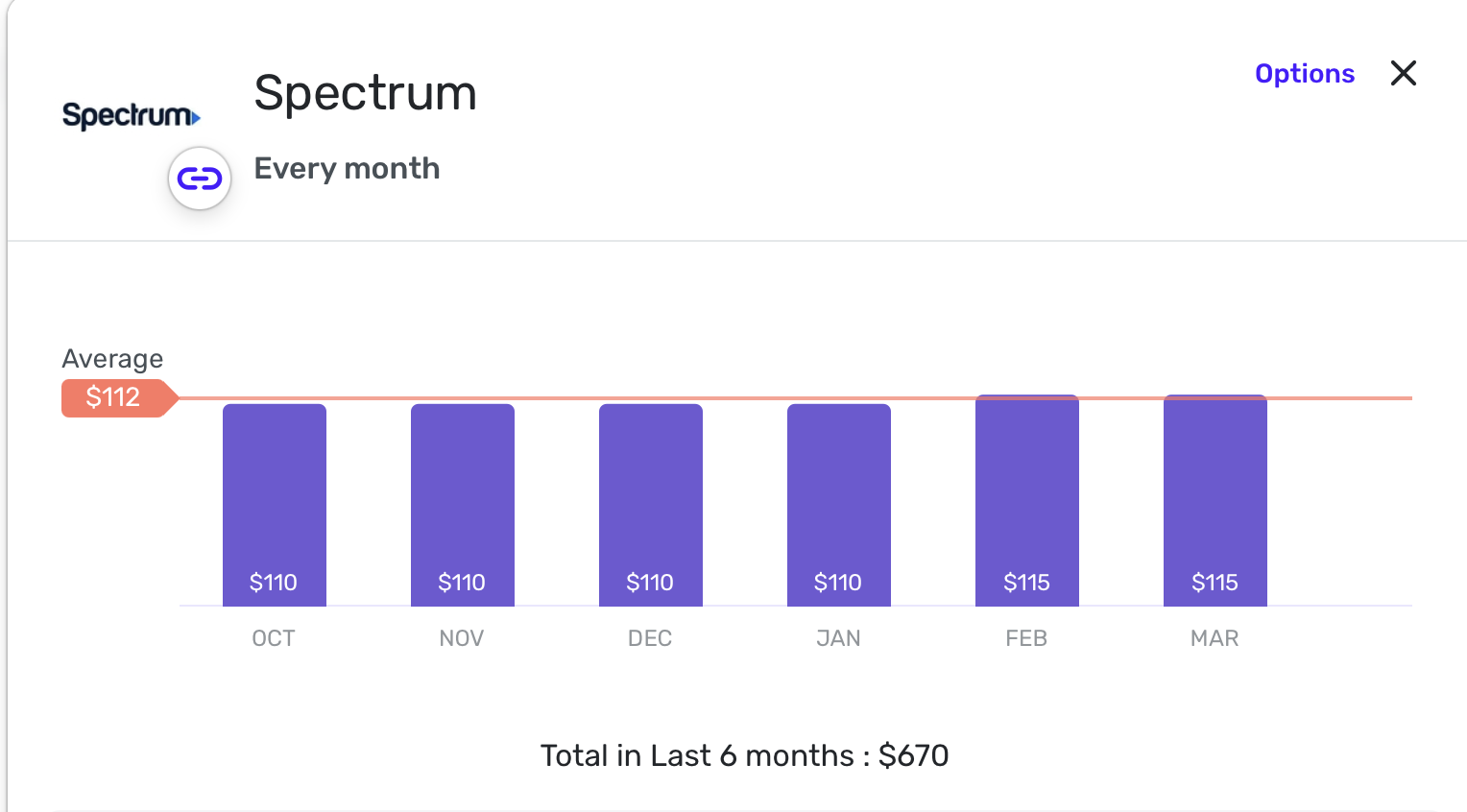
This is how it looks when I view the Bill Series:
And when editing the Bill Series:
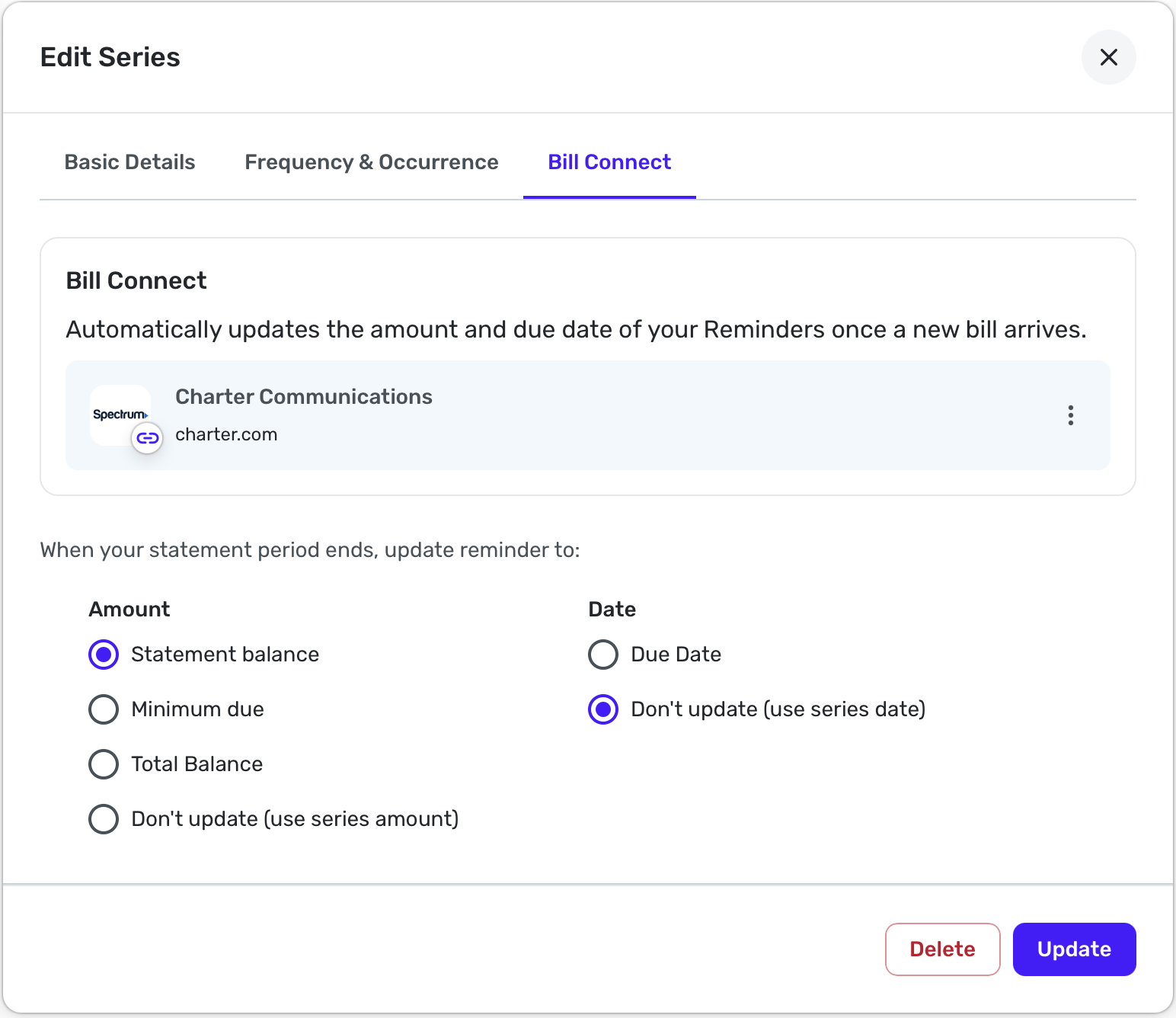
So if you don't see this icon, your recurring bill is not connected. My guess is that somehow after deleting the series, it didn't get deleted on the other side so you are still getting emails.
Have you tried reconnecting the bill series to see if that will get you the option to delete the connection? BTW, is it that you no longer have this bill and don't want emails or that the emails come at the wrong time?
I get the dumb email and I would prefer just getting it in the app. But there is no option for that in Notifications. I would suggest Pausing All Notifications, but I suspect that these biller emails are independent of that.
Forgive my jumping in but Coach Jon may not respond until Monday and I was interested. This (fairly new) bill provider is and has been problematic. Thanks.
Steve
Quicken Simplifi (Safari & iOS) Since 2021
Quicken Classic (MacOS) Since 2009
MS Money (1991-2009) and Dollars & Sense (1987-1991)0 -
@SRC54 Thanks for your input. I don't have the chain on the bill and don't remember one being there on the previous recurring bills before deleting them and setting them up again. However, I did go through the process of setting the connections up in Simplifi. My reason for wanting to disconnect them is that they haven't done anything for me in Simplifi like updating the recurring bill amount for the current bill. Perhaps reconnecting with the current recurring bills might be the answer to be able to then disconnect the whole process. I'll wait to see what Coach Jon has to offer.
1 -
@RickS Thanks for the information! I have found the notification for paying the Spectrum bill to be redundant for me as well. I've left it connected though for testing purposes since it is the only bill I have that can be connected. Good luck with it.
Steve
Quicken Simplifi (Safari & iOS) Since 2021
Quicken Classic (MacOS) Since 2009
MS Money (1991-2009) and Dollars & Sense (1987-1991)0 -
The thread you initially posted on actually describes a very similar problem that may have a related cause.
As I theorized there (see below), the outside "bill provider" that gets your monthly bill information from Spectrum and sends it to your Simplifi account may also be responsible for triggering Simplifi to send the bill notifications.
On that other thread, the user had his Simplifi dataset deleted. But it's possible Simplifi never notified the "bill provider" to stop sending the bill information. It's kind of like a "ghost connection," and notices keep coming.
In your case, you may have deleted your connected bill without disconnecting it first. So the same thing could be happening. Simplifi may never have notified the "bill provider" to stop, and the notices keep coming.
I think you said originally that there was no option to disconnect a connected account. That's surprising to me. I only have credit cards connected, and there is a way to disconnect those. But perhaps they are different.
If there is a disconnect option, you could try connecting the Spectrum account, waiting through a billing cycle, then disconnecting it again (not deleting it). It's possible the new connection would first replace the old "ghost connection" and then be terminated. But there's no guarantee that would work and you could end up with multiple notices.
DryHeat
-Quicken Classic (1990-2020), CountAbout (2021-2024), Simplifi (2025-…)0 -
@Coach Jon Re-initiated connection March 16. Got message that it would take 1 to 2 business days for the connection to be established. Still waiting for that to happen as of March 19 11:00 am EDST.
0 -
Hello @RickS,
Thank you for the update! I would wait a little longer for the connection to be established, and then once it is, wait until the next billing cycle, as mentioned above.
If the issue continues to persist, then I would have you follow along in this thread, where a similar issue was reported that we have escalated to our product team for resolution, to see if it also fixes your issue:
-Coach Jon
0 -
@Coach Jon The process of trying to connect these billers has helped me remember what happened originally. Quicken changed the way bill connect worked some time back and it required reconnecting the billers. The list was very short but there were two available that I had recurring bills for - Piedmont Natural Gas and Spectrum/Charter Communications. When I tried to connect those at that time, I also received the notification that it would take 1 to 2 business days. I never saw the connection chain appear on the recurring bills but did start receiving emails on these two. The bill amounts never updated in Simplifi so I did not see the value in receiving the emails. The recurring bills only showed the option to connect, not disconnect, so I deleted the bills and set them up again. However, this did not impact receiving the Quicken Simplifi email notifications. It appears I am in the same loop again with trying to connect the recurring bills again. I will place a call to the help desk and see if they can figure out why the bills never show the chain indicating a connection.
1 -
@Coach Jon I have a service ticket and was asked to try connecting one of the billers again and upload a screenshot where it says to wait for 1 to 2 business days. I was instructed to call back in 48 hours, reference the ticket number and the issue would be escalated. During the conversation, I was told the Fiserv handles the connections for Quicken so @DryHeat is correct.
1 -
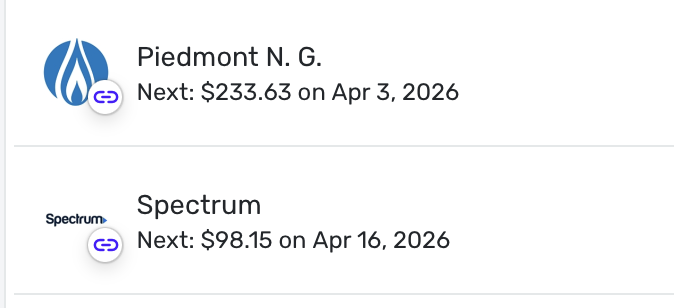
@Coach Jon Woohoo! Both Piedmont Natural Gas and Spectrum have connected and I see a chain icon on the recurring bills. I will wait for the next bill cycle and see what happens. If it updates the bill amount in Simplifi, I'll leave them connected.
 1
1 -
Congratulations!
Steve
Quicken Simplifi (Safari & iOS) Since 2021
Quicken Classic (MacOS) Since 2009
MS Money (1991-2009) and Dollars & Sense (1987-1991)0



