Honda Finance American Persistent FDP-108/FDP-155 Error (edited)

Users have documented the FDP-108 error for the Honda Finance American account going back to at least November 2025. As we enter April 2026, I am still unaware of a solution for this. I am dissatisfied as a paying customer to have this unresolved issue for 5+ months where discussions (links below) are marked as closed without clear resolutions or ETAs. Please provide a solution, thank you.
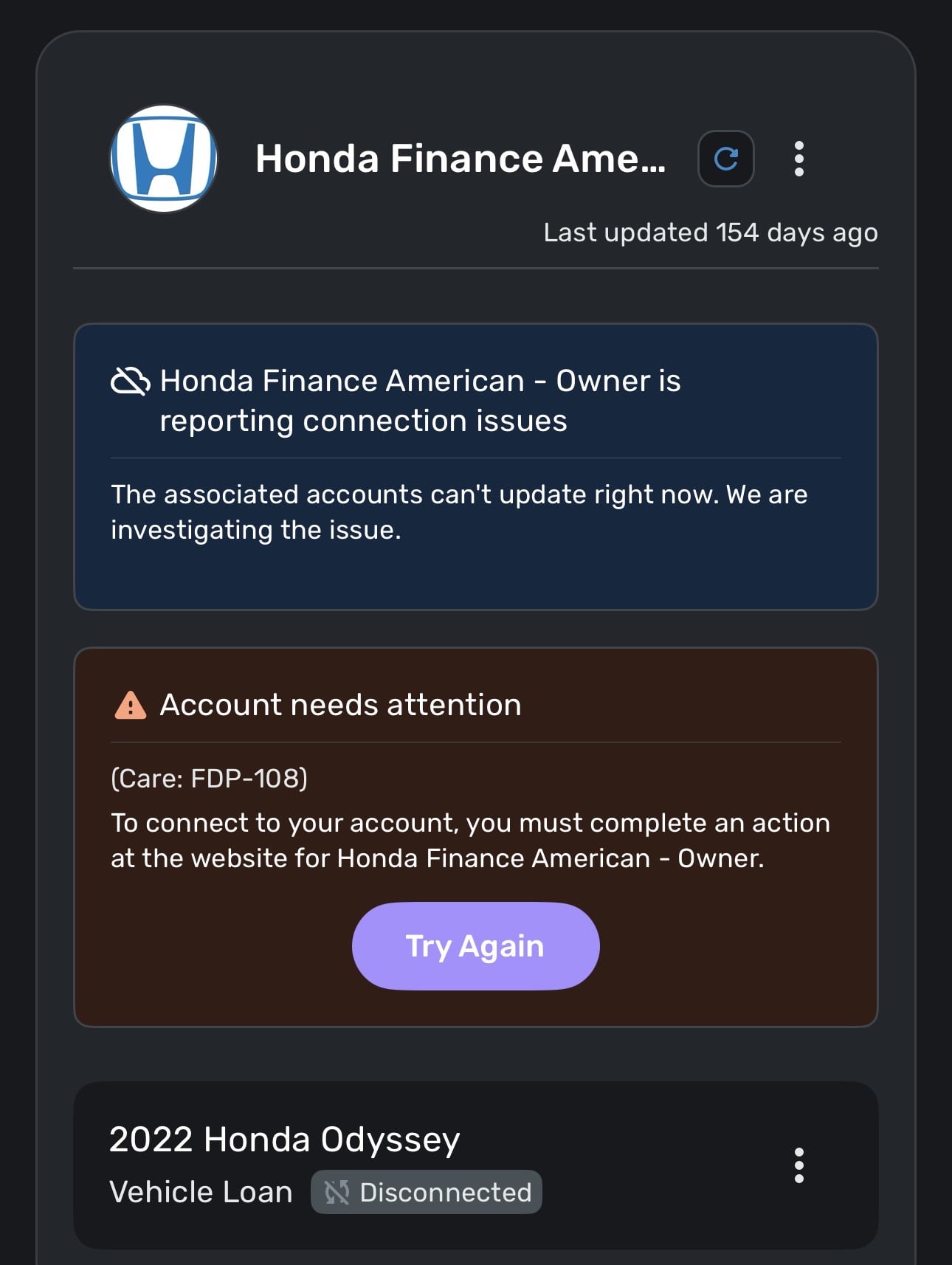
[This last link used to work and now it says I do not have permission to do that.]
Comments
-
Hello @msl2424,
Thanks for reaching out! It looks like the links you shared were all for an issue that was previously escalated and resolved. If you are still experiencing an FDP-108 error, we can definitely work on troubleshooting the issue with you.
This error usually occurs when a new pop-up or webpage requiring user action appears on the bank's website. Typically, these are things such as a prompt to update your personal contact information or promotional material for credit cards or loan offers. You can resolve this error by logging into the bank's website and addressing the new web page requiring your response. If you sign in and don't see any pop-ups, try signing in to your bank's website using a different browser or incognito mode.
If that does not work, I would see if the following steps work to resolve the issue:
- Make all of the accounts with the bank manual by following the steps here.
- Once you see the account(s) listed in the Manual Accounts section under Settings > Accounts, go back through the Add Account flow to reconnect to the bank.
- If the connection is successful, carefully link the account(s) found to your existing Quicken Simplifi account(s) by following the steps here.
Let us know!
-Coach Jon
0 -
Thanks for the quick reply. I don’t see any resolution specified in the first link I shared, and I have been seeing this error for nearly half a year. There is no message, pop-up, or anything requiring me to take action on the Honda Finance website and it’s been like that the entire time. As you suggested, I made the account manual, but I could not re-add the account. See the attached screenshot for the FDP-155 error. The following message has also been constant throughout this whole time: “The associated accounts can’t update right now. We are investigating the issue.”
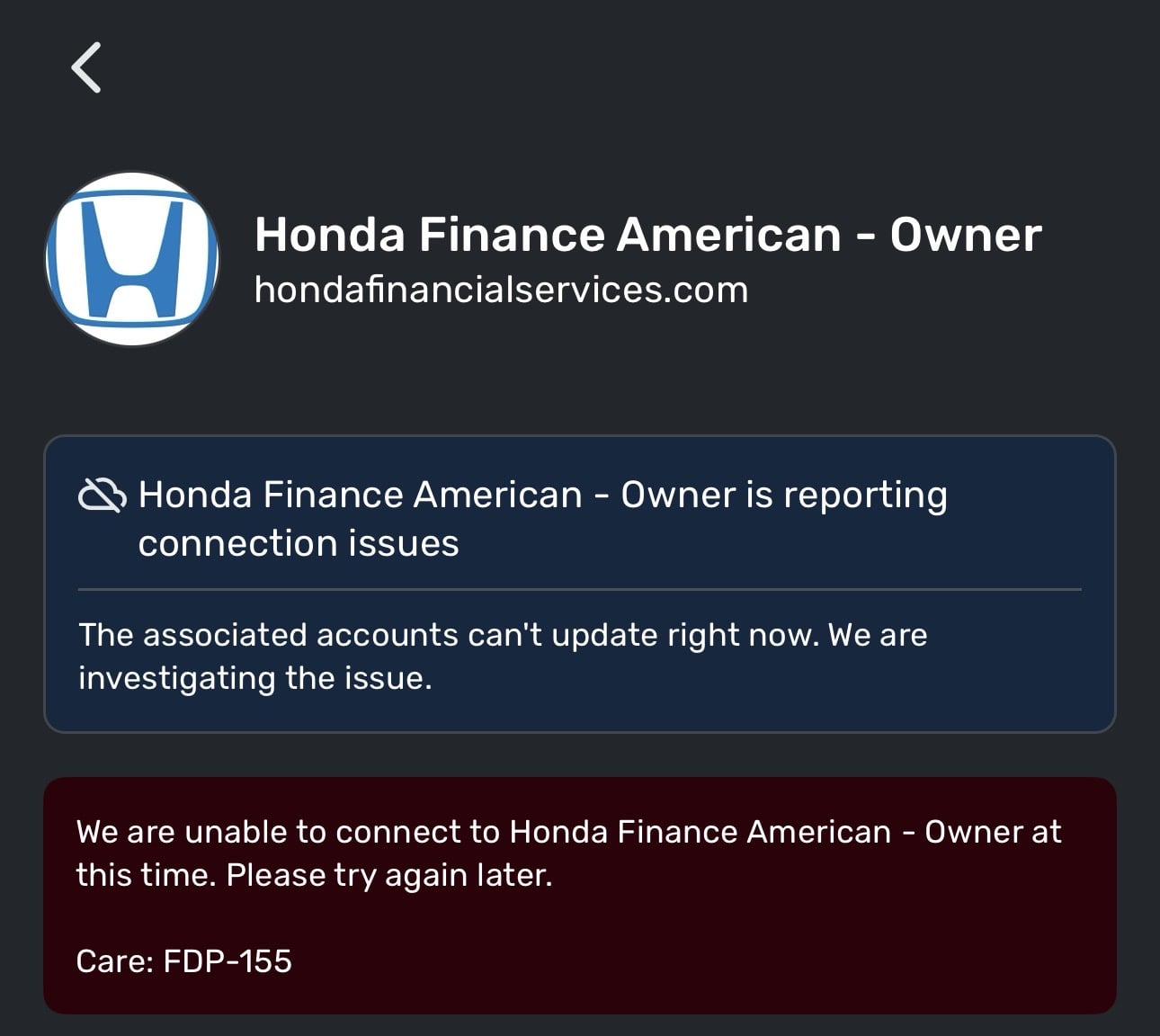 0
0 -
Hello @msl2424,
Thank you for the response! The message appearing there is likely due to the ongoing alert for Honda Finance American here:
For the error you are experiencing, users will generally receive error code FDP-155 when the bank they are trying to add is blocking us from establishing a connection. In most cases, this block can last for an indefinite amount of time. I was able to reproduce this error from my side as well. The bank is most likely blocking any connections right now while they investigate and work on a resolution for this issue. You would need to contact the bank directly to verify further.
In the meantime, you can track the account manually by adding manual transactions, which will keep your records up-to-date. Here are the steps to do so: Managing Transactions in Quicken Simplifi | Quicken Simplifi Help Center
-Coach Jon
0 -
There hasn't been an update on that alert since January 6, nearly 3 months ago. Is Simplifi doing anything to resolve, or are we just hoping Honda Finance American does something on their end to fix it?
What happens if I add manual transactions as you suggested, and then the account re-connects later - do I end up with duplicate transactions?
I tested out adding manual transactions. This particular account is for a vehicle loan. However, the account balance does not update. Is there a workaround for this? The account is set to manual.
0 -
Hello @msl2424,
These things can take time to resolve; however, I can confirm that our team is working on a resolution. You also should not end up with duplicate transactions once you are able to reconnect in the future.
For the balance not updating, I would try using the manual "Re-sync balance" option to see if that syncs the balance to what it should be after entering your transactions.
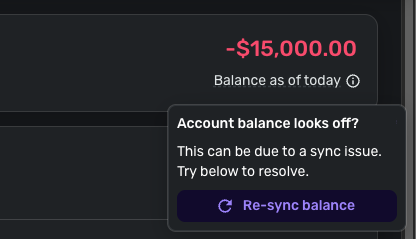
Let us know if that helps!
-Coach Jon
0 -
manual re-sync did not change anything
0 -
Hello @msl2424,
Thanks for the reply! Can you share with us what the account balance should be in comparison to what it is now? As well as a screenshot showing that the entered transactions do not affect the account balance in Quicken Simplifi? Feel free to DM this information!
-Coach Jon
0
