QBP: Ability to delete Items in Invoices

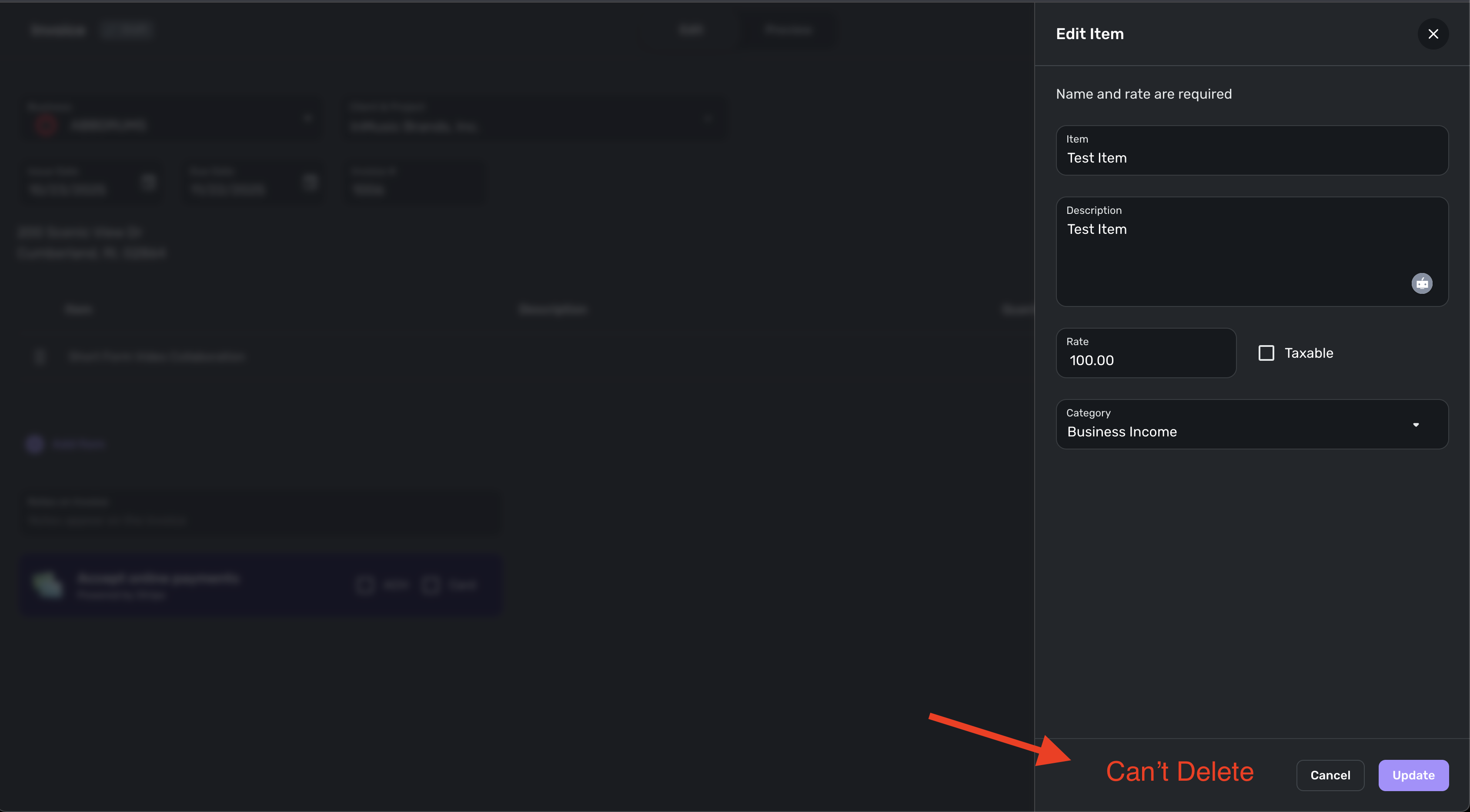
In Invoices, when you create an Item to add to the invoice, there is no way to delete the Item after you create it. Over time, this can lead to a long list of Items that may no longer be used in your business. I think it would be ideal if we could delete Items as necessary to keep our Item list current and minimal with our current business offerings.
Comments
-
Delete is a strong action; in the world of coding, it can be the worst action to take.
My suggestion is to allow hiding an item. Products and services change regularly in business; if they didn't, we would still be in Model A cars. But creating a hide ability means codes are not altered after the fact, and the item is not seen. It could be done in away that an item hidden after 90 days would be archived. Out of sight, out of mind, and then it's non-navigable unless physical interaction brings it back.
And I suggest this type of action be usable in:
Projects
Product & Services
Work around till this action can be considered.
Projects and Product & Services
- Change/add to the name of the item, add a letter z to the front of any name, and that item will be moved to the bottom of the list, making it less likely to be used. I do this in every organized list I have. I call it Z-sleep on it. I place a Z(space) in front of things I do not use or do not think I will use. If I look at that item 6 months down the road and see it still marked with a "Z," then I know it is safe to delete/archive.I'm Tex .... Friendly, try not to bite, will answer any question, ...... um
#DTNLivingLife
0 -
@cyberstackn @TexNolan We've added the ability to archive items in the new Products & Services feature!
1 -
Awesome, thank you!
0