NY’s 529 College Savings Program FDP-103 (edited)

The post:
2/3/26: NY’s 529 College Savings Program returns an FDP-102 errorwas closed, marked as resolved, and no further comment can be added to it. Hence, I'm starting this post, since the issue is still unresolved for me, and I suspect, for others as well.
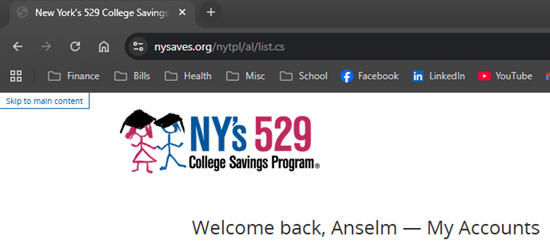
As you can see, with my credentials, I can access the NY 529 website:
When I try to add this account to simplifi, I'm presented with 3 options:
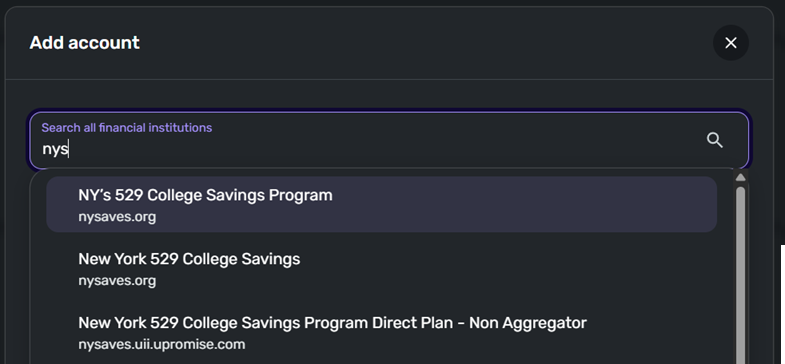
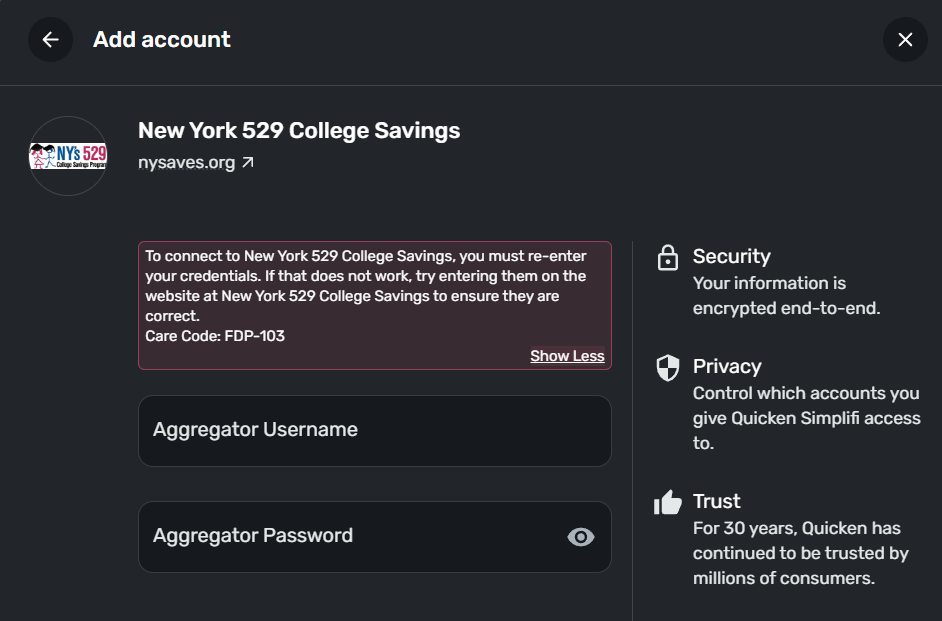
I tried all 3 options with my credentials, and keep getting an error.
Comments
-
@Oogway, thanks for reaching out to the Community!
To clarify, an FDP-103 error is different from an FDP-102 error, so the Alert you mentioned is not related. With that, I can see the FDP-103 error you're receiving when checking your connection attempts from our end, which indicates invalid credentials are being used.
To begin troubleshooting this, please click on the URL displayed for the 'New York 529 College Savings' bank option in Quicken Simplifi to see if you're able to sign into the new page that opens to the bank's website. This will allow us to confirm whether this is the correct bank option for you.
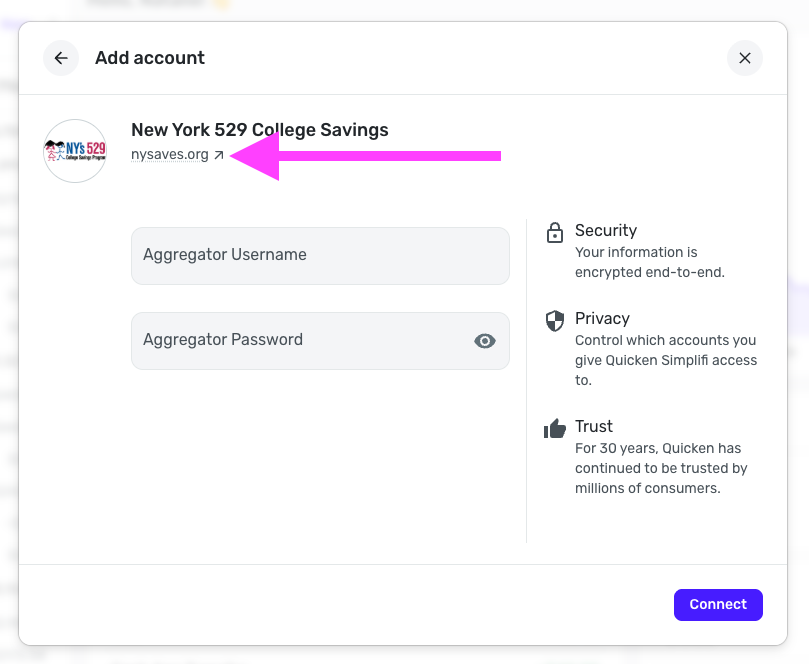
I also noticed that this bank option, along with all the other NY 529 bank options in Quicken Simplifi, requires an aggregator username and password. Is this something you've set up directly with the financial institution? If so, are those the credentials you're using in Quicken Simplifi?
Additionally, we have an Alert for an FDP-103 error with other multiple college savings programs, and although New York's isn't listed in the Alert, I'd still see if the steps listed here work for you, as they may allow you to set up that aggregator access:
We look forward to hearing back from you!
-Coach Natalie
0 -
I have a similar issue for 90+ days (i.e., FDP-103). I have no issue log into my NYS 529 accounts through https://www.nysaves.org/services/login . However, the link from your screenshot took me to the below.
I also followed through the steps and I do not see Quicken as an option in NYS 529 Manager Financial Aggregator Access. I also tried to log in with my aggregator username on Simplifi and it did not work.
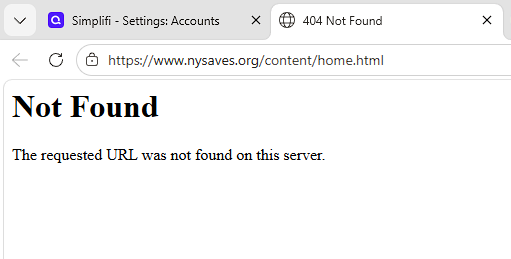 0
0 -
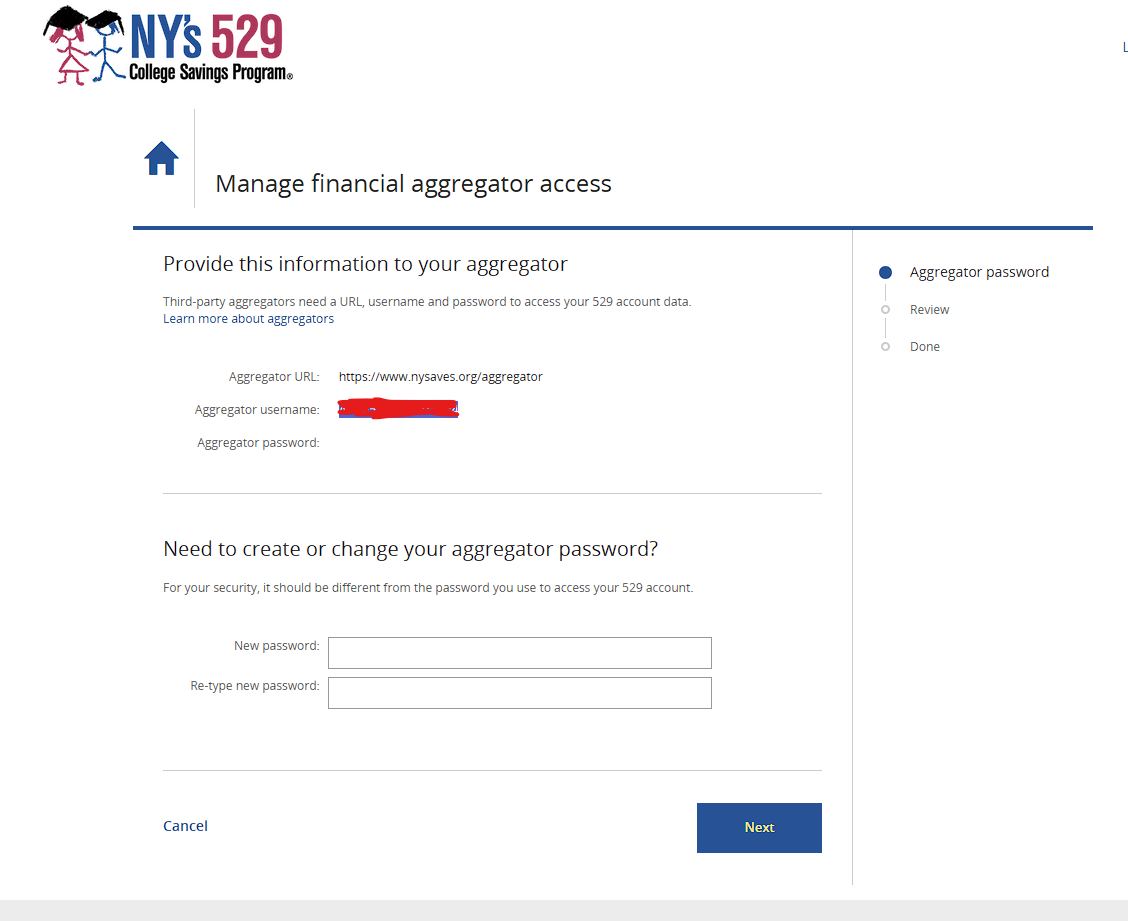
Could not edit my previous reply but I also tried the steps and got stuck at #5. I do not see an option to enable Quicken access. I also tried to log in using the provided aggregator username with my password on Simplifi and it did not work.
 0
0 -
@ljcabc, thanks for joining the discussion!
Please take a look over all of the information in my last comment and try all of the steps and answer all of the questions —
When I click on the URL for 'New York 529 College Savings' in Quicken Simplifi, a new tab opens to nysaves.org/services/login. Is this the URL you use to sign in to the bank directly?
Let us know!
-Coach Natalie
0 -
It looks like this comment was placed in our spam queue so I didn't see it until it was approved. Have you tried using your non-aggregator username and password in Quicken Simplifi, if you still have access to it?
-Coach Natalie
0 -
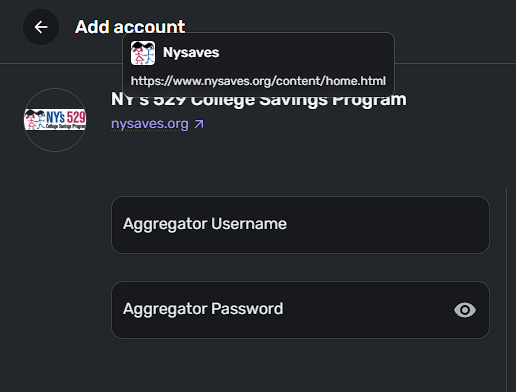
Yes, I tried non-aggregator username and password and it did not work. I never set up any aggregator username/password on the NYS 529 savings web portal. Lastly, Simplifi redirects me to a non-working link, it's not the nysaves.org/services/login that I use to access my NYS 529 savings web portal.
 0
0 -
@ljcabc, thanks for the reply!
As mentioned in my previous comments, you will want to use the bank option listed as "New York 529 College Savings" in Quicken Simplifi. You will then want to click the URL displayed for this bank option in Quicken Simplifi to see if you can sign in to the new page that opens to the bank's website. I see that you have selected the bank option listed as "NY's 529 College Savings Program", which is not the one we want to focus on.
Additionally, since Quicken Simplifi is asking for an aggregator username and password, and it sounds like you don't have this set up, I would recommend contacting the financial institution directly to find out what you need to do to enable third-party aggregator access.
Let us know how things go!
-Coach Natalie
0 -
Hi Coach Natalie,
Yes I clicked on that URL, and I was able to login to the page it sent me to.
I don't know why Simplifi asks for Aggregator credentials.
I don't have a separate set of Aggregator credentials and I don't have a way to get that information.
Should we just say that Quicken Simplifi does not support NY-529 and advise users who need it to go manual? I don't see any other option.
Thanks,
Anselm
0 -
@Oogway, thank you for the reply and the additional information!
I wouldn't say NY's 529 isn't supported yet, as we still have an escalation process to follow. That may be the result in the end, but we'd at least be able to find out for sure. However, are you able to contact the financial institution directly to ask them about third-party aggregator access, and an aggregator username and password that can be used in Quicken Simplifi? I think having more details on their login process and third-party access will help provide some clarity from our end if/when we escalate this.
-Coach Natalie
0 -
I can email the general email address at ny529@nysaves.org perhaps. I don't see any other way. Do you have an email I can put on cc from your side? I don't think this is just my problem - I'd be surprised if there's any existing NY 529 user who has their account working in Simplifi today. If you're reading this and you are one of them, please chime in here.
0 -
@Oogway, we don't have contact information for financial institutions here in the Community. If you end up not being able to get a hold of anyone, let us know, and we can continue to review the case for escalation from our end without that.
Thank you!
-Coach Natalie
0 -
@Oogway I had this same problem and to get your aggregator user id/password you have to:
- Log in to your account at nysaves.org using your normal username and password.
- Navigate to the Profile & Documents section.
- Select Password & Security Features.
- Look for Manage Financial Aggregator Access and click Edit.
- Here, you will find a system-generated Aggregator User ID and a field to create a unique Aggregator Password.
Hope this helps. You will have to create a new password.
8 -
Thank you to all of you for your help, especially @kambhamp1 for resolving this issue for me.
2
