Total Spending report data pre-filtered (edited)

Pulling my spending report for April and it now organizes the line items by category 1 and 2 but each category is NOT on each line only sorted by each category.
How do I access the raw data vs. it being sorted and filtered for me.
Comments
-
@JSE, thanks for reaching out to the Community!
To clarify, are you referring to the Spending report in Quicken Simplifi?
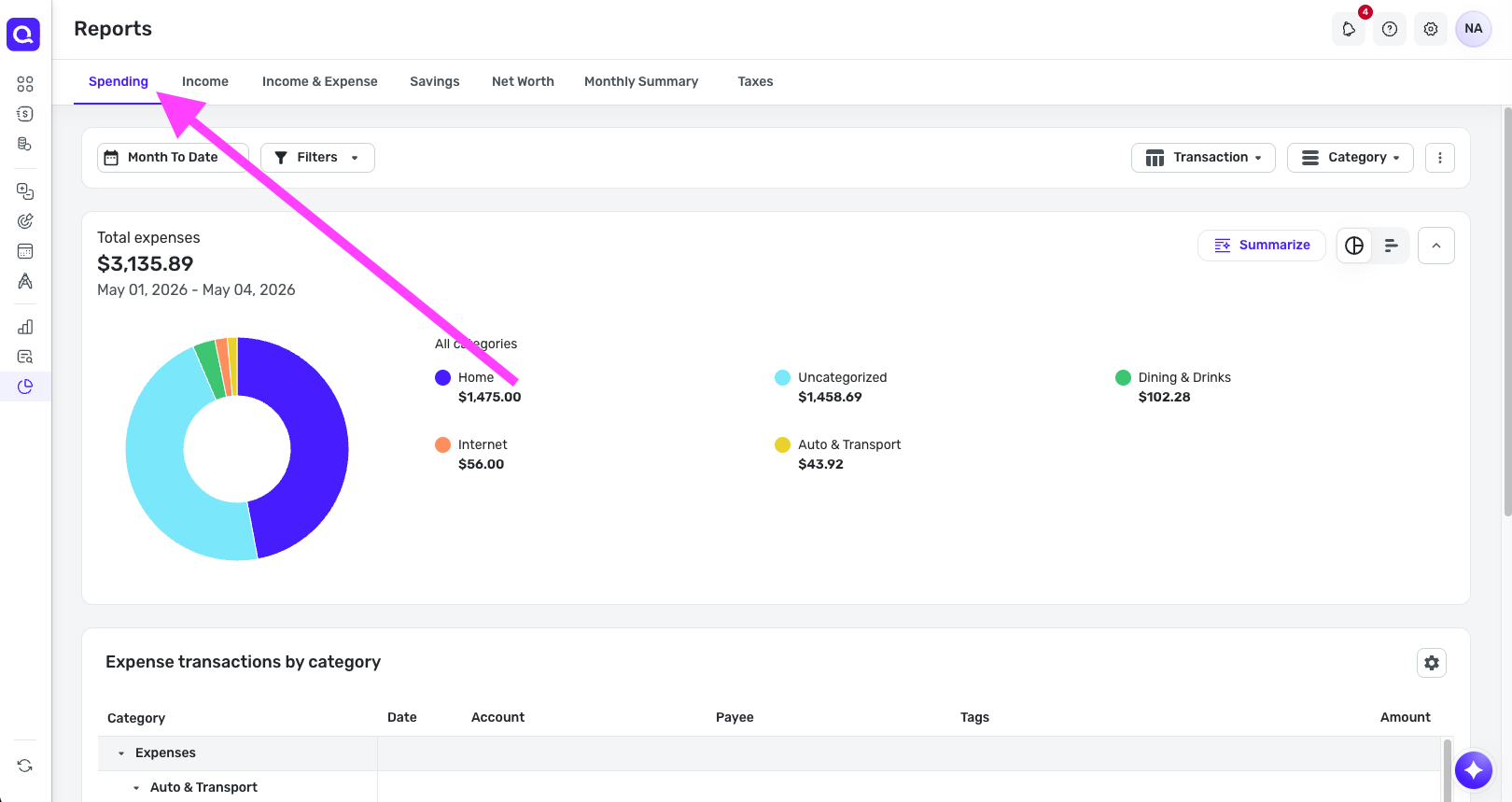
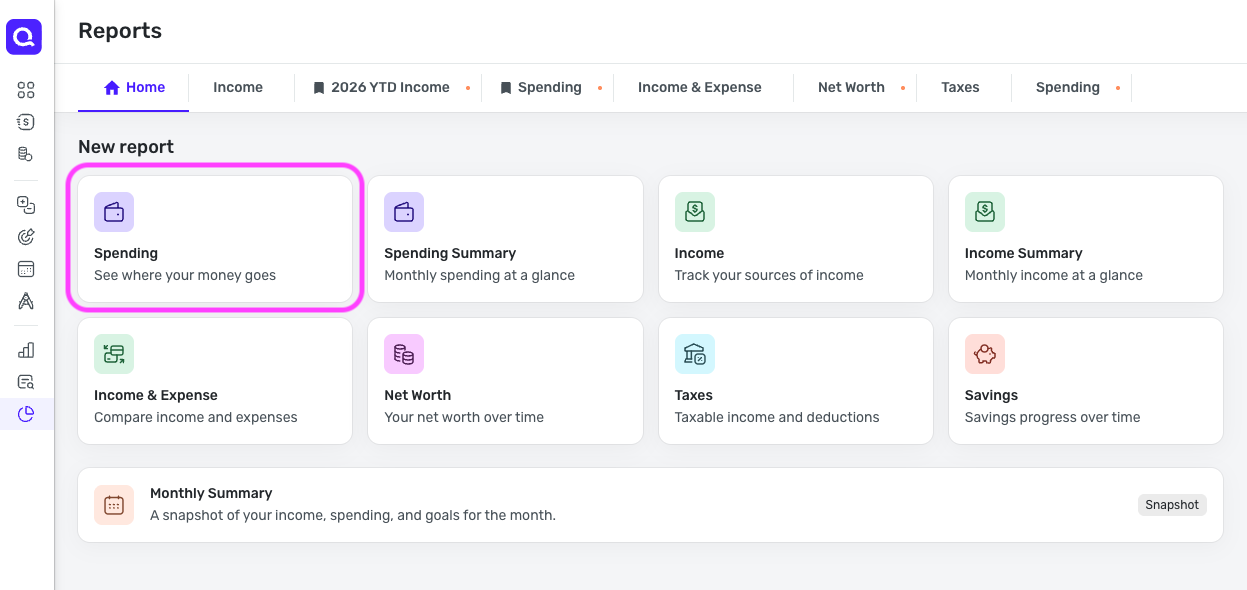
Is the issue that filters are set when you access this report? If so, click "Reset report" at the top to restore everything to the default view.
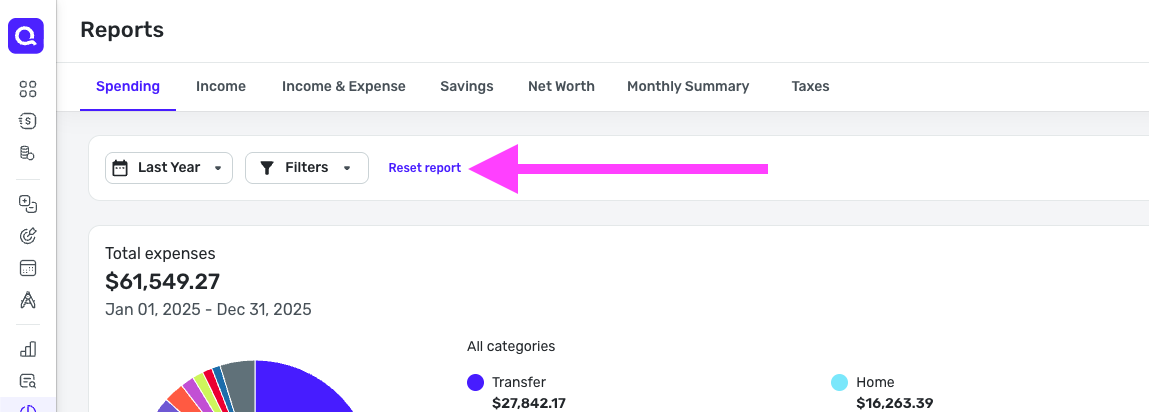
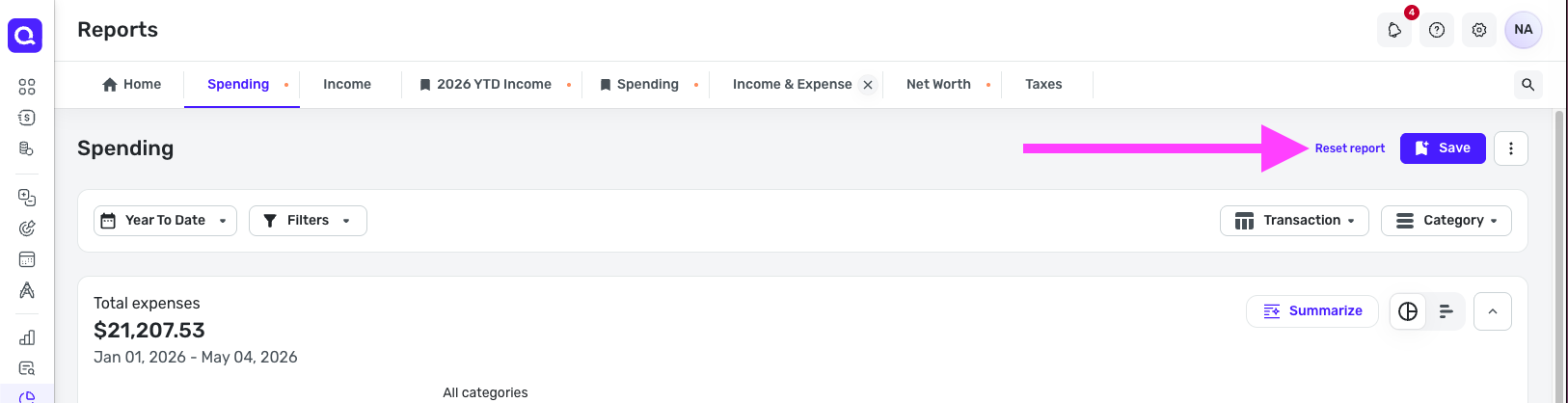
Please note that I'm providing 2 screenshots of each because Reports will look different depending on whether you have Early Access enabled. The 1st screenshot in each set is with Early Access off, and the 2nd is with Early Access on.
Here are some recent changes that have been made to Reports for your review:
Let us know!
-Coach Natalie
0 -
Yes, it is the spending report but the default layout is filtered by the tabbed category 1, then category 2 with subtotals. The export I typically used that feeds into a database is for each transaction line item, where I can adjust the tabs via pivots etc.
How can i get the export of the un-subtotaled transactions in the spending report?
0 -
@JSE, thank you for clarifying what you're looking for!
If this is a change you recently saw in Quicken Simplifi, it is likely due to this enhancement:
Now, to access transactions in reports, you need to click into the category (or whatever your report is broken down by) to view the underlying transactional data. You can then use the gear icon in the upper right to adjust columns, and use the three dots that pop up when hovering over column headers to filter and arrange the data:
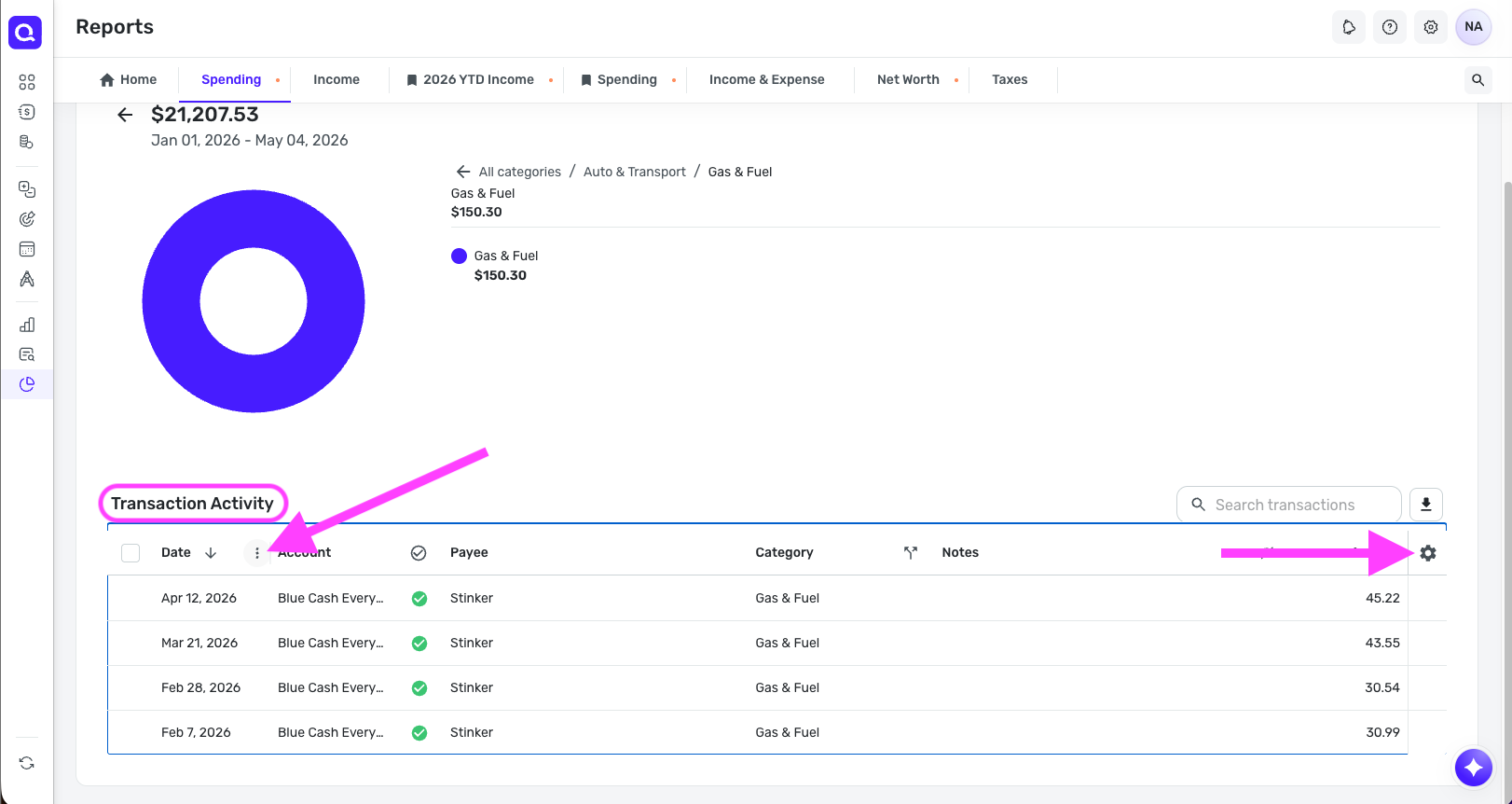
You can then export the transaction data by clicking the download arrow in the upper right. Otherwise, to export the report itself, you're limited to the display options that are available in the report, such as breaking the data down by category, payee, tag, or account.
If you want something similar to what the old Spending report offered, you can use the Spending tab in account registers:
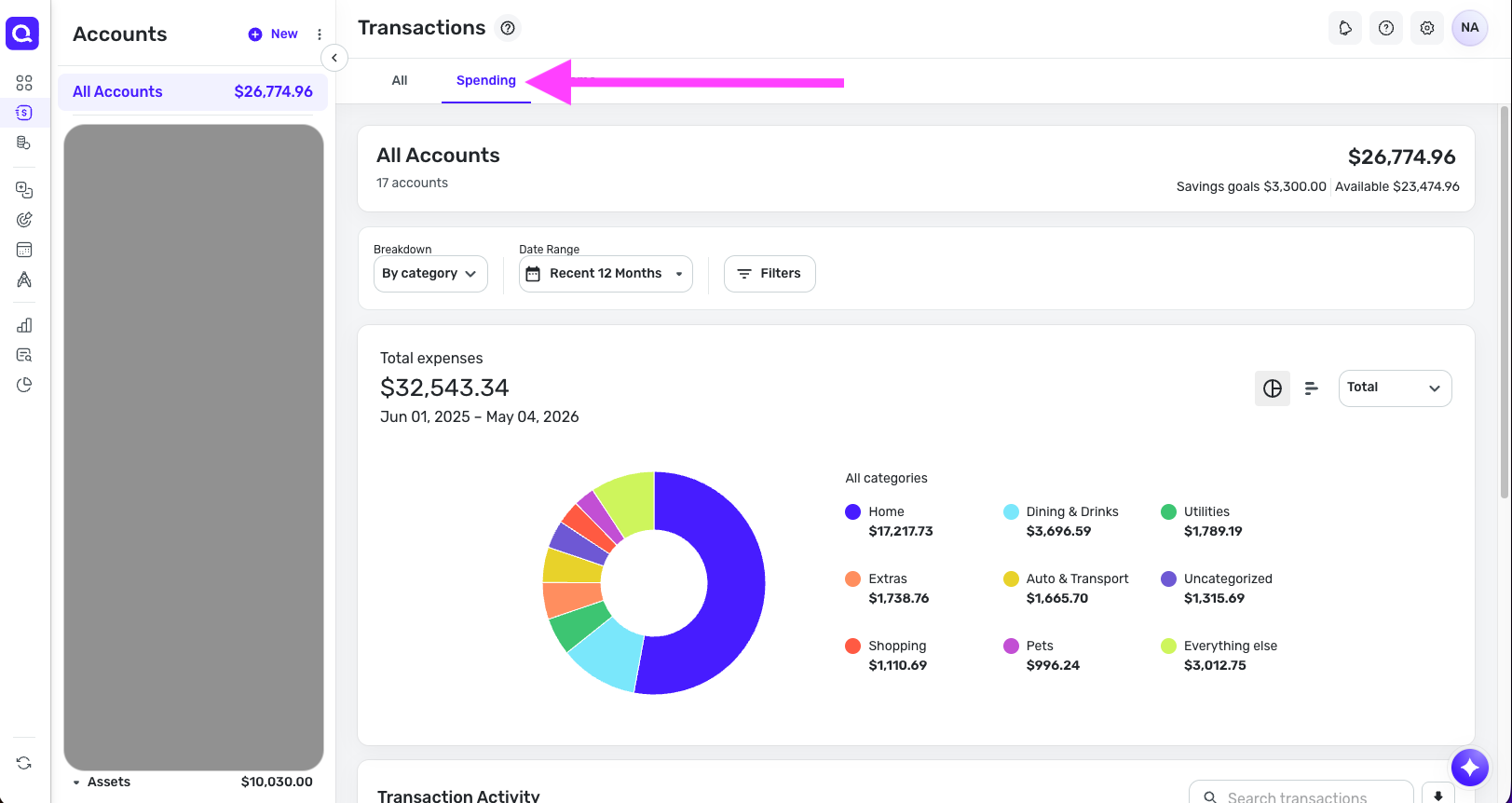
This doesn't allow a report export, but it does allow regular transaction exports. And you can use the same gear icon and three dots when hovering over the column headers to arrange the transactions before exporting. Our article here goes over how to export transactions in more detail:
Let us know if this helps you achieve what you're looking for!
-Coach Natalie
0 -
Yikes, only able to export the transactional report by category that will be too time consuming.
I will give the spending tab on the transaction page a try
Thanks
Jamie
1
