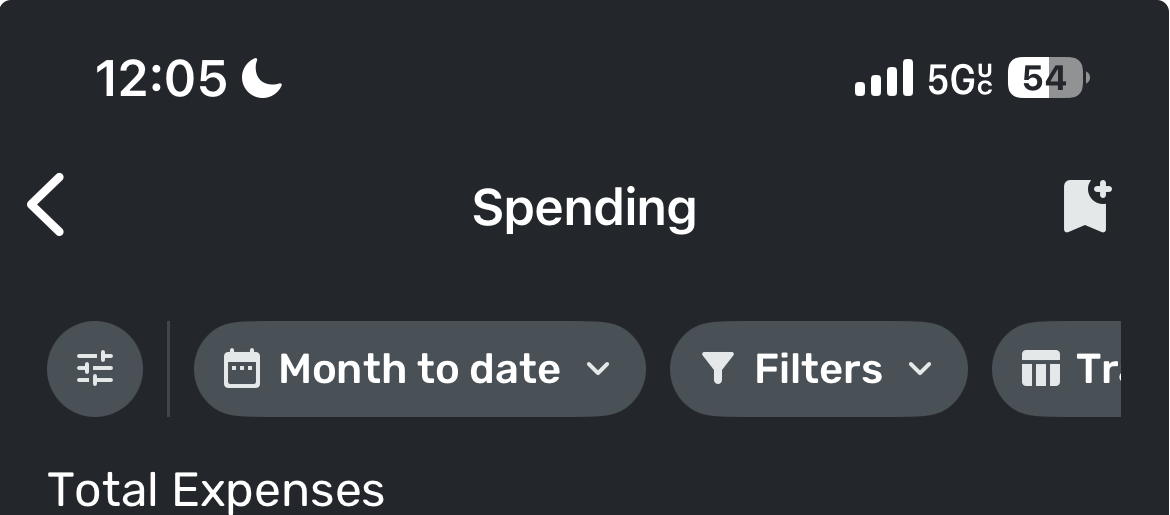
"Everything else" in the Spending report on mobile is missing transactions (edited)

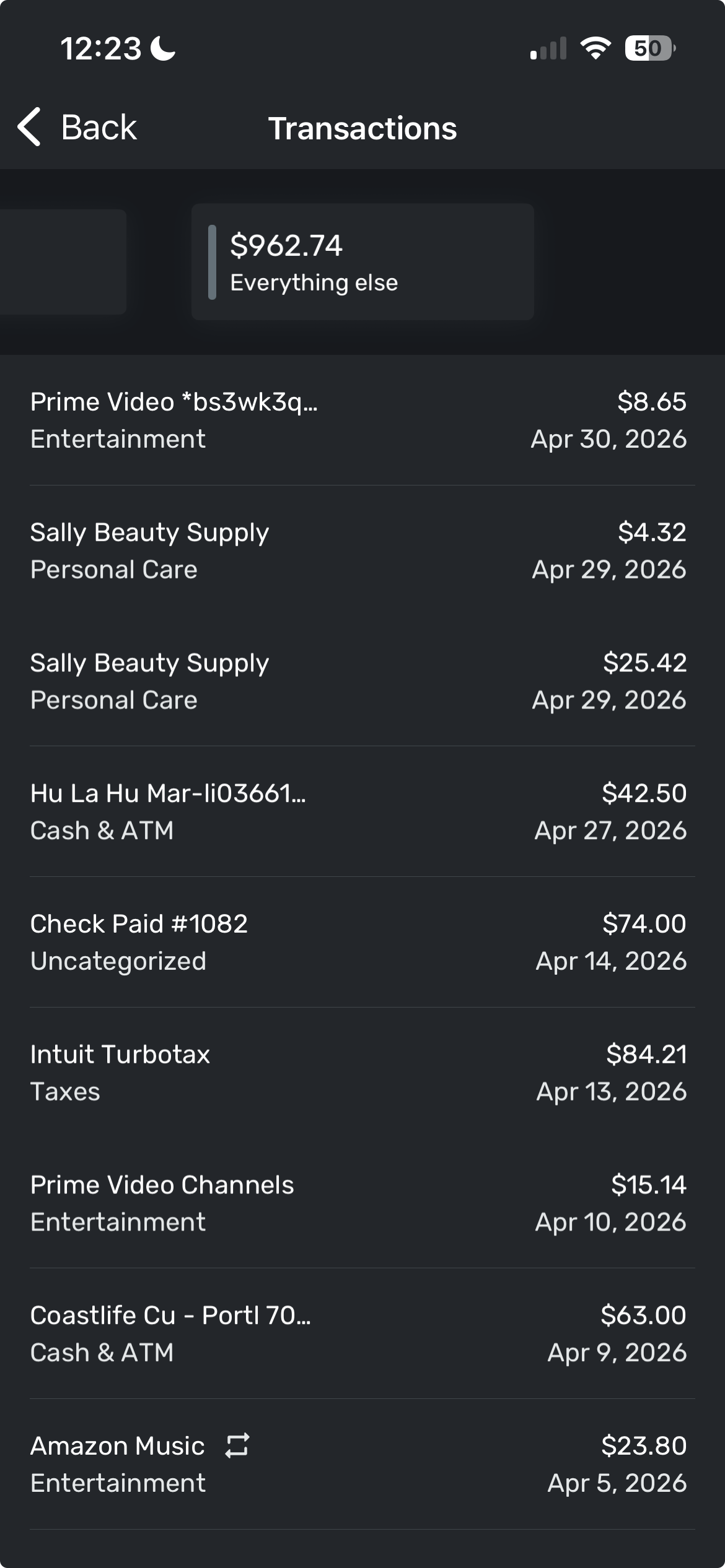
I went in the iPhone app to from the dashboard top spending, then filtered it to April. It shows the total for unknown to be $962.74, but when I click into it to see the individual transactions, they sum only sum up to $341.04.
Am I missing something?
Comments
-
@Randy17485, thanks for posting to the Community!
I admit I'm a little confused by what you mean when you say you filtered the Top Spending dashboard card to April. It looks like this card only shows the current month.
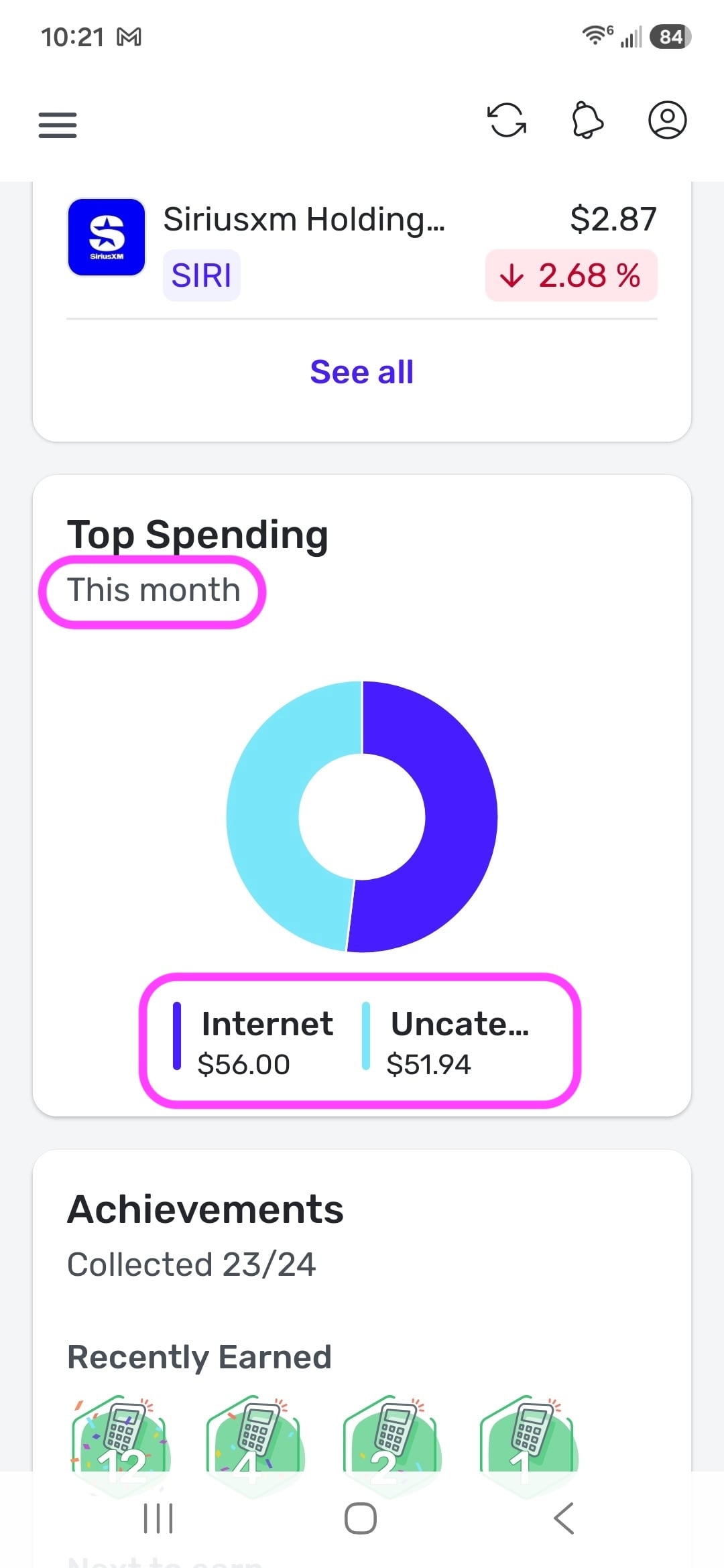
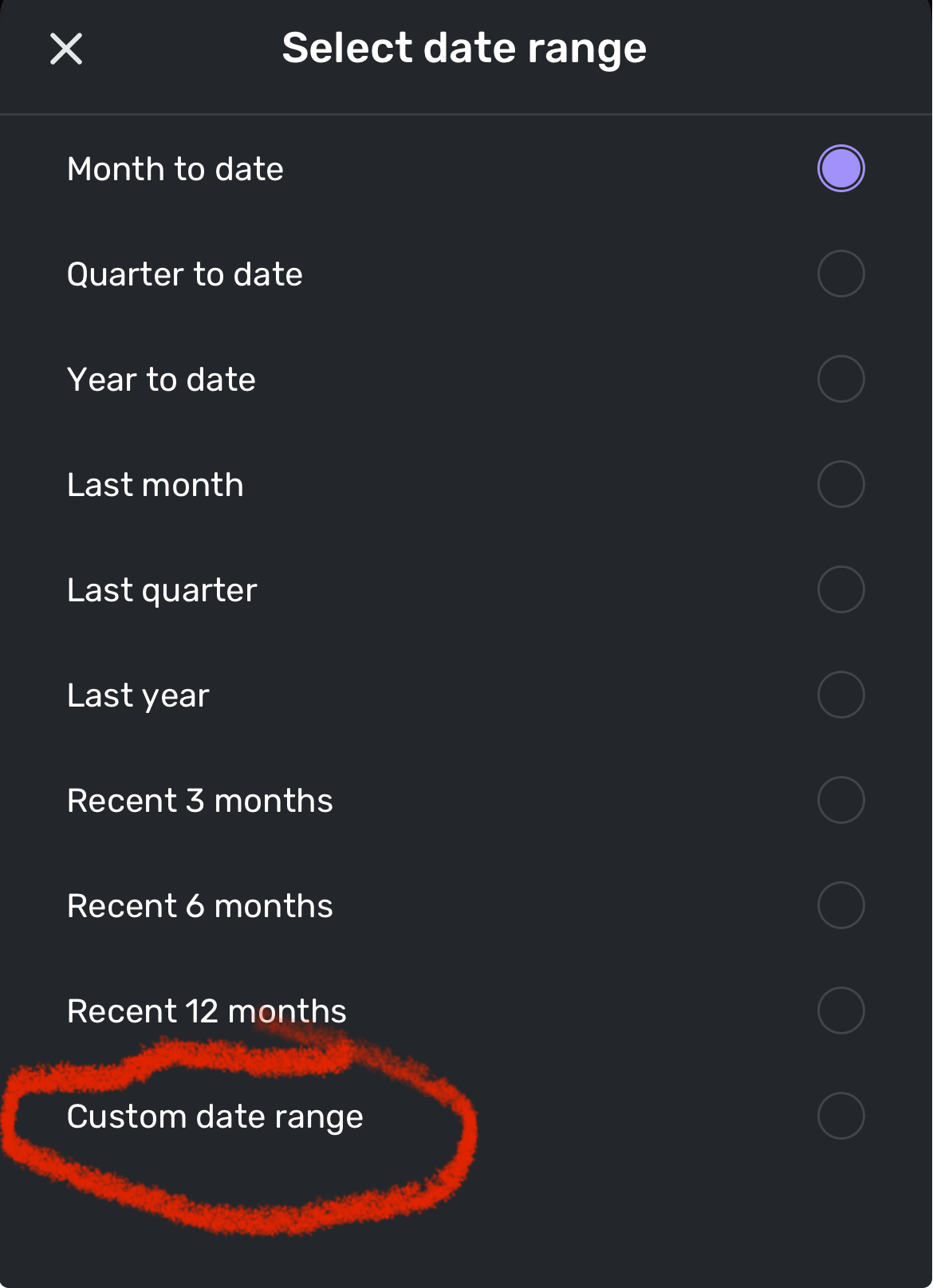
When clicking on this card, it navigates you to the Spending report. To match the dashboard data, set the report to 'Month to Date' so the date range matches, and set no filters or anything similar.
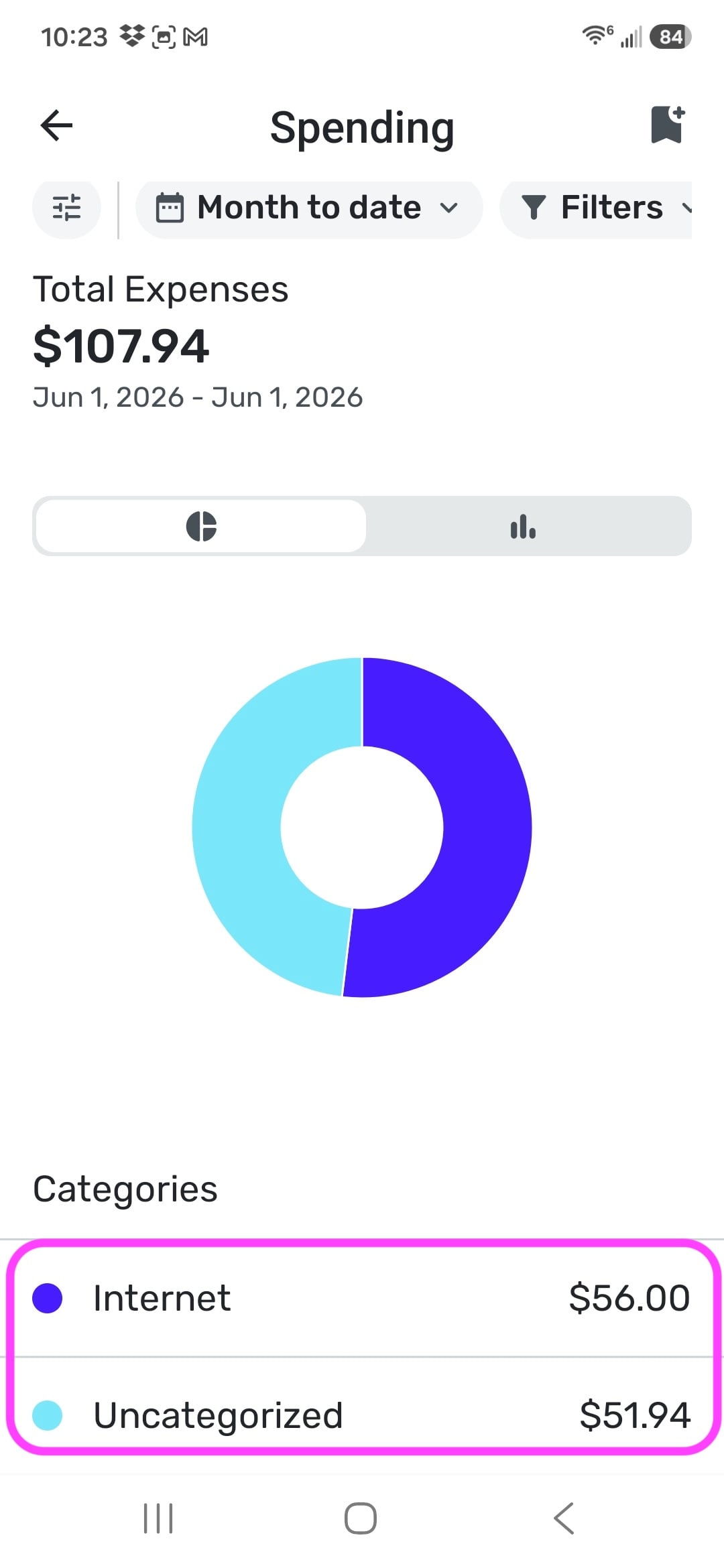
As you can see from my screenshots, the data matches when you're looking at the current month with no filters applied in the report. Does this seem to align with what you're seeing?
Let us know!
-Coach Natalie
0 -
-
You can also just click reports and select a spending report then set the date range for April. Same results. My apologies, I should have said “Everything Else” instead of “Unknown.” The total doesn’t match the individual transactions listed.
0 -
-
@Randy17485, thanks for the reply!
To clarify, what you are posting about actually has nothing to do with the Top Spending dashboard card, correct? Instead, it sounds like you are referring to the Spending report itself, is that right? And you are stating that the transactions shown when clicking on "Uncategorized" don't match the total shown in the graph for Uncategorized? Or are you saying that the transactions under "Everything else" don't match the total shown in the graph for "Everything else"?
Let us know!
-Coach Natalie
0 -
Right, I was just saying how I got there in case that mattered, but it’s just a spending report.
Most of the transactions themselves are categorized, as shown in my latest screenshot. However, they are under the “Everything Else” section of the report.0 -
Thank you for confirming! I apologize, but I'm still not quite clear on the issue being reported.
To make sure I understand correctly, when you click on "Everything else" in the report, do the transactions displayed add up to a different amount than the "Everything else" total shown in the report itself?
If that's not the issue, can you clarify where the transactions being categorized or uncategorized comes into play? The Spending report displays only the top 11 categories, with all remaining categories grouped under "Everything else." If Uncategorized is not one of the top 11 categories, its transactions would be included in the "Everything else" total.
At this point, we're just trying to determine exactly what you're seeing so we can better understand the behavior you're reporting and decide how best to proceed.
Much appreciated!
-Coach Natalie
0 -
You can see all the transactions in my screenshot above. They do not add up to the total.
0 -
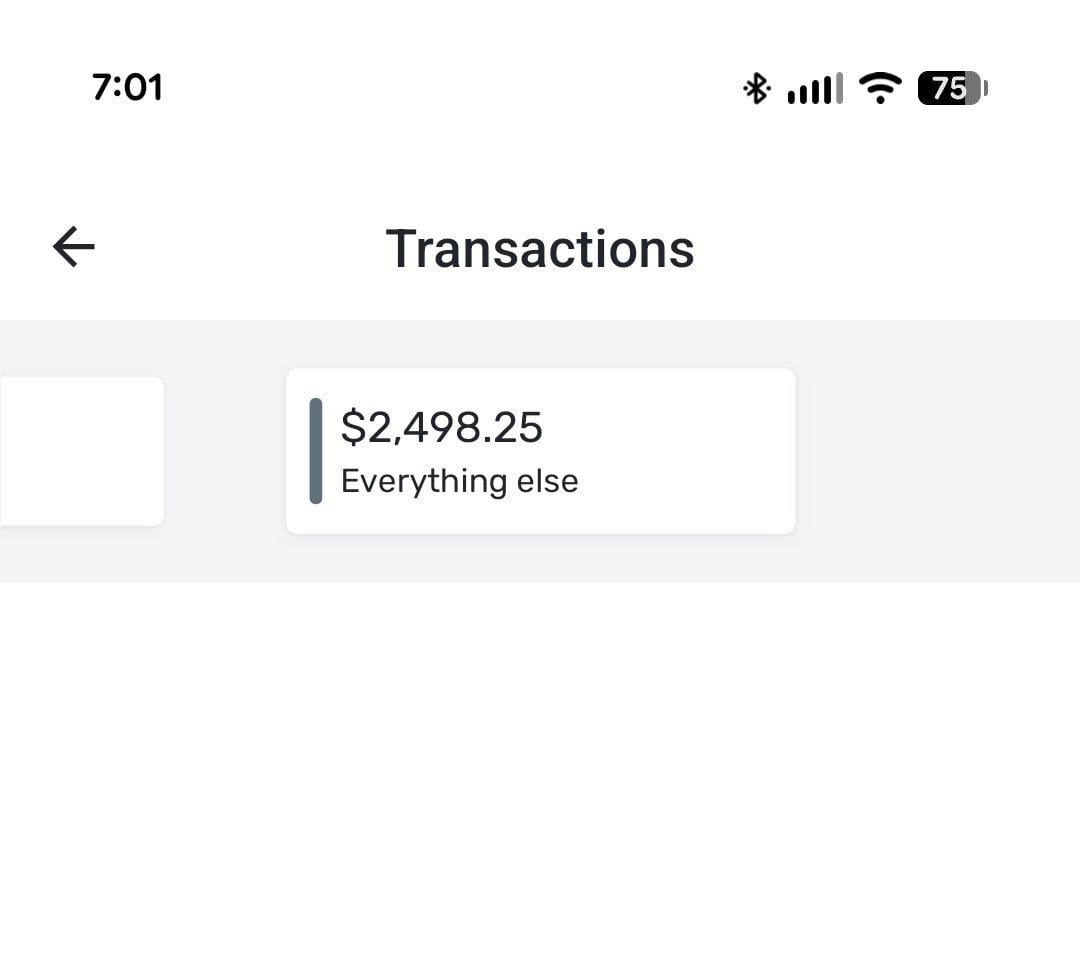
I was wondering about this a while ago. Wasn't sure what I was seeing. Looking again on the Android app, the amount under "Everything else" never matches the transactions listed beneath it. On the web app, the "Everything else" total is exploded into the actual categories with no discrepancies. How does a user "explode" the "Everything else" total to see the >11 categories on the phone app?
Attached is an extreme example. $2,498.25 total but no transactions displayed. There are transactions under seven additional (top level) categories under "Everything else" not being displayed.
 0
0 -
@Randy17485, thank you for confirming the issue is specific to the "Everything else" category on the mobile app!
I am able to reproduce this issue on my Android, and, when comparing to the web app, it appears that some transactions/categories are not showing up in the transactions listed under "Everything else" on the mobile app, which is why the sum of the transactions doesn't match the "Everything else" total. I have gotten this issue escalated as a bug and will be sure to post back here with updates.
@dsfreddy, you can also follow along here for updates!
SIMPL-33930
-Coach Natalie
2 -
@Coach Natalie Thank you!
2 -
A fix for this is expected with the 6.24.0 Mobile Release.
Thank you!
-Coach Natalie
1 -
I was reviewing my current month's expenditures through the Dashboard's Top Spending section.
Curious to see what expenses it was including under the "Everything Else" catch-all, I'm left confused as the included transactions don't reconcile to the reported total.
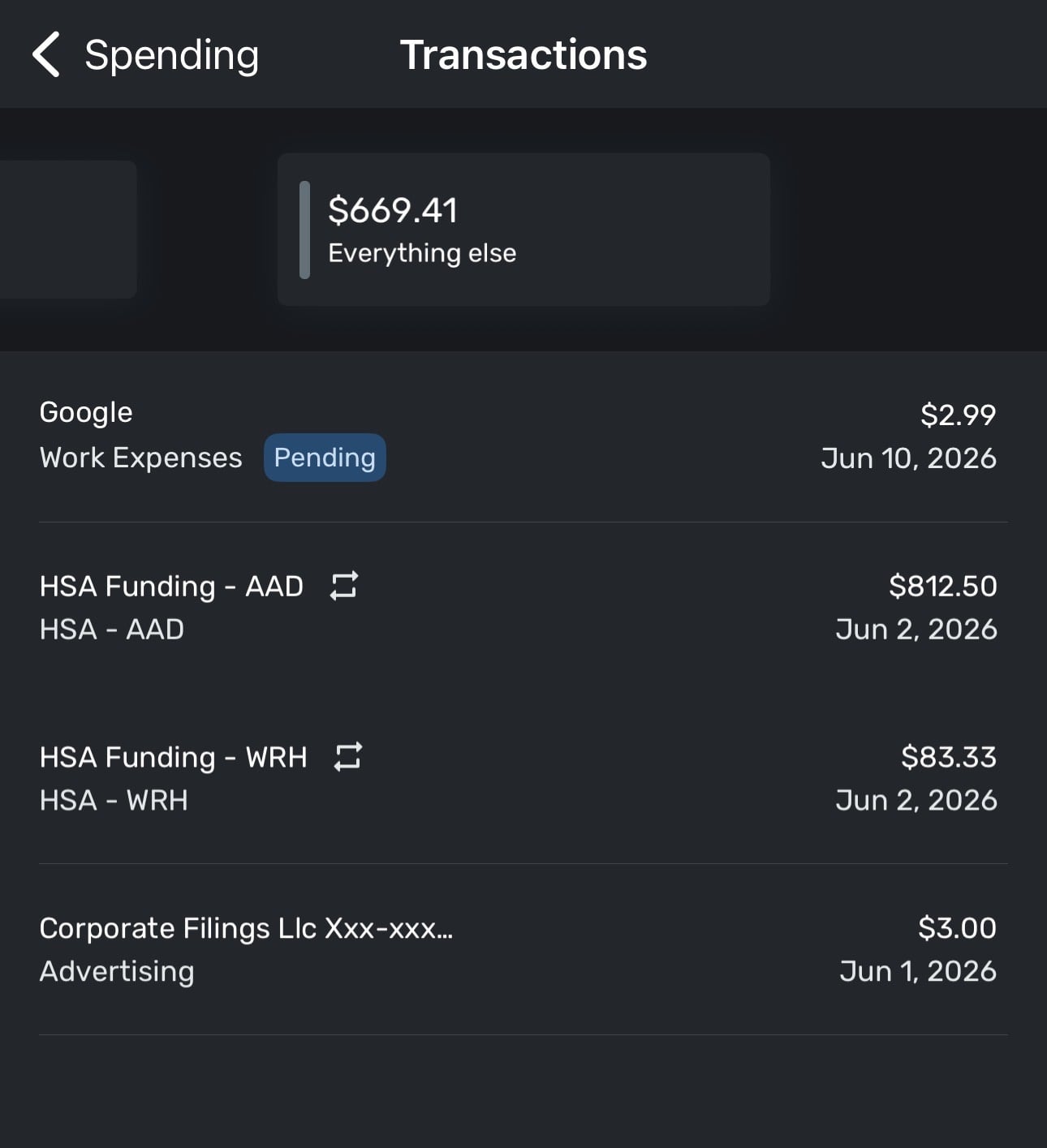
The pair of HSA Funding transactions have corresponding entries under the "Transfers" category which seems to make sense. But then why would there also be additional transactions included in "Everything Else" - which ought to be credits if they represent the corresponding deposits into the HSA accounts?
I'd appreciate any helpful insight.
0 -
@Mortimer Duke, your post has been merged with the ongoing thread for this issue. The latest update is here:
Please continue to follow this thread for updates on this already-escalated issue!
-Coach Natalie
0