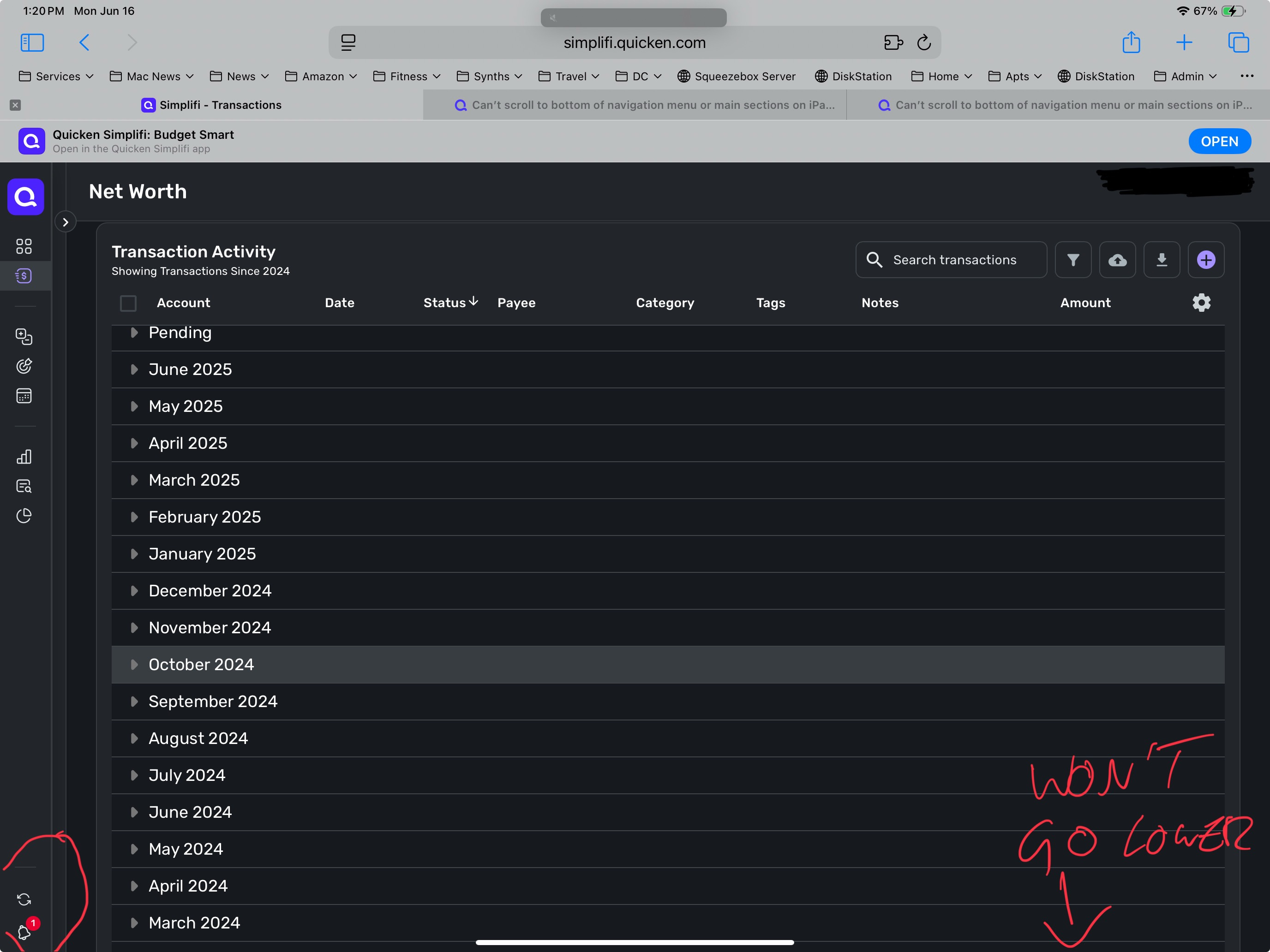
How do I get rid of the mobile app bar at the top of the screen? I am unable to scroll down to get to the “Settings” icon on the left side of the screen and I am not able to sign-off the WebOS app. Usually, when an app option is offered, an “X” is placed to the left of the app name so that I can close that row on the screen.