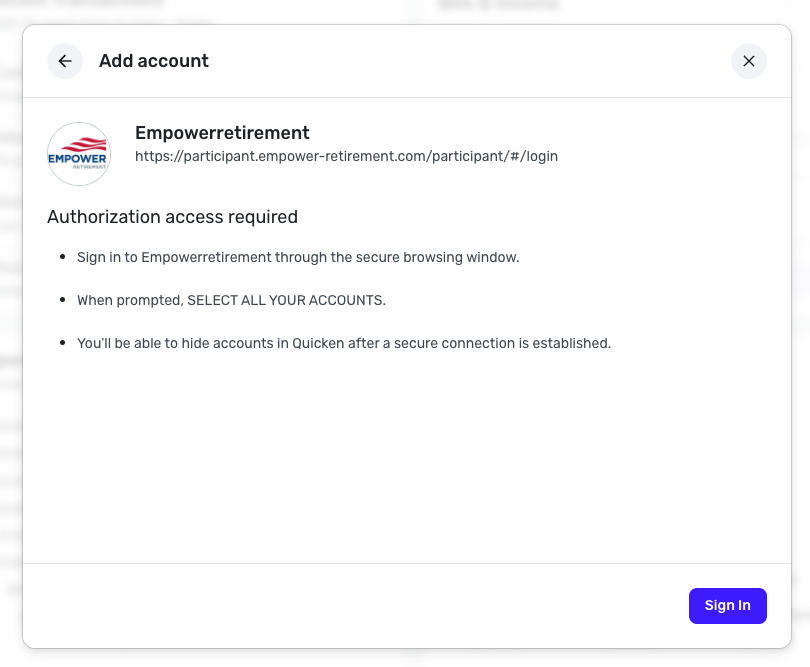
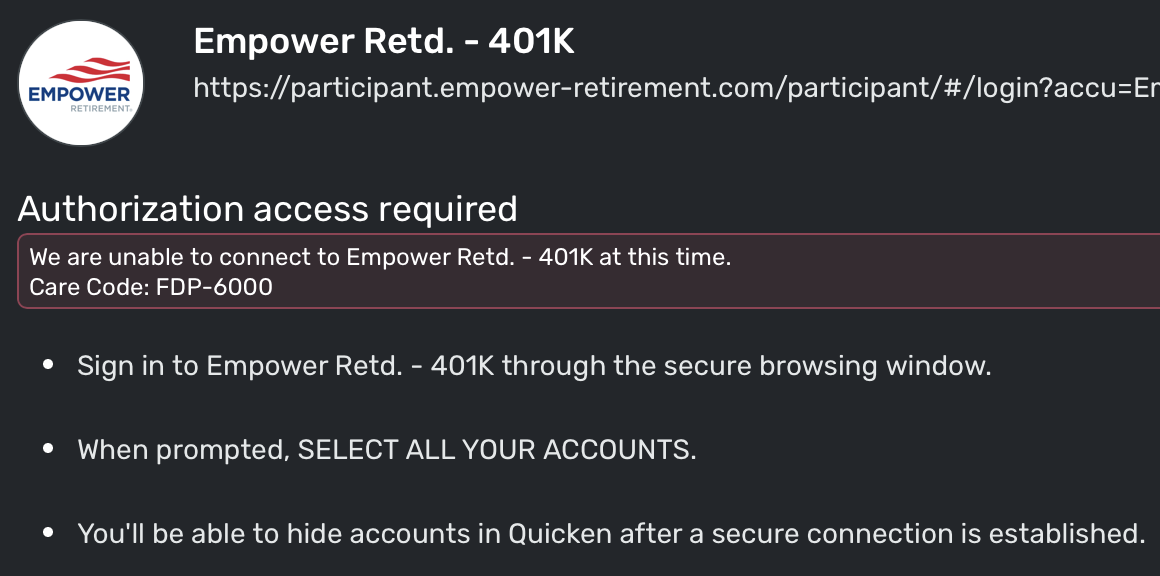
Trying to reconnect Empower (yes, at 6AM EST) and getting this error.
Anyone else seeing this? Is this related to their migration?
This is for a regular Empower 401k.
@nrp06, thanks for posting to the Community with this issue!
When checking your connection attempts from our end, I can see the FDP-6000 error with Empower Retd. - 401K. This particular error usually clears up on its own, so we ask users to allow 48 hours before taking any further action. However, I can also confirm that the Empower Retd. - 401K bank option is one of the impacted options for the Empower migration, which started today.
Due to the migration occurring, I would recommend establishing a completely fresh connection with the bank by following these steps to see if that fixes things for you:
Let us know how it goes!
Thanks. I will wait a week or so and try again.
Appreciate the input.
Having this same issue since few days. Re-adding won't work. Is there any action ongoing to fix this?
@starflyer, thanks for joining the discussion!
When checking your connection attempts from our end, I can see the FDP-6000 error with Empower Retd. - 401K. Are you stating that you tried the steps of making the account(s) manual and re-linking, and it didn't work, or do you just think it won't work? If the latter, please go ahead and give the steps a try, and also gain a new access token from Empower, if possible (step 1).
Just tried again this AM. Account made manual. Attempted to create a new connection. Same error message.
This is very frustrating. Anything you guys can do on your side to help fix this?
@nrp06, thanks for giving those steps a try and posting back!
I'd like to have you try one more thing before we escalate this. Please follow the same steps as above to make the account(s) manual, and then when you go back through the Add Account flow in step 2, use the "Empowerretirement" bank option to see if that one allows you to connect and link your account(s) back up.
Let us know if this works for you!
Thank you. I used Empowerretirement but got the same error message.
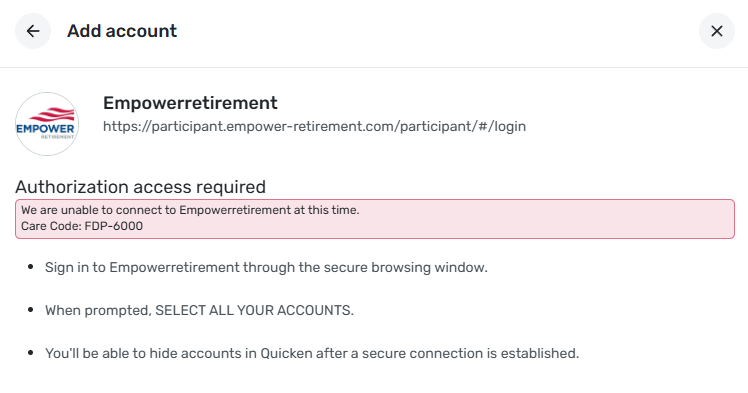
Which was:
Authorization access required We are unable to connect to Empowerretirement at this time. Care Code: FDP-6000
same here, same error. Please update thanks
@nrp06 & @starflyer, thank you for giving that a try!
To get this issue escalated, please provide the following data:
Please also submit your logs via the 'Send Feedback' option:
Much appreciated!
Thanks @Coach Natalie
I'm going to send you a message with this info.
@Coach Natalie
Regarding the logs, report created - reference id 518183023673722112
By the way, ALT and mouse click on Linux (Mint) does not work. It works on Windows, but does not work on Linux. I had to change the windows management here in order to send you the logs. If you could figure out a procedure for us Linux users that would be appreciated. Not necessary for this ticket, as I created a workaround, but appreciated for the future.
Thank you.
@nrp06, thank you for sending the requested information!
I got a ticket filed for this issue, and will post back here with any updates as they're received.
CTP-15784
I have not been able to connect to Empower for 10 days or so. Tried all of the above- no help. Empower has 3 warning messages regarding market hours and fraud that you have to click through to get to your account. Could that keep it from updating in Quicken?
Care Code: FDP-6000
I completed all the steps above and have been having the same issue for about 10 days. The account is manual, and when I try to establish a connection, I receive the below:
We are unable to connect to Empowerretirement at this time.
Hello @Charlie P & @Danimal,
Thank you for letting us know you're also impacted by this issue! To contribute to the investigation, please submit your logs via the 'Send Feedback' option:
Thank you!
Dang, just searched for this error. Yep, having the same exact thing as described above by others on my Empower retirement account. Tried the same steps and directing given.
Hello @tkuligowski,
Empower Retirement has been transitioning their APIs since the beginning of December 2025. As of now, they remain in the process.
@ejs, we now have an Alert for this issue that you can follow for updates moving forward:
@Charlie P, @Danimal, @starflyer, @ainsliejohn, we are still looking to add a few users to the ticket as additional examples. If you'd like to participate in this, please share the following data:
Otherwise, if you're experiencing the FDP-6000 error with Empower in Quicken Simplifi, please be sure to also follow along with the Alert for future updates.
Thanks, everyone!
Any updates from Empower???
???????
Hello - I’ve been following this issue and I am having the same.
I followed the previous instructions, but nothing. Any updates or further thoughts? I haven’t seen any movement for a while now.
Hello everyone,
The issue with Empower is still open and being worked on. As soon as we have any news to share, including a resolution, we will post it to the Alert. Please be sure to follow along there!
In the meantime, you can track the accounts manually in Quicken Simplifi to keep your records up to date. If the account is an investment account, you'd first need to make it manual so you can add and edit the holdings in the Portfolio. The following articles go over making an account manual, as well as adding and editing holdings.
https://support.simplifi.quicken.com/en/articles/5321064-switch-a-connected-account-to-manual-mode#h_d9c41566d8
https://support.simplifi.quicken.com/en/articles/4474538-tracking-investments-in-quicken-simplifi#h_f8a7bc2e30
https://support.simplifi.quicken.com/en/articles/4474538-tracking-investments-in-quicken-simplifi#h_034717f2b3
We apologize for the inconvenience of this connection error, and appreciate everyone's continued patience!
FYI - My account connected early this morning. Hopefully this means the problem has been fixed.
My account connected early yesterday morning either. The problem was fixed!
Confirming issue resolved for me as well.