Acorns Emergency Fund HYS Account Not Appearing (edited)
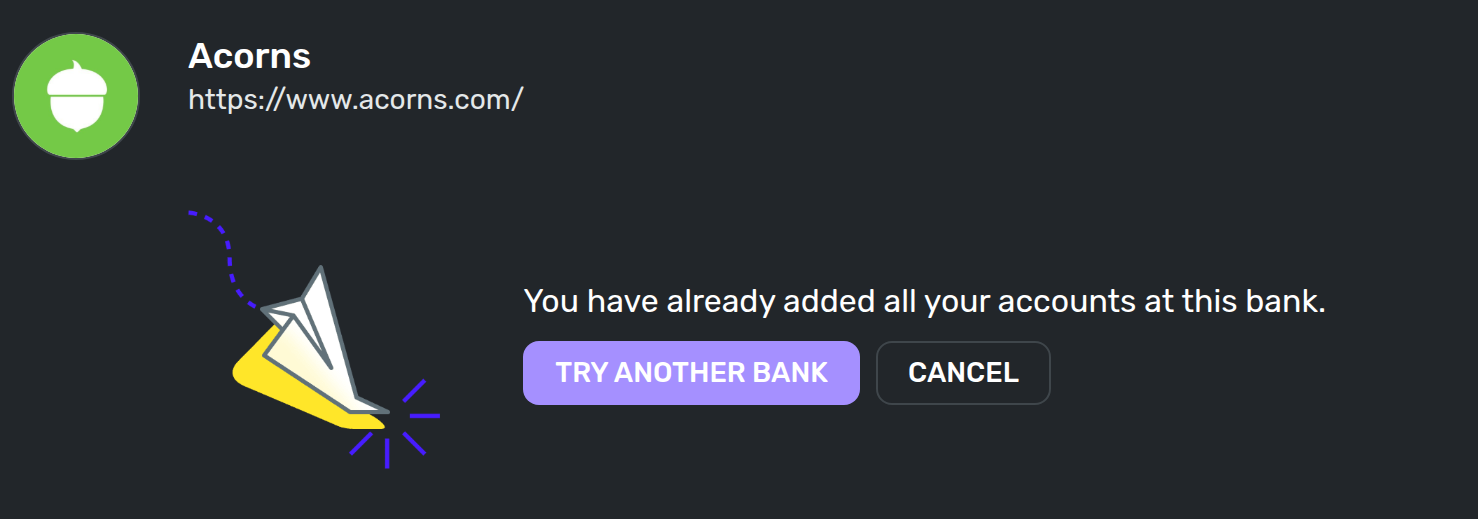
Acorns emergency funds are not appearing in my system. Whenever I try to find more accounts, the system says that I have added all accounts.
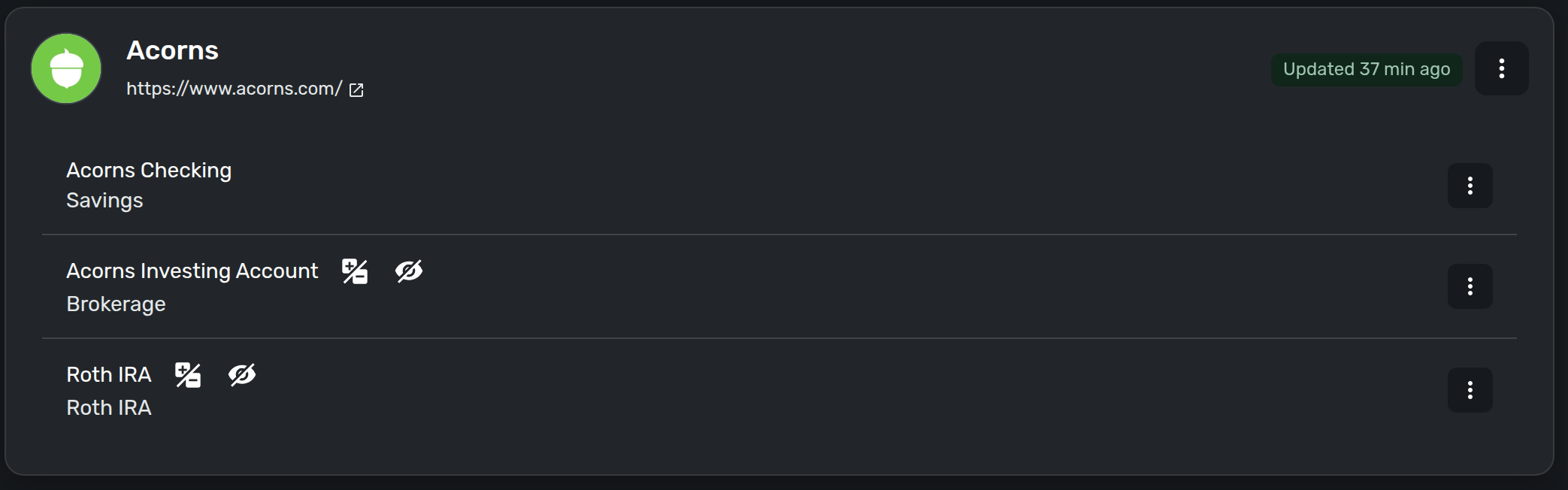
Attached Accounts
Attempt to add more Accounts
Acorns Accounts
cut off to hide amount details
Comments
-
@jtmonroe, thanks for reaching out to the Community!
To clarify, have you ever had the emergency funds account connected in Quicken Simplifi, or is this your first time attempting to add it? Also, what is the account classified as on the bank's side, i.e., savings, investment, etc.? I ask, because according to our support article here, certain types of Acorns accounts aren't currently supported:
Or is it a savings bucket rather than an actual account, as discussed in the following request?
Let us know!
-Coach Natalie
0 -
Hello!
Thank you for the quick response. I am going to break down your questions to bullets and answer each
- have you ever had the emergency funds account connected in Quicken Simplifi, or is this your first time attempting to add it?
- I have not ever added it to Quicken Simplifi. During my use of Quicken, I have never seen it properly appear in the search.
- what is the account classified as on the bank's side, i.e., savings, investment, etc.?
- It is a High Yield Savings Account (HYSA). I have looked through the list of "unsupported accounts". Although, oddly, the two which are not supported do properly appear in my list.
- is it a savings bucket rather than an actual account, as discussed in the following request?
- No. It is a separate account with its own rules, routing number, and account number.
0 - have you ever had the emergency funds account connected in Quicken Simplifi, or is this your first time attempting to add it?
-
@jtmonroe, thanks for the information!
I think we can review this case for escalation. To do so, please provide the following data:
- Has there been any activity in the account in the last 90 days?
- Is the account considered an external account (i.e., are you redirected to a different website when selecting the account on the bank's website)? If so, what URL are you redirected to?
- Is the account a subtype of a different account?
- Has the bank made any recent changes to its website or sign-in process?
- Are you the owner of the account?
- The name of the account, as it appears on the bank's website.
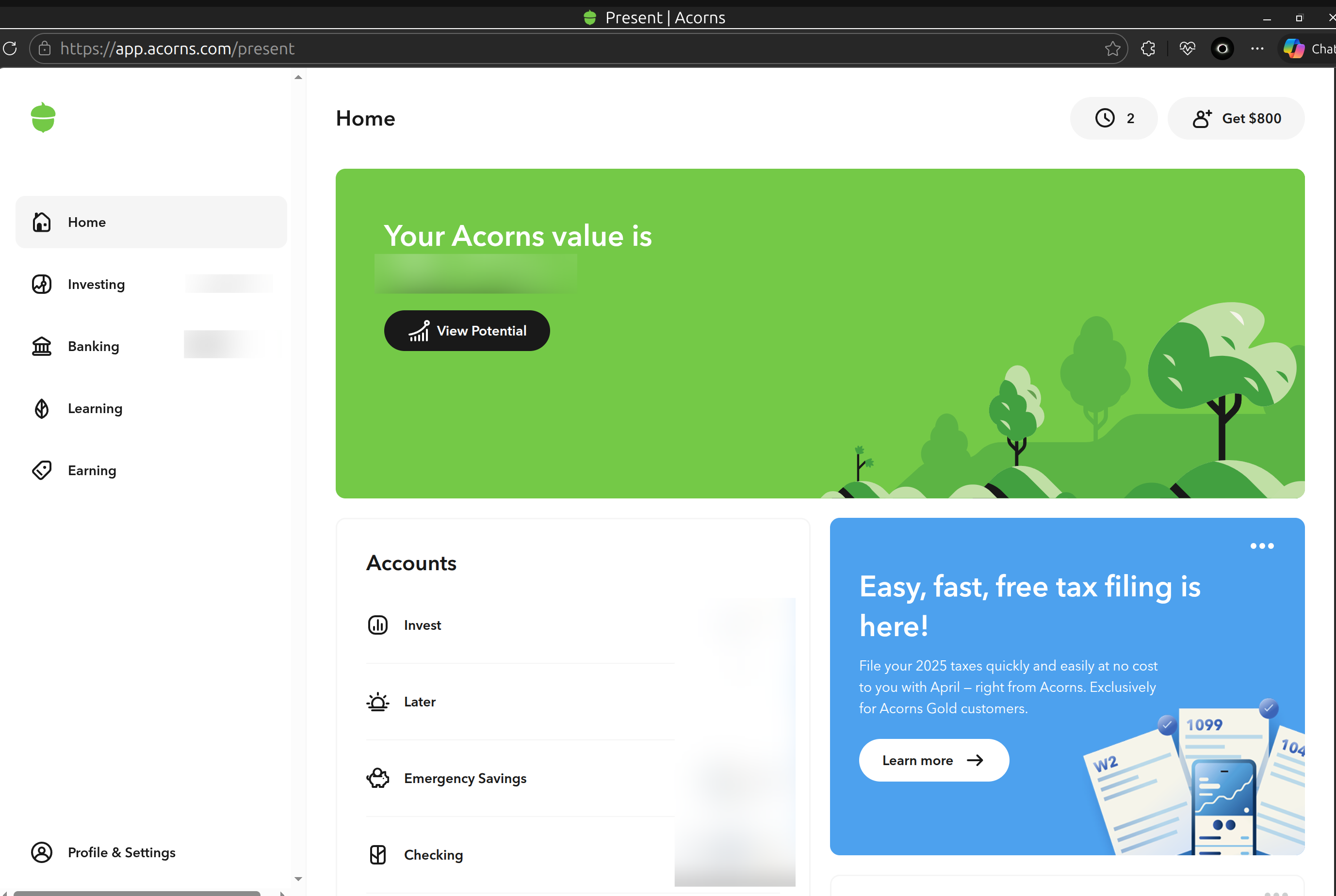
- A screenshot of the Accounts Summary page from the bank's website that has a wide enough scope to show the full page URL. This is the landing page after signing in, and typically lists all accounts and balances. You will want to take this from a web browser and not a mobile browser, as well as redact any private info such as account numbers.
Please also submit your logs via the 'Send Feedback' option:
- Log in to the Quicken Simplifi Web App.
- Select the Profile icon in the upper-right corner of the screen.
- With the Profile menu open, hold down the Option key (Mac) or the Alt key (Windows), and then click Send Feedback.
- Leave all boxes checked, add a brief description of the issue, and then click Send.
Much appreciated!
-Coach Natalie
0 -
- Yes. There was activity today.
- No. The url is still under the same origin (app.acorns.com)
- No. It is a standalone account so far as I can tell. It is walled behind my checking account, but that is just for logistical purposes. It has its own account number with NBKC Bank.
- Not that I am aware of. I know that there were some updates on Quicken's end last year to fix other issues though.
- yes.
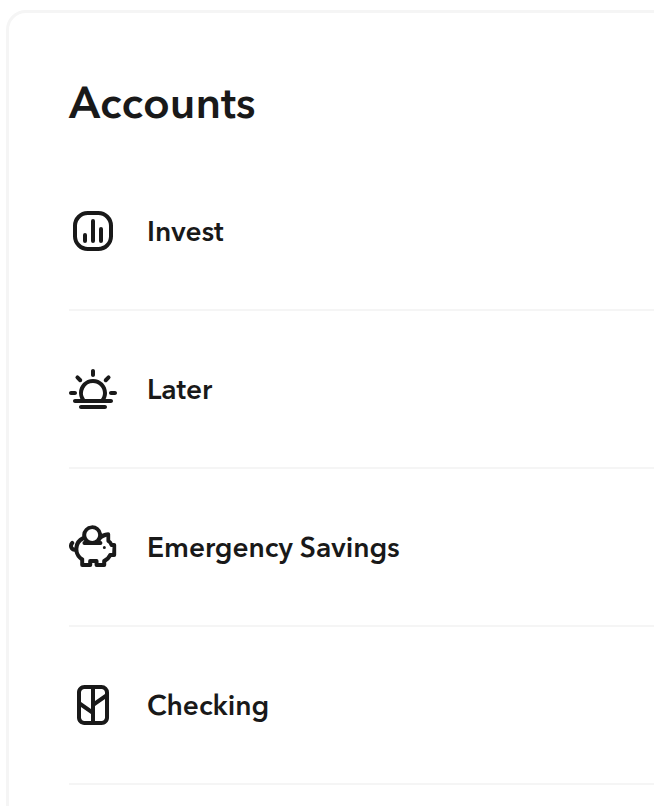
- The name is simply listed as
Emergency Savings - The image below has been redacted, but the emergency savings account is visible.
Full Screen View
I will go and send my logs now
[edited to align with corrected request]
0 -
@jtmonroe, thank you!
I have submitted an escalation for this issue and will post updates here as they become available. In the meantime, you can add and track the account manually. The following help articles provide step-by-step instructions for adding a manual account and entering manual transactions.
CTP-16852
-Coach Natalie
0