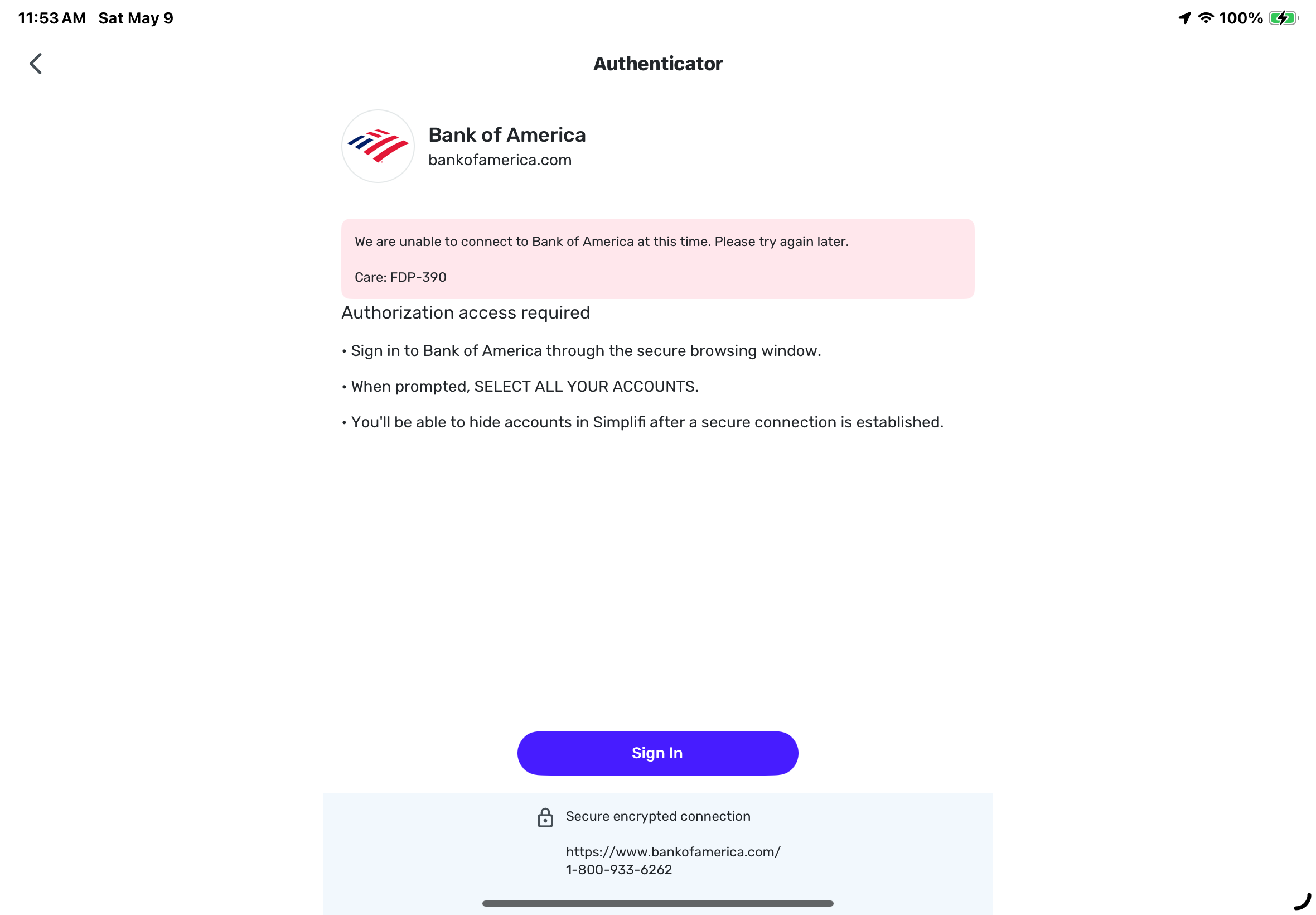
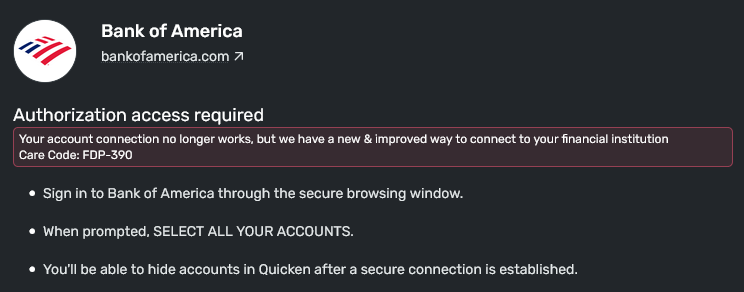
Bank of America FDP-390 (edited)
I opened simplifi today and noticed my BOA credit account had a error. So I followed the message to re-authenticate it with it said was a new method. After going through the steps it now says fdp-390. I tried 3 times same outcome.
I assume this had something to do with the may 6th issues but I don't think I ever saw that as I haven't logged in till after that issue.
Also says now care:.api.database.accountkey.notfound.

Comments
-
Try making the BOA account manual, and re-adding it using the + Accounts. If that doesn't work, try to establish a new connection through the Phone App instead of the web app.
You may find reading this conversation useful.
Steve
Quicken Simplifi (Safari & iOS) Since 2021
Quicken Classic (MacOS) Since 2009
Dollars & Sense (DOS) and MS Money (Windows) 1987-20091 -
Thanks src-54 for the tips. I was able to fix it. Part of what I think I was doing wrong initially was when I was using the phone app to fix this I was accidentally authenticating to my bank with a login account that doesn't have access to the credit card. I have a second login account to the bank that does have access to the credit card and I wasn't using that one to reauthenticate during that first initial process to fix the account connection message when first logging in to QS today.
I caught myself remembering the different bank account logins, with which types of BOA accounts are available to that login, when I went to make it manual and add it back as you suggested. I think a combination of using the right login account for the bank and the fact that I was going through the manual and re add process is what finally fixed it.
1 -
These broken bank connections can be vexing. Glad you were able to fix it!
Steve
Quicken Simplifi (Safari & iOS) Since 2021
Quicken Classic (MacOS) Since 2009
Dollars & Sense (DOS) and MS Money (Windows) 1987-20091 -
Yeah definitely, with a number of times I've had issues with accounts not connecting properly in the last six to eight months that I've used this service I immediately thought well here we go again. Well I'm kind of Justified in saying that because like I said I logged in today and there wasn't initial connection issue that didn't resolve itself from whatever maybe happened on May 6th. But then I went and messed it up using the wrong account login. So yes this one was on me but the initial one is still on the service with its usual problems of accounts not connecting or connecting incorrectly and downloading the wrong amount of transactions and duplicates in yada yada yada. I guess I'm just tired of this service with all the issues I've seen over the time I've had it which is just under a year.
0 -
FDP-390 We are unable to connect to Bank of America at this time. Please try again later.
This is the message I am receiving. I contacted B of A and they say all is set up correctly on my account. I then went into B of A and revoked the Quicken authorization. I changed B of A to manual in Simplifi. I then set up the authorization again. B of A again shows Quicken by Intuit as a third party authorization. I obtained the message listed above on Simplify.
1 -
This discussion was created from comments split from:
0 -
Hello @Barb and Dale,
Thank you for letting us know you're seeing this issue. To help troubleshoot, please provide more information:
- When did you first notice this behavior?
- Are you seeing any other errors, or just the FDP-390?
I look forward to your reply!
-Coach Kristina
0 -
Hi Kristina,
I'm also running into this error as of 9:23pm PST on May 9th. Other accounts are able to refresh their transactions just fine, it is only with Bank of America that we are having problems.
1 -
I am also having this error on May 10, only with BofA.
0 -
Thank you for letting us know you're seeing the same issue. If you have not already done so, please follow these troubleshooting steps for FDP-390 errors:
Make the problem accounts manual accounts by following these steps from our article on switching an account to manual mode:
- Move your cursor to the top right and click Settings (gear icon).
- Select Accounts.
- Locate the Account you'd like to make "manual" and click the three dots at the end of it.
- Select Make manual.
- Click Make manual to confirm.
Once done, the account will be moved down to the Manual Accounts section.
Next, add and link the accounts, following these steps from our article on adding accounts and our article on linking accounts:
- Type your bank’s name into the search bar.
- If your bank appears under the Popular Financial Institutions section, click on the image.
- Once you've selected your bank, you'll see a message regarding consent. Click Continue.
- Enter the User ID and Password used to sign in to your bank's website, then click Connect.
- Quicken Simplifi locates the accounts associated with your bank's login and displays the account name and account type.
- Open the Action dropdown and choose the existing Quicken Simplifi account that the bank account should link to.
- Important: If you leave the Action set to “Add as New (no link)”, Quicken Simplifi will create a duplicate account.
- Ignore accounts you don’t want to add
- If there’s an account you don’t want to connect, simply uncheck the box next to it.
If the issue persists after following these steps, please wait 24 hours, try again, and notify us if it's not resolved.
Please let me know how it goes!
-Coach Kristina
-1 -
Also having this issue
0 -
Been having this issue for the past 3 days. When is there going to be a proper fix?
Last time I made it a manual account, I lost all the category data……….1 -
Same issue here, and worried too that I might lose all the manual expense annotations (tagging, splitting, etc.) if I follow the suggested solution (switch the accounts to manual then link again).
Any chance that re-linking the accounts might cause expense duplicates or cause annotation loss?0 -
Hello everyone,
Thank you for taking the time to report this issue to the Community! Bank of America is currently going through a migration that just started up again —
To resolve the FDP-390 error, we are asking that users fully disconnect and reconnect their accounts by following these steps:
- Make all of your Bank of America accounts manual by following the steps here.
- Once you see the account(s) listed in the Manual Accounts section under Settings > Accounts, go back through the Add Account flow to reconnect to the bank.
- If the connection is successful, carefully link the account(s) found to your existing Quicken Simplifi account(s) by following the steps here.
Please note that if you are connected to any of the V1 bank instances mentioned in the announcement I shared above, you will need to reconnect to a different, active Bank of America bank instance, which can sometimes result in duplicate transactions. Otherwise, simply disconnecting and reconnecting to the same bank instance and then linking your accounts should not result in duplicates or any other issues.
Please let us know if these steps resolve the FDP-390 error!
-Coach Natalie
0 -
@Coach Natalie: What happens to past expenses and their annotations (categories, tags, splits) if we follow the proposed steps?
Similar to @JTubb , I've had some bad experience trying to re-link accounts in the past.0 -
As mentioned above, simply relinking accounts should not cause any issues. The only issue that may arise is duplicate transactions if you disconnect and then reconnect to a different bank instance.
If you don't feel comfortable re-linking your accounts, you may consider making your existing accounts manual and then adding new accounts. However, to resolve the error, you will need to establish a new connection with Bank of America, one way or another, and use a currently active bank instance when doing so.
I hope this helps to clarify!
-Coach Natalie
0