Unable to save downloaded transaction after adding splits (edited)

I used to be able to edit a transaction to be a split. Now when I try to do so and update I'm getting an unable to save error.
Comments
-
I just edited a transaction to a split without any trouble. This kind of error is usually just a momentary glitch.
Have you tried on both the web app and the phone app? You might want to sign out and sign back in as well. You might want to try different browsers. Even if these suggestions don't work, you will have eliminated these possibilities.
Steve
Quicken Simplifi (Safari & iOS) Since 2021
Quicken Classic (MacOS) Since 2009
Dollars & $ense (DOS) and MS Money (Windows) 1987-20090 -
I wonder if it makes Difference that the transaction is a series?
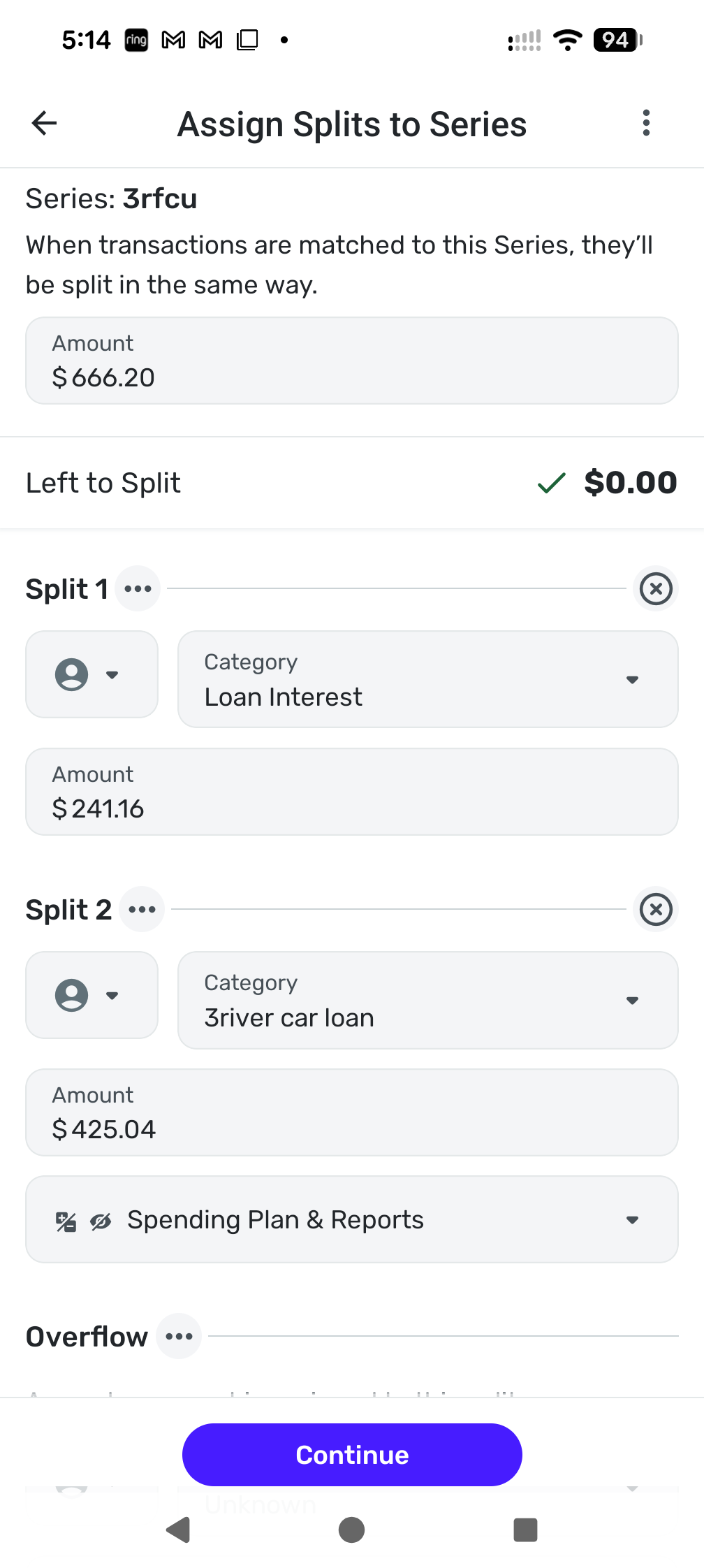
[edited image to reduce size]
0 -
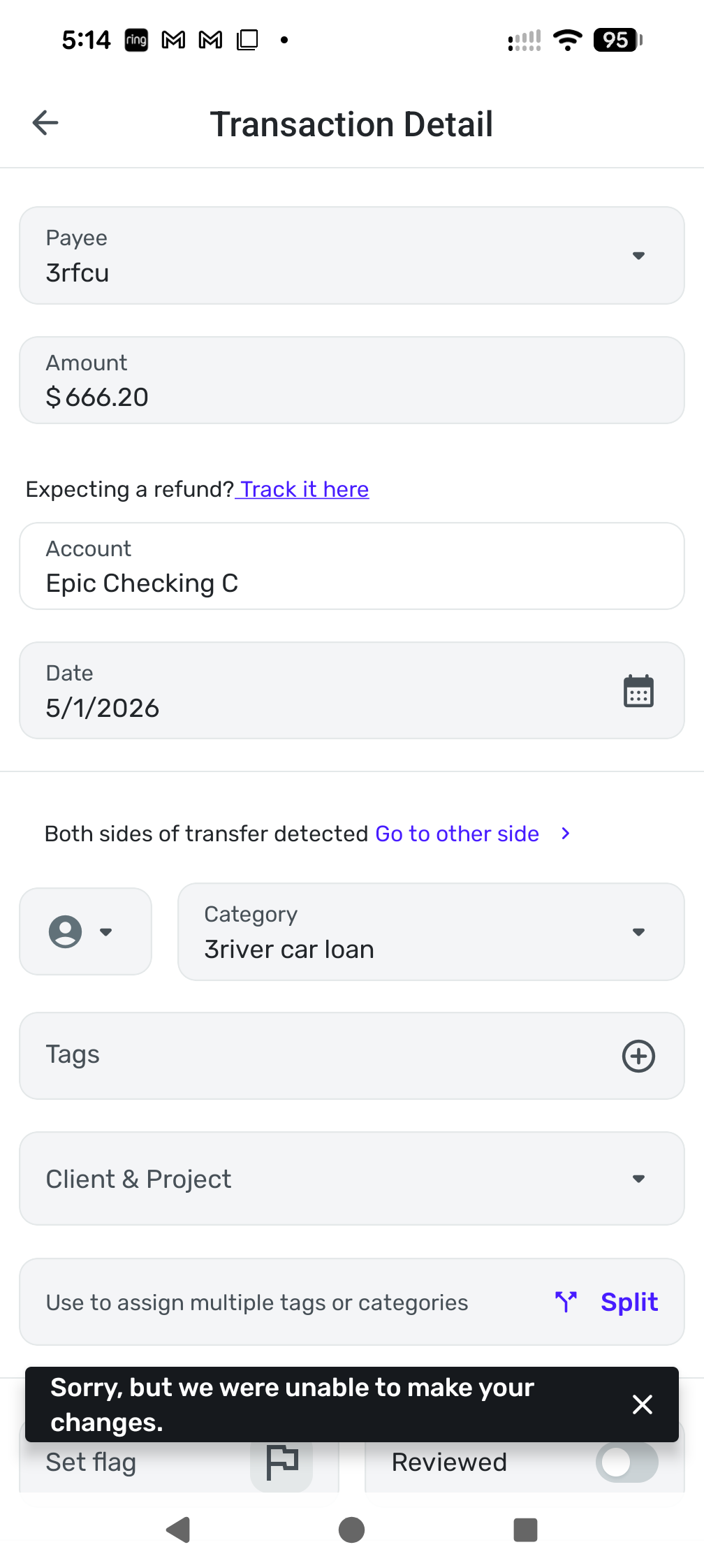
Sorry message screenshot attached
[edited image to reduce size]
0 -
Interesting fact, I'm not doing anything different than what I have done since last June.
1 -
So you've downloaded the transaction and linked it to a series that has splits. So now you are editing the splits (because they are different from the split series?).
I edited my split from a series but will now try editing one from a split series.
Nope, I was able to do it. No problem.
Try my earlier suggestions.
Steve
Quicken Simplifi (Safari & iOS) Since 2021
Quicken Classic (MacOS) Since 2009
Dollars & $ense (DOS) and MS Money (Windows) 1987-20090 -
Possibly the transaction is not actually linked to the series. It looks like it is paired with a transfer in the 3river car loan account.
Is that transfer (in the 3river account) for the full amount of the transaction ($660) or for the amount you specified in the split ($425)?
DryHeat
-Quicken Classic (1990-2020), CountAbout (2021-2024), Simplifi (2025-…)0

