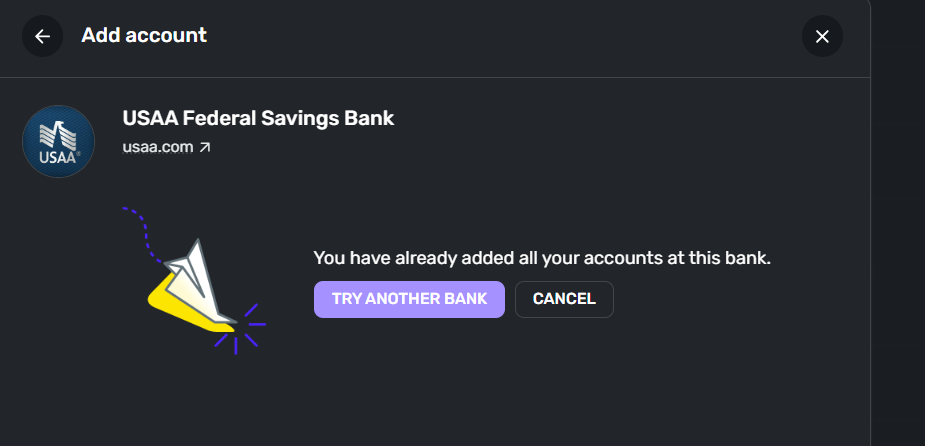
USAA accounts do not show in Quicken Simplifi - "You have already added all your accounts" (edited)

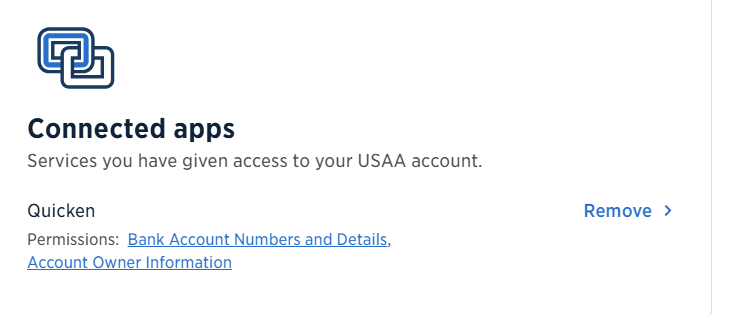
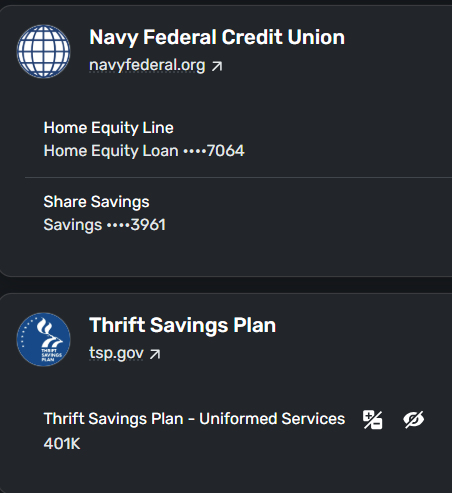
I added USAA bank, but the accounts do not show in Quicken Simplifi. I've included a snapshot picture of my other accounts where the accounts are recognized as an example. Somehow USAA accounts are not shown. I've deleted the connection several times and added USAA again with no success. The third-party connection from Quicken is recognized by USAA. I've tried incognito mode, no luck. I'm out of options. Please help!

Comments
-
Even when I delete the account and re-connect with USAA bank, I get this response at the end. Frustrating!
 0
0 -
@fastman2, thanks for posting!
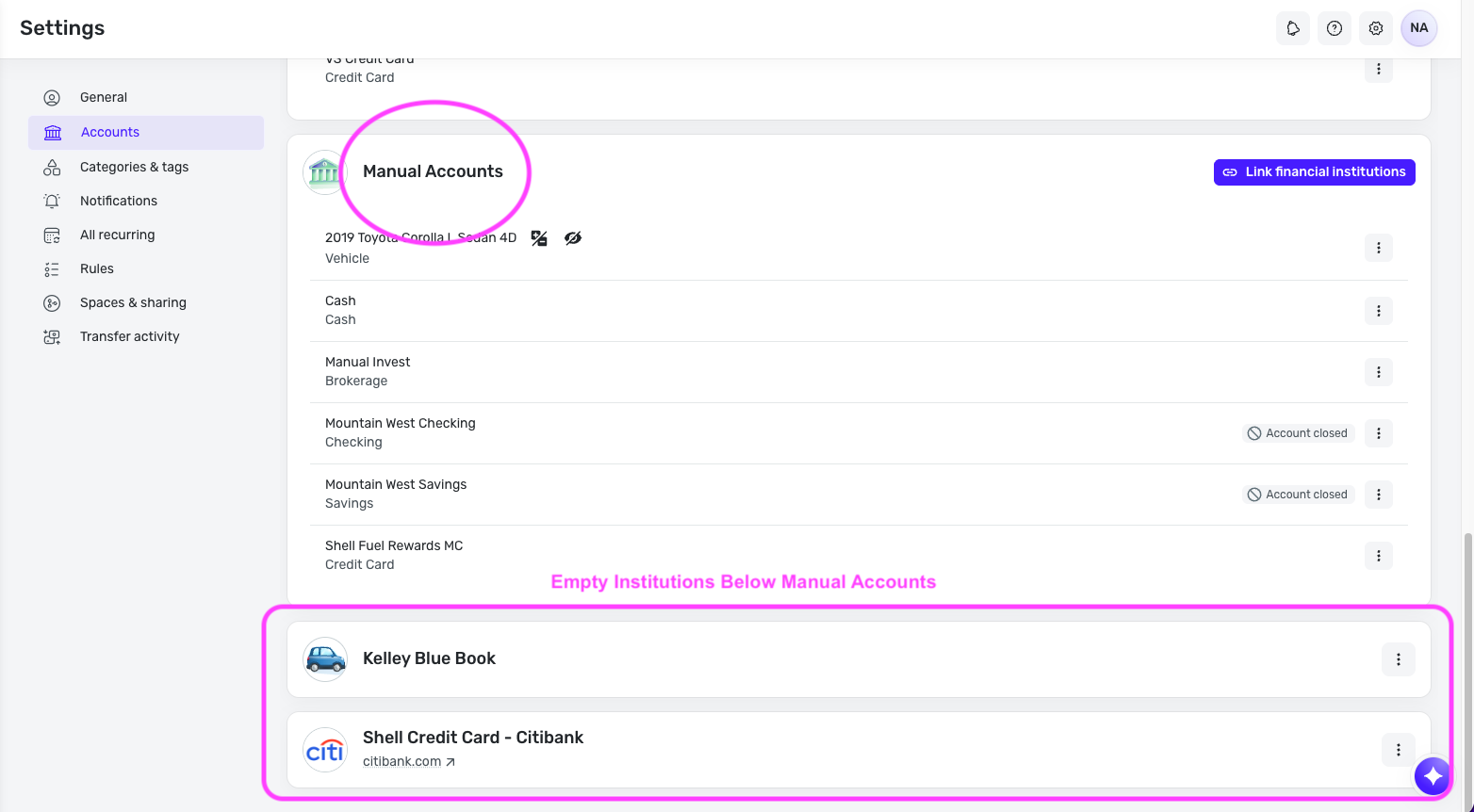
To clarify, have you ever successfully added your USAA accounts in Quicken Simplifi, or is this your first time adding them? Also, the first screenshot you sent above — is that an empty institution (meaning there are no accounts under it) below Manual Accounts in Settings > Accounts? If so, you can and should delete it.
And finally, do you see USAA listed anywhere else on the Settings > Accounts page?
Let us know!
-Coach Natalie
0 -
Hi Natalie, Thanks for responding.
UPDATE: I had created a manual USAA account (out of frustration) since the "add account" wasn't working at the time. Then today I decided to add the account like this: Settings » Account » Manual Accounts (Section) » Link Financial Institutions (button). Logged into USAA bank and linked the manual account. It worked! Not sure why it didn't work the first time around via normal "add account" process without "linking account." I hope this makes sense. Anyway, thanks for responding. And….still waiting for some good news re: adding Newrez to your financial institutions list. Peace!
1 -
