Unable to add Synchrony Store Cards to Simplifi
I have 3 store credit cards that are all managed through Synchrony.
I recently created a Synchrony login, which shows all 3 cards and allows me to manage them all from this one account.
However, I am unable to add this Synchrony account in Simplifi.
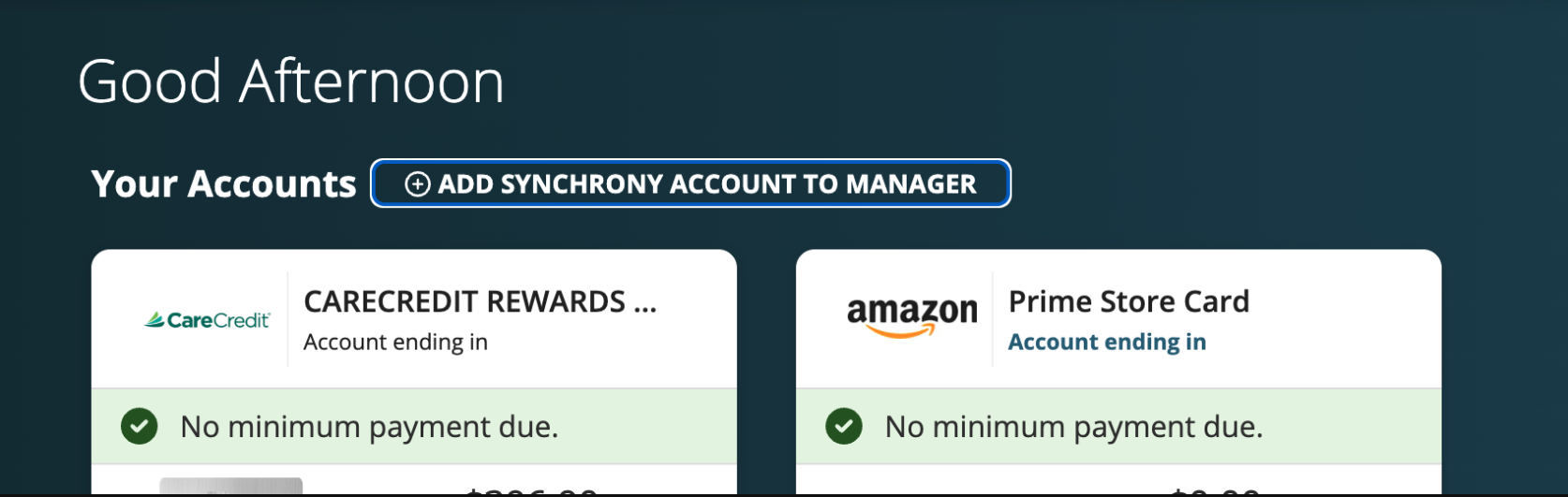
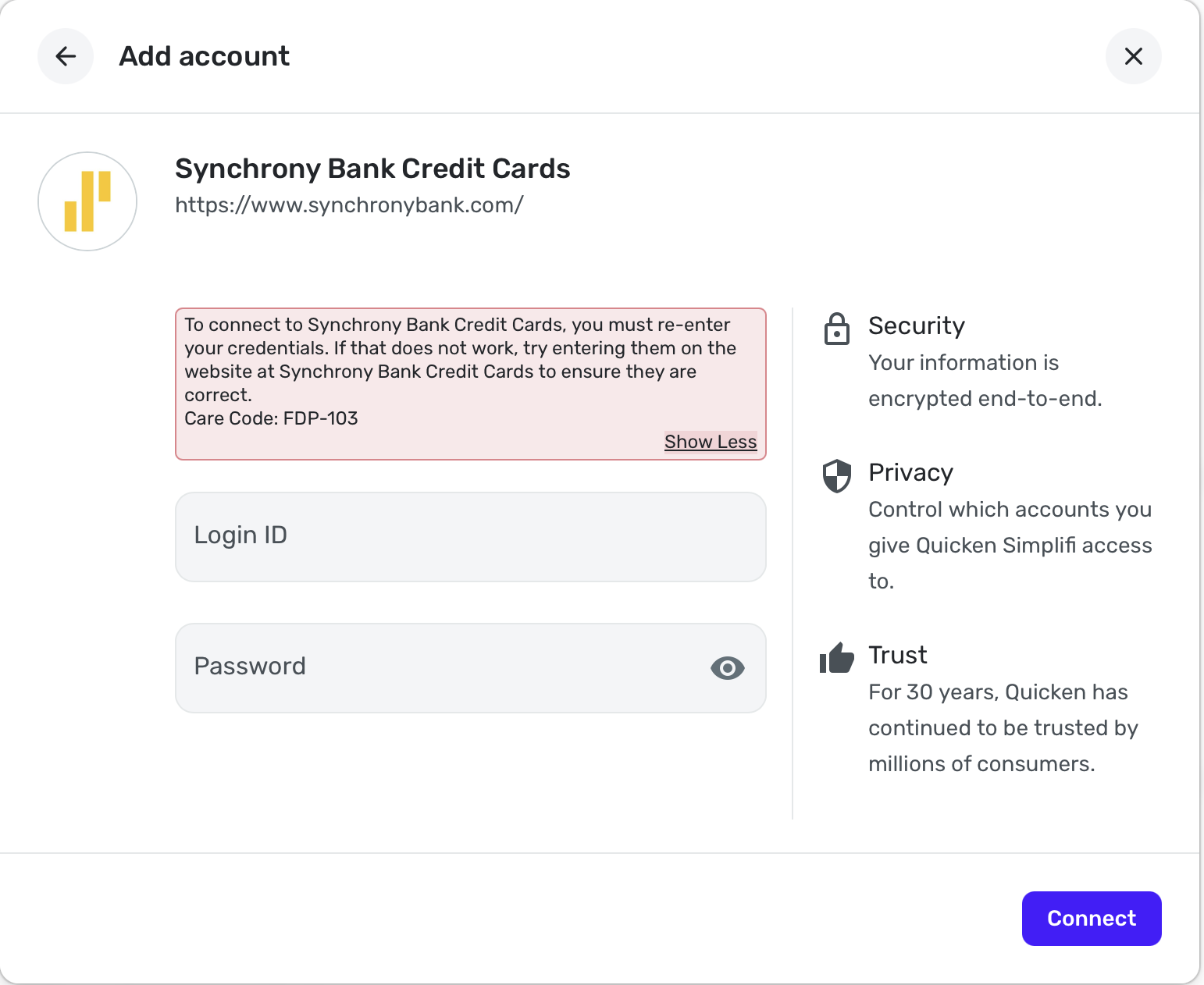
I know the credentials are correct, and I have tried every variation of Synchrony that comes up in the search list when adding an account, but I always get the same error below. (see image)
I believe Synchrony has revamped their account/login system and am wondering if Simplifi just doesn't have a functioning connection to this new system yet.
Anybody else having this same problem?
Comments
-
I think similar problems have been reported. Did you do a search for Synchrony to read the other conversations? If not, do so to see if any of that is helpful.
Steve
Quicken Simplifi (Safari & iOS) Since 2021
Quicken Classic (MacOS) Since 2009
MS Money (1991-2009) and Dollars & Sense (1987-1991)1 -
I have a couple of Synchrony store cards but don't bother connecting them to QS since we don't use them often enough to make it worth the effort. I also have savings accounts with Synchrony and if the credit card side is anything like the savings account side, at best Synchrony is unstable and has had a history of not playing well with online 3rd party connections. This is not unique to QS, I have problems with other apps that I connect to my FIs and Synchrony is always a problem child.
I am connected, but it's iffy.
Danny
Simplifi user since 01/22
”Budget: a mathematical confirmation of your suspicions.” ~A.A. Latimer2 -
Yes, I have read a few other threads about it but didn't find a solution that worked for me, unfortunately.
0 -
Yea, the Synchrony account seems to be pretty bare-bones with no deeper control over settings and connections like other banking platforms. I think their new login system may just not be compatible with Simplifi, but I'm not sure. Oh well…
0 -
Sorry it didn't help.
Steve
Quicken Simplifi (Safari & iOS) Since 2021
Quicken Classic (MacOS) Since 2009
MS Money (1991-2009) and Dollars & Sense (1987-1991)1 -
Hello @cyberstackn,
Thank you for letting us know you're encountering this issue. Which store cards are you trying to connect? What is the URL (web address) you use when logging into the accounts directly through the financial institution website?
If they are serviced by Synchrony, they typically would not connect using the Synchrony Bank Credit Cards connection. Some cards serviced by Synchrony have their own connection option, such as Care Credit and Guitar Center.
I look forward to your reply!
-Coach Kristina
1 -
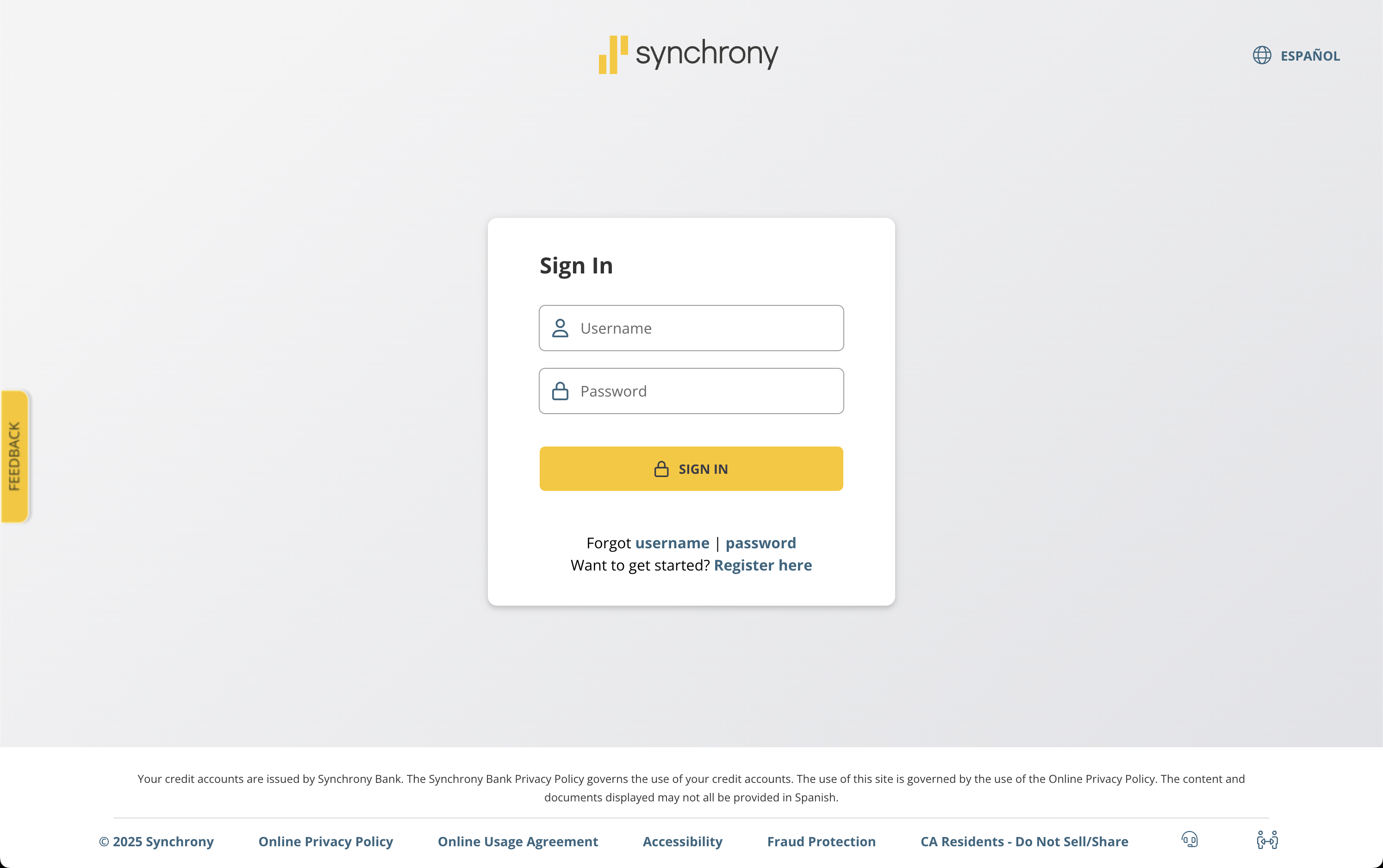
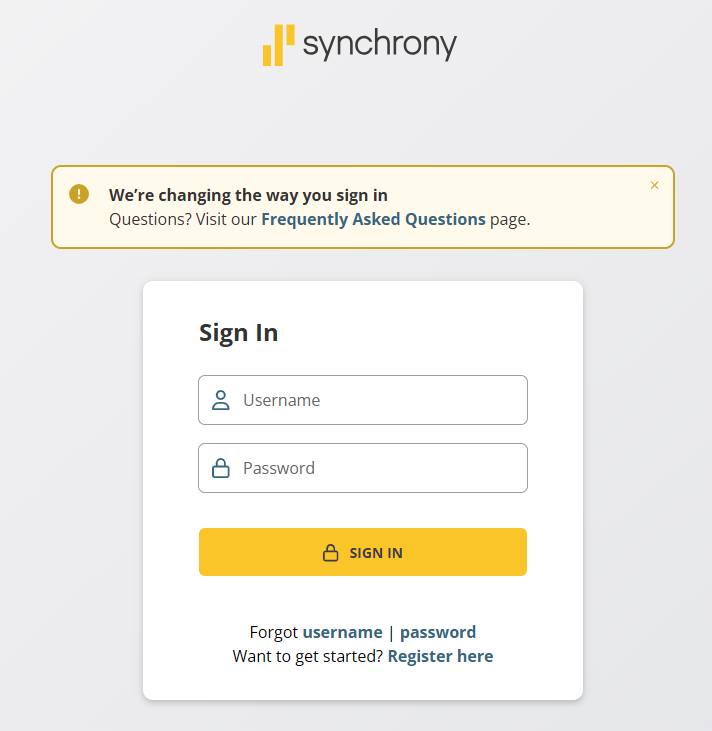
Hi Kristina, this is the new login portal for Synchrony I am using:
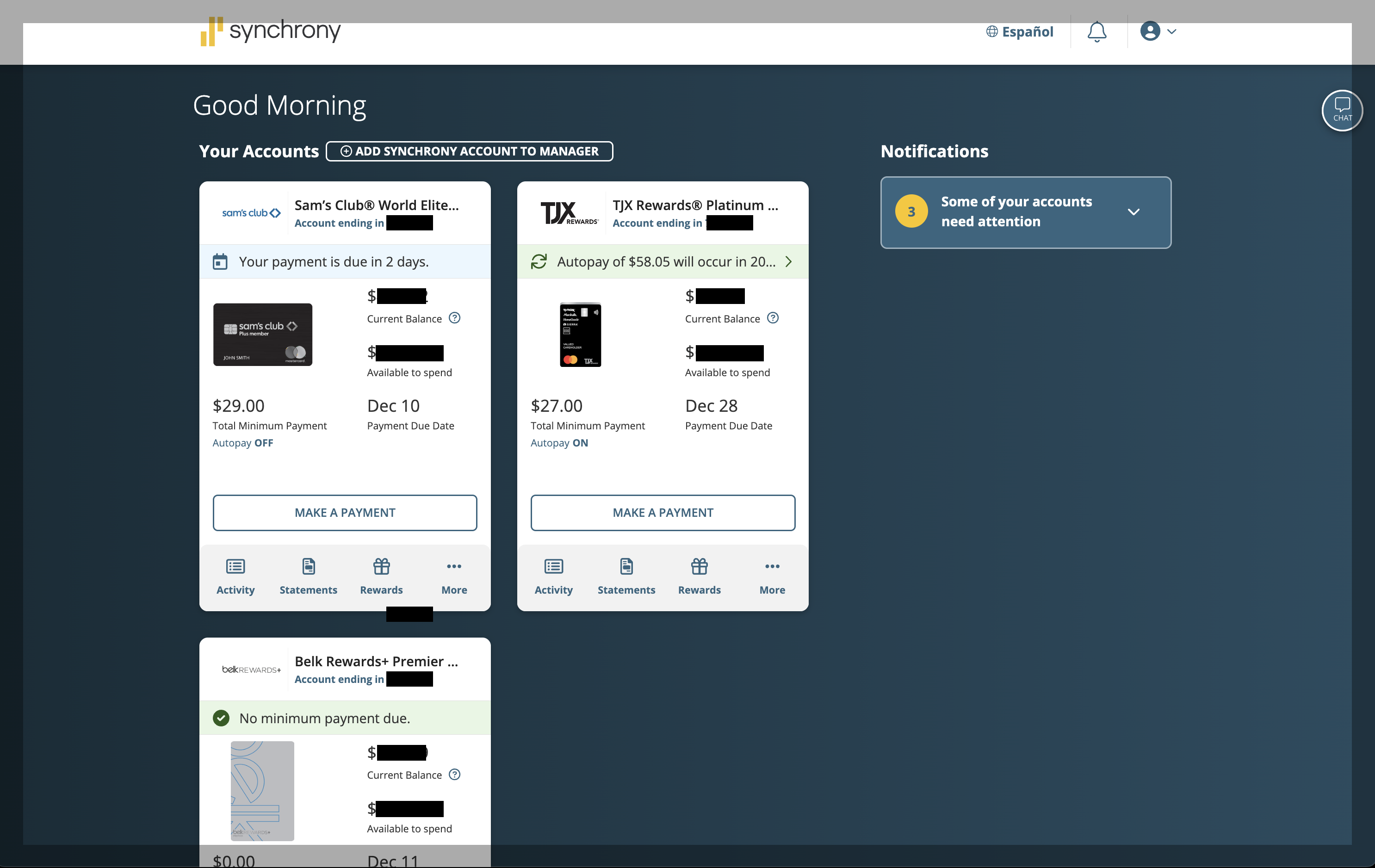
The store cards are Sam's Club, Belk, and TJ Maxx.
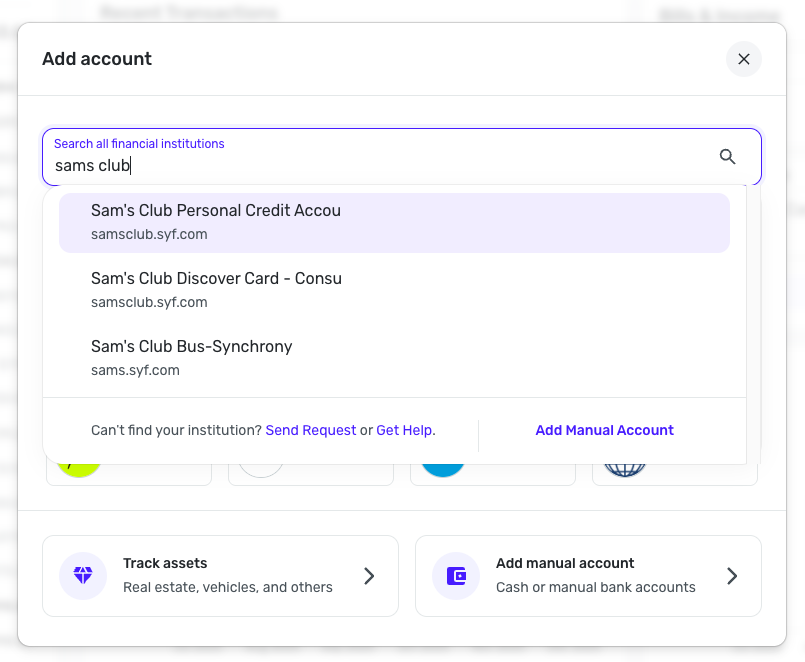
I have tried pretty much every variation that pops up in Simplifi when adding an account for Synchrony, even the store-specific ones like the Sams Club, but they all result in the same error.
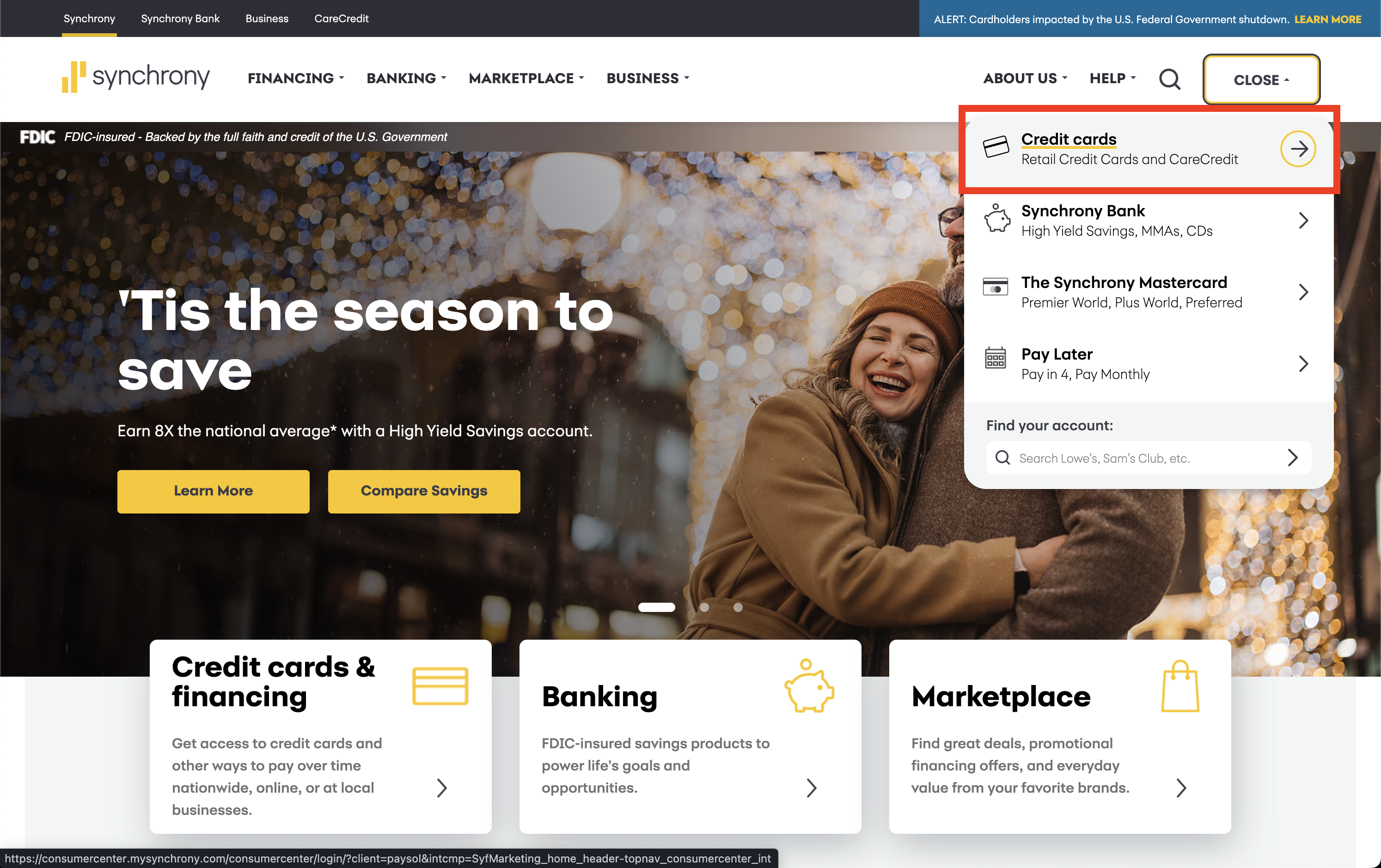
When you go to Synchrony.com and click Sign In at the top, it gives you a dropdown menu.
I select the first option that says "Credit Cards" (see image)
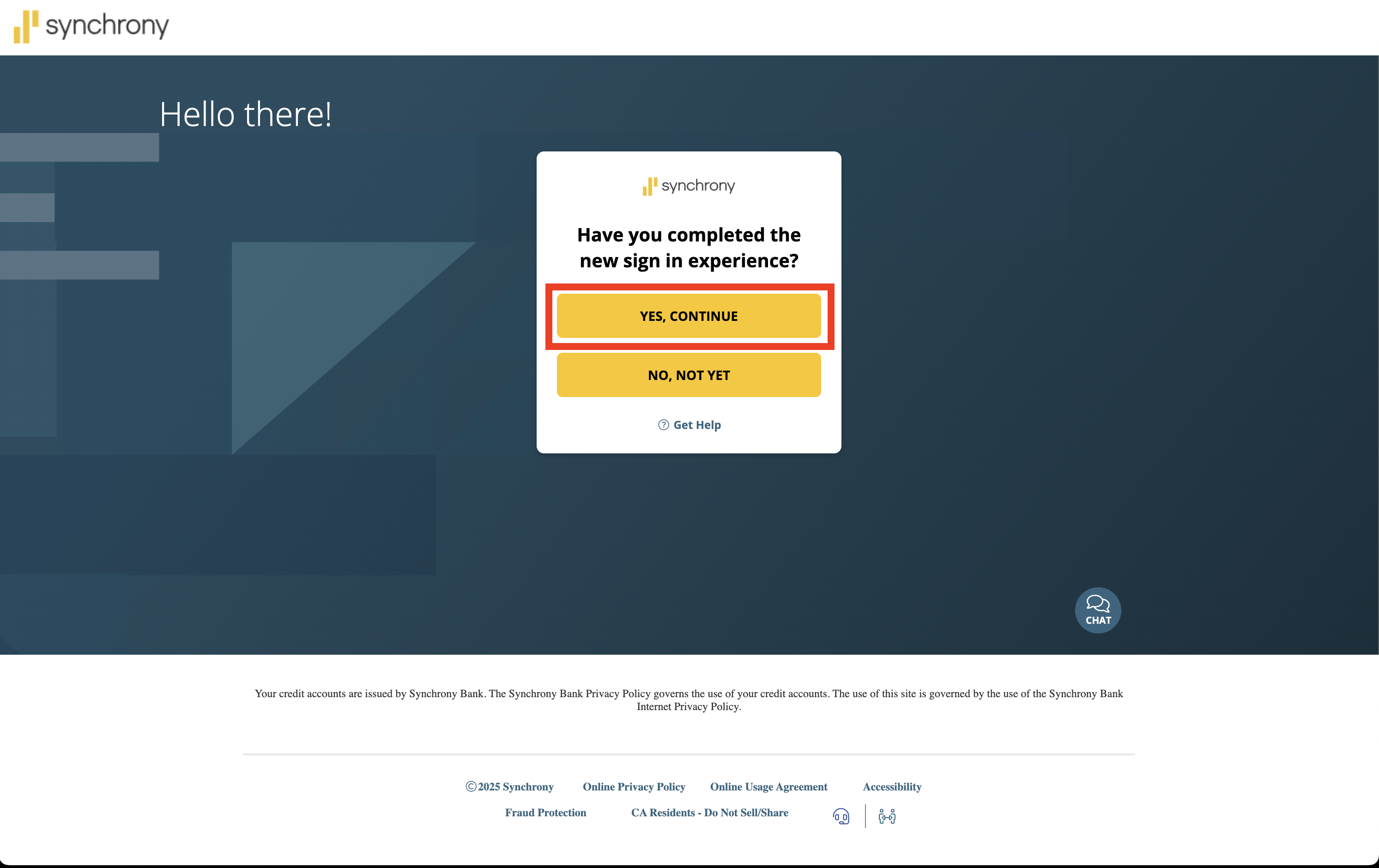
Then it asks if I have completed the new sign-in experience, which I have, so I select "Yes, continue" (see image)
Then it takes me to the login link I put at the top of this message.
From there, I can login and see all 3 credit cards together.
I just cannot figure out how to get this account linked into Simplifi!
I always get the same error message I originally posted, which is "Care Code FDP-103"
Do you think it may have something to do with their "new sign-in experience"? 🤔
1 -
@cyberstackn, thank you for the detailed information!
It sounds like you're looking for an "all-in-one" bank option for your Synchrony store-branded cards in Quicken Simplifi, such as what's been requested here:
Since this isn't currently offered in Quicken Simplifi, you'll need to use the individual store-branded bank option for each card, if available. For example, it looks like you can connect your Sam's Club card via one of these options:
If the card isn't available in Quicken Simplifi, you can request it here in the Community so other users can vote for it and follow it for updates. Our FAQ has more details on how to do so:
Let us know how things go!
-Coach Natalie
0 -
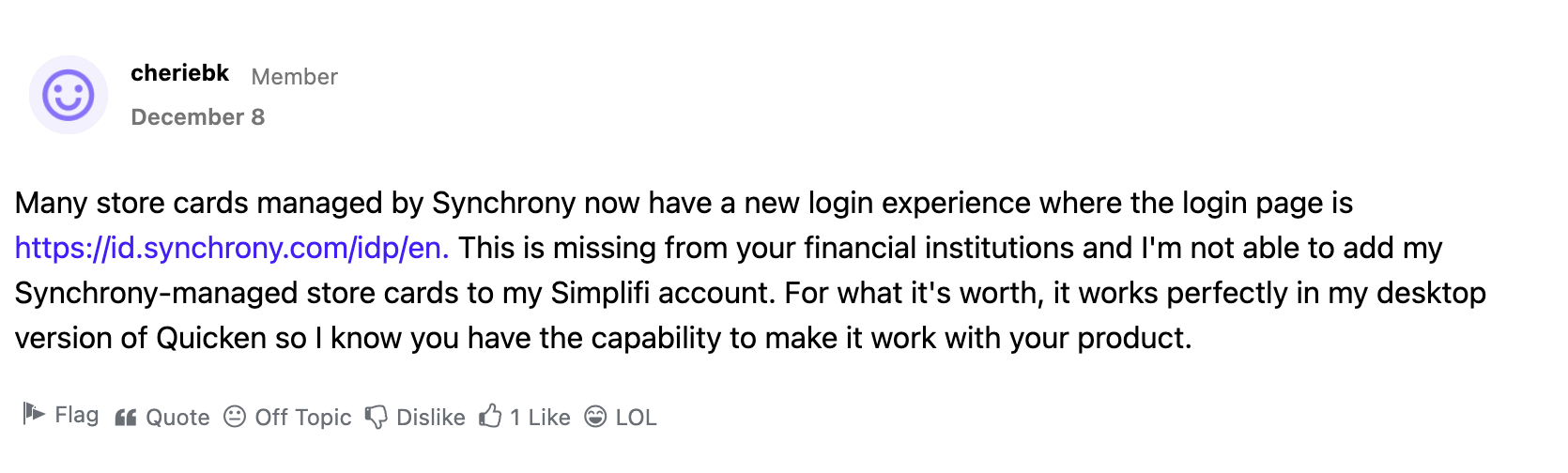
Many store cards managed by Synchrony now have a new login experience where the login page is https://id.synchrony.com/idp/en. This is missing from your financial institutions and I'm not able to add my Synchrony-managed store cards to my Simplifi account. For what it's worth, it works perfectly in my desktop version of Quicken so I know you have the capability to make it work with your product.
1 -
I'm having the same issue - Synchrony has a new login experience is at for many of their cards. The ones I have are CareCredit and Cardi's. I did submit a new idea to add this, so hopefully others will see it and vote for it.
1 -
Hi Natalie, I have tried all the variations of the individual store sign-ins but I still get the same error, unfortunately.
Another user is having the same issue and they commented about it recently. (image below)
So it seems there is some kind of problem with the new integrated login on Synchrony, which shows all the accounts together in one portal.
Interesting that this user says it works fine on the Quicken desktop version, though.
Maybe there is a Synchrony connection in the desktop version that just needs to be added to Simplifi?
0 -
@cyberstackn, thanks for the reply!
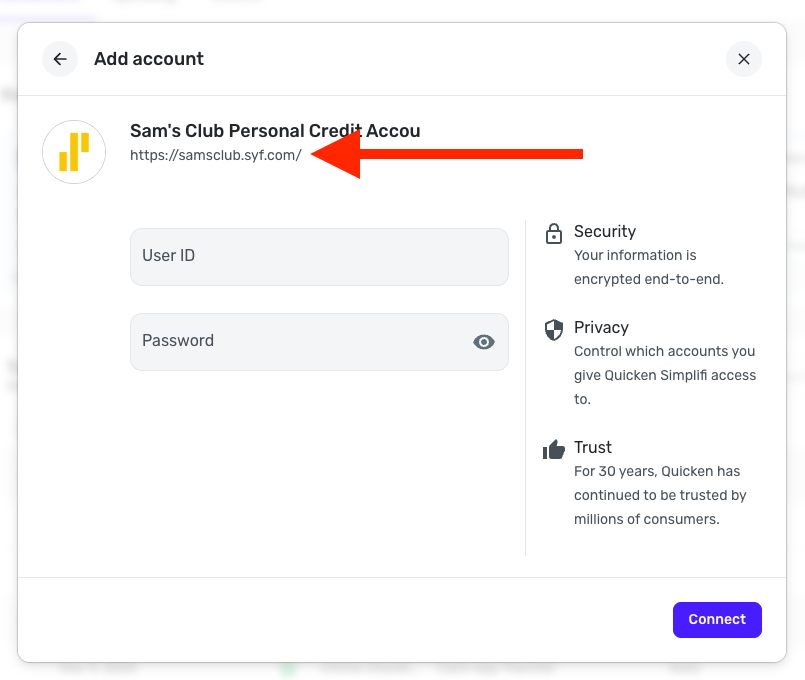
I checked your connection attempts with 'Sam's Club Personal Credit Accou' from our end and can see the FDP-103 error, which indicates that invalid credentials are being used. To clarify, when you click the URL displayed for this bank in Quicken Simplifi, are you able to sign into the new tab that opens to the bank's website and access your Sam's Club account? Also, do you use different credentials to sign into this website versus the id.synchrony site?
Let us know!
-Coach Natalie
0 -
Im having same issue , I use my Amazon Card a lot so I would love to be able to connect to mysynchrony .. I also have case open with support…
0 -
@Ks9818, thanks for joining the discussion!
As mentioned above, you will need to use the individual store-branded options for Synchrony cards and the credentials for those individual sites. There is no MySynchrony or ID.Synchrony login available in Quicken Simplifi. The request for this login can be found here:
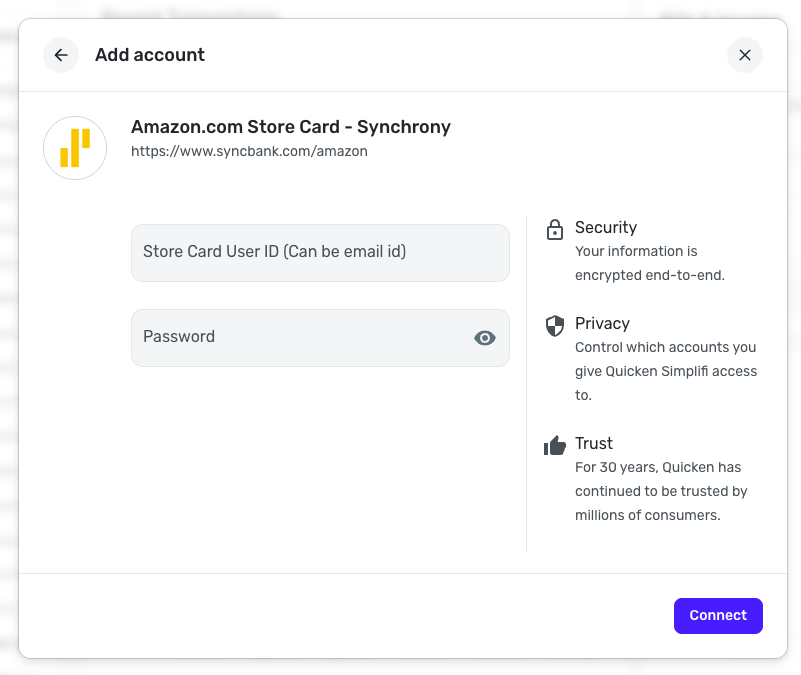
As for the Amazon card through Synchrony, it looks like this is available in Quicken Simplifi under "Amazon.com Store Card - Synchrony".
I hope this helps to clarify!
-Coach Natalie
0 -
Indeed. This issue has caused a nightmare for me this month (I'm in the middle of moving and used OnePay for everything without knowing it would not connect to Simplifi).
0 -
Just to clarify my post from Dec 8: I have a Cardi's Furniture card and a CareCredit MasterCard. The ONLY way for me to access these accounts online is at https://id.synchrony.com/idp/en. I can't access them separately with a different web address, this is Synchrony Bank's "new login experience." It would be very helpful if you could add this access in Simplifi, otherwise I'll need to cancel the subscription and continue using my desktop version of Quicken (which I am trying to move away from).
0 -
I'm having the same issue with CareCredit and Amazon Store Card. I'm getting the FDP-103 error, and I have used the correct credentials every time. To prove it, I have posted a screenshot of me logging into the Synchrony site with the same credentials. Please fix this!!!
[Edited - Removed partial account numbers]
0 -
This discussion was created from comments split from:
Missing MySynchrony/ID.Synchrony login for credit cards (edited).
0 -
Hello @cheriebk & @kathylew1228,
Thank you for letting us know you're seeing this issue. Since Care Credit and Amazon Store Card are supported connections, I moved your comments to a new discussion to troubleshoot. I checked our internal tools, and can see you are getting FDP-103 (invalid credentials) errors.
To help troubleshoot, please provide additional information. Are these accounts that you are trying to add/re-add to your Quicken Simplifi, or are these accounts which were previously connected and working? If the accounts were previously connected and working, when did this issue first start?
Please also confirm that you have completed the following troubleshooting steps for error FDP-103:
- Some banks, such as Synchrony, have several different presences available depending on the account type you're trying to add (i.e., Amazon, Home Depot, CareCredit, etc.).
- Please confirm which connection options you have tried connecting to.
- Please enable the “Show Password” option to confirm no typographical errors.
- If you're using a password manager, please manually type it in instead, in case the saved password is outdated.
- Sometimes, too many failed connection attempts can lock the account on the financial institution's side. Please ensure you can sign into the bank’s website using the exact same credentials.
- Update your credentials – Please try temporarily updating your password at the bank's website and then try again to connect in Quicken Simplifi. We recommend NOT using the following special characters: & < > / \.
I look forward to your reply!
-Coach Kristina
0 - Some banks, such as Synchrony, have several different presences available depending on the account type you're trying to add (i.e., Amazon, Home Depot, CareCredit, etc.).
-
I'm also getting this error when trying to add a new account. It has never been linked to Simplifi before. There is no "store page" connection for an Ashley Furniture card available in Simplifi. I have double and triple checked my credentials.
This is the login universal login that my Ashley card takes me to is
https://www.synchrony.com/accounts/?client=universal
Which redirects to
1 -
Hello everyone,
I have escalated this issue to our engineering team so they can research the new ID.Synchrony login and the FDP-103 errors that are being received on the individual bank options for store-branded Synchrony cards, such as Care Credit. I will post back here with updates!
CTP-15645
-Coach Natalie
1 -
@Coach Natalie thank you for finally escalaing this. Just so you have the details, my issue is the same as GhostlyPoncho. I'm new to using Simplifi, so these cards have never been linked to Simplifi before. There is no "store page" connection for my Cardi's Furniture card in Simplifi. I know my credentials are correct because the connection works perfectly in my desktop version of Quicken Classic, and when I log in using a web browser.
The universal login that CareCredit and Cardi's cards take me to is
https://www.synchrony.com/accounts/?client=universal
Which redirects to
https://id.synchrony.com/idp/en
1